Welcome to our official website of Shen Zhen Tou Mei Technology Co., Ltd.
You may have some questions about how do you upgrade or update the software of your projector. Let me show you how to complete it.
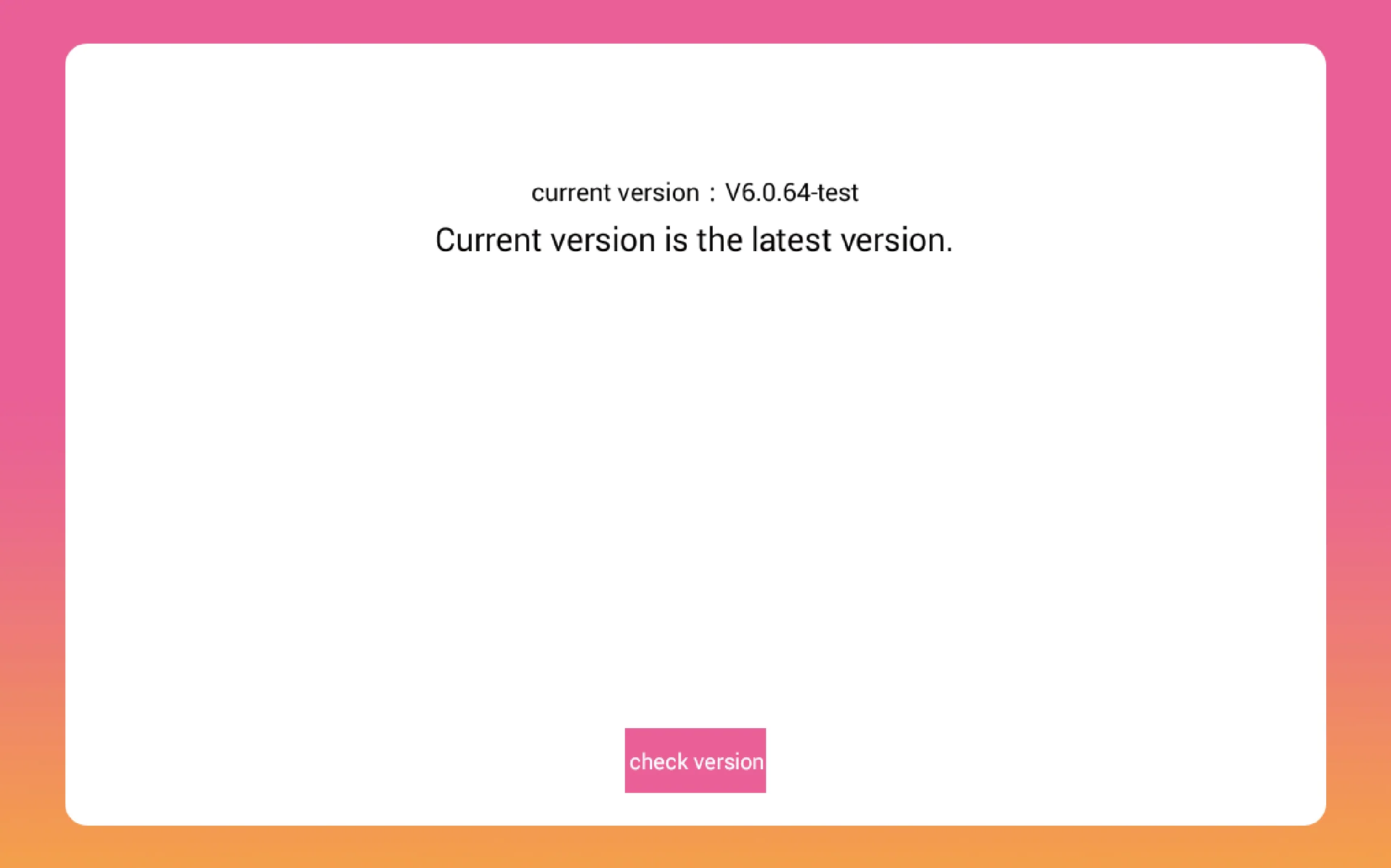
Generally, One notice will show up on the first page when you turn it on after a new version software released. If not, you can click the setting>system update and check is it the latest version or not.
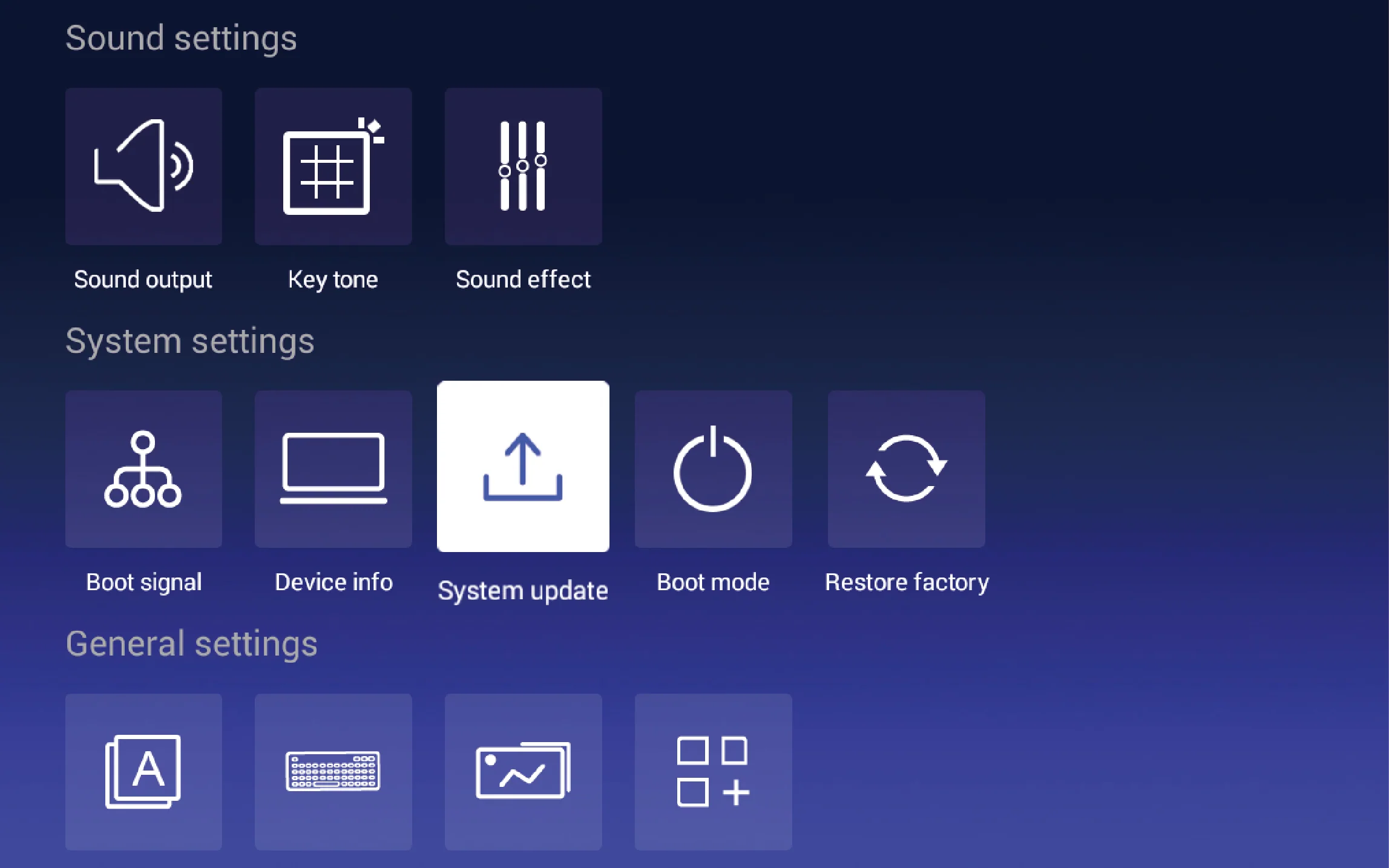
It can be upgraded and repaired the Bugs automatically.
Caution during the update:
- Must keep WiFi connected Continuously.
- The projector is charged during the update.
- The whole update needs about ten minutes.
Otherwise, it can not be upgraded successfully, The system may be broken.
After the update is done, The following page will show up.
If you can not update the system automatically, please contact our technical support team:
- WhatsApp : 0086 137 1470 3093
- Email:support@tumeipro.com
Please provide us detailed information as below:
- Serial No. Which shown on the bottom of the projector
- Projector model
- When and where did you buy it
- The problem describes in English or Chinese.
- If you can make a short video to show us the problem I appreciated
- You email or WhatsApp ID.
Thank you for your understanding and cooperation.