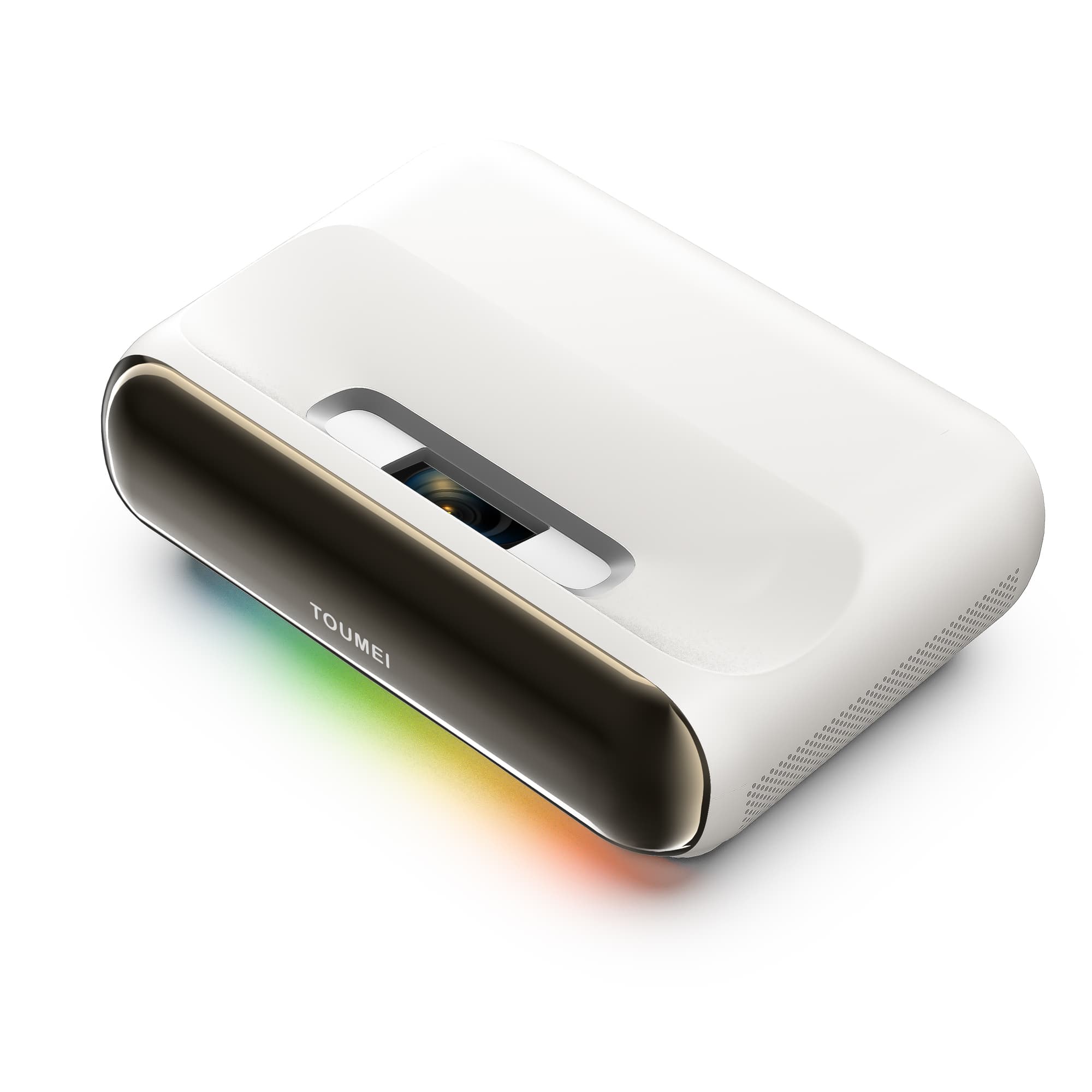
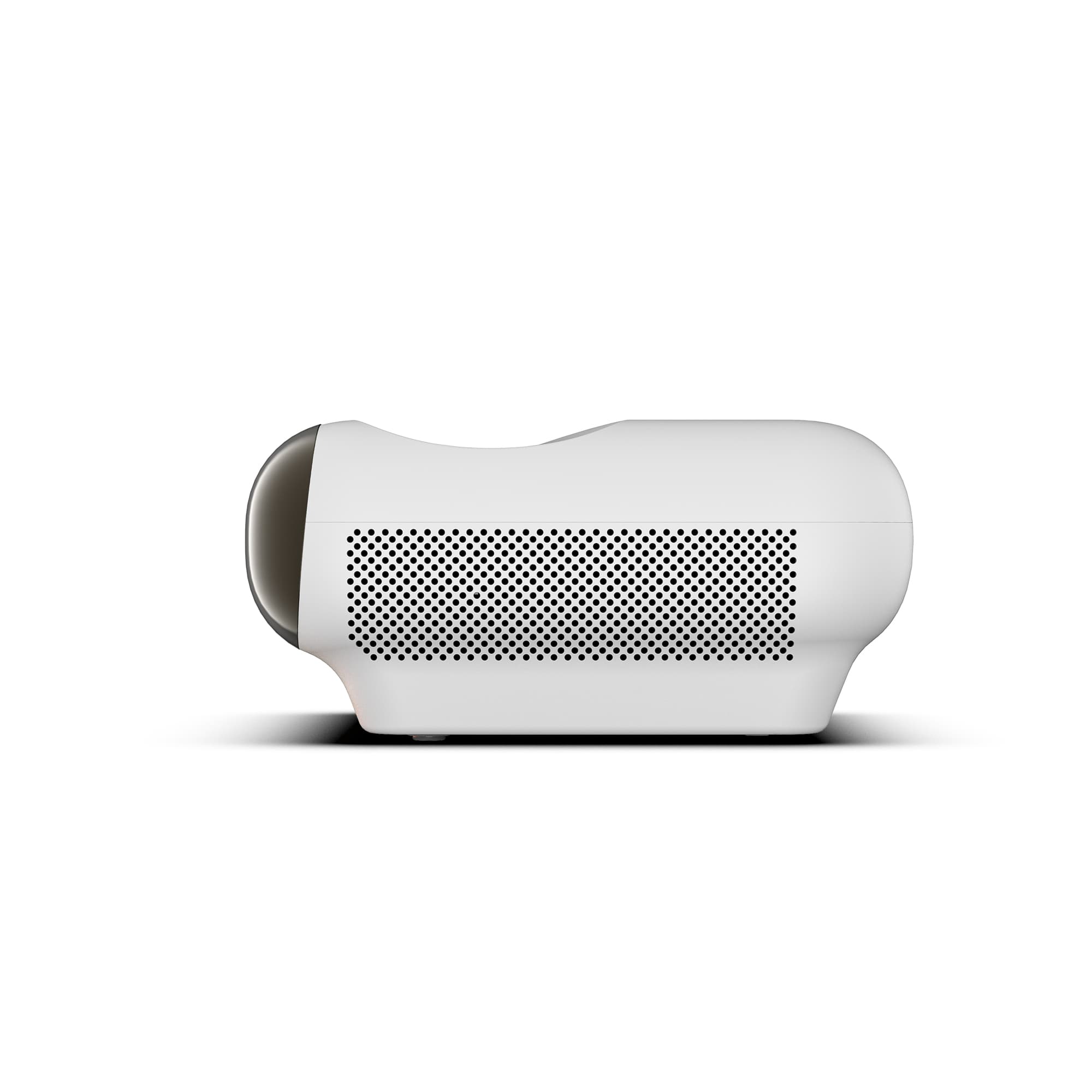
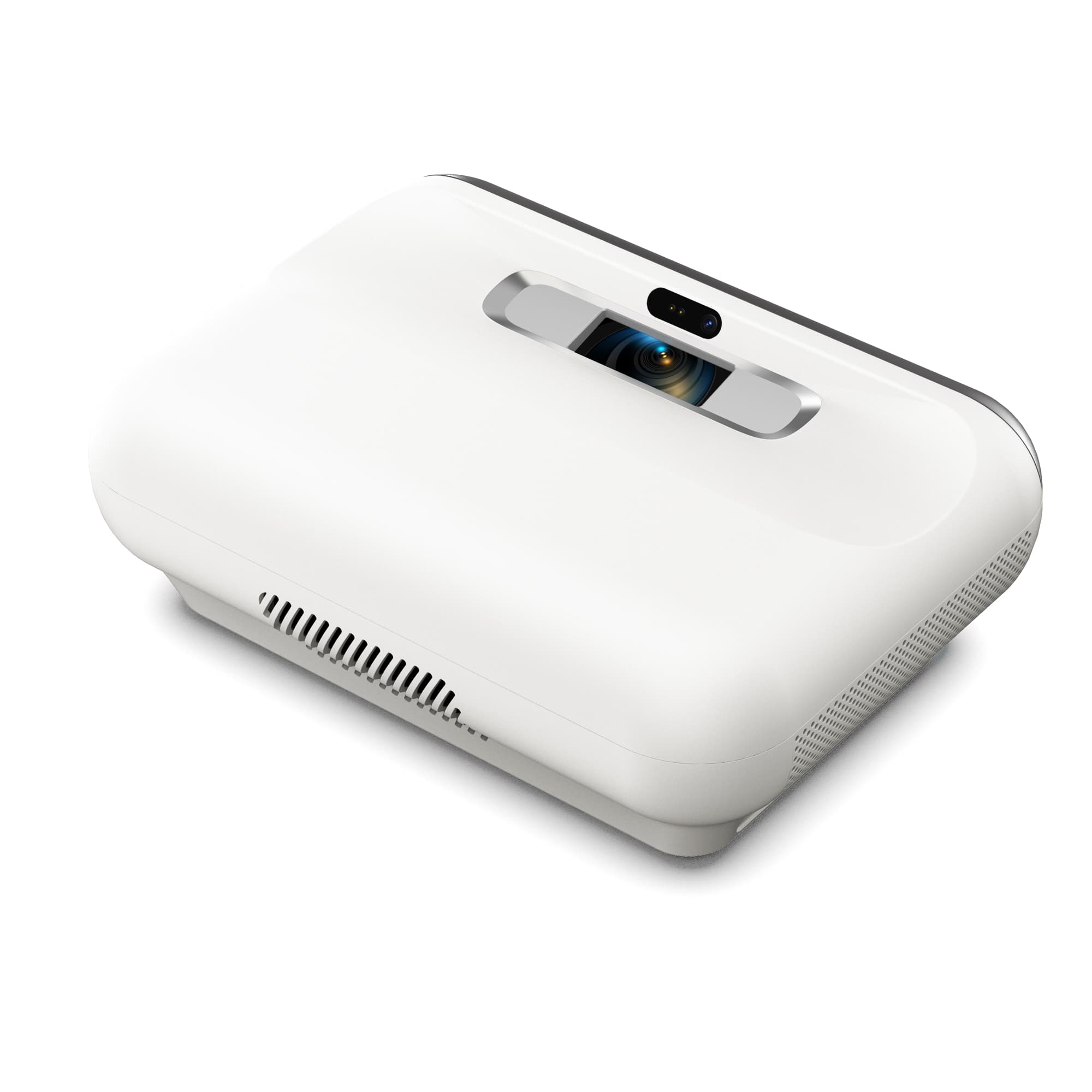
S2 Tri-Color Laser Projector OEM ODM | Toumei

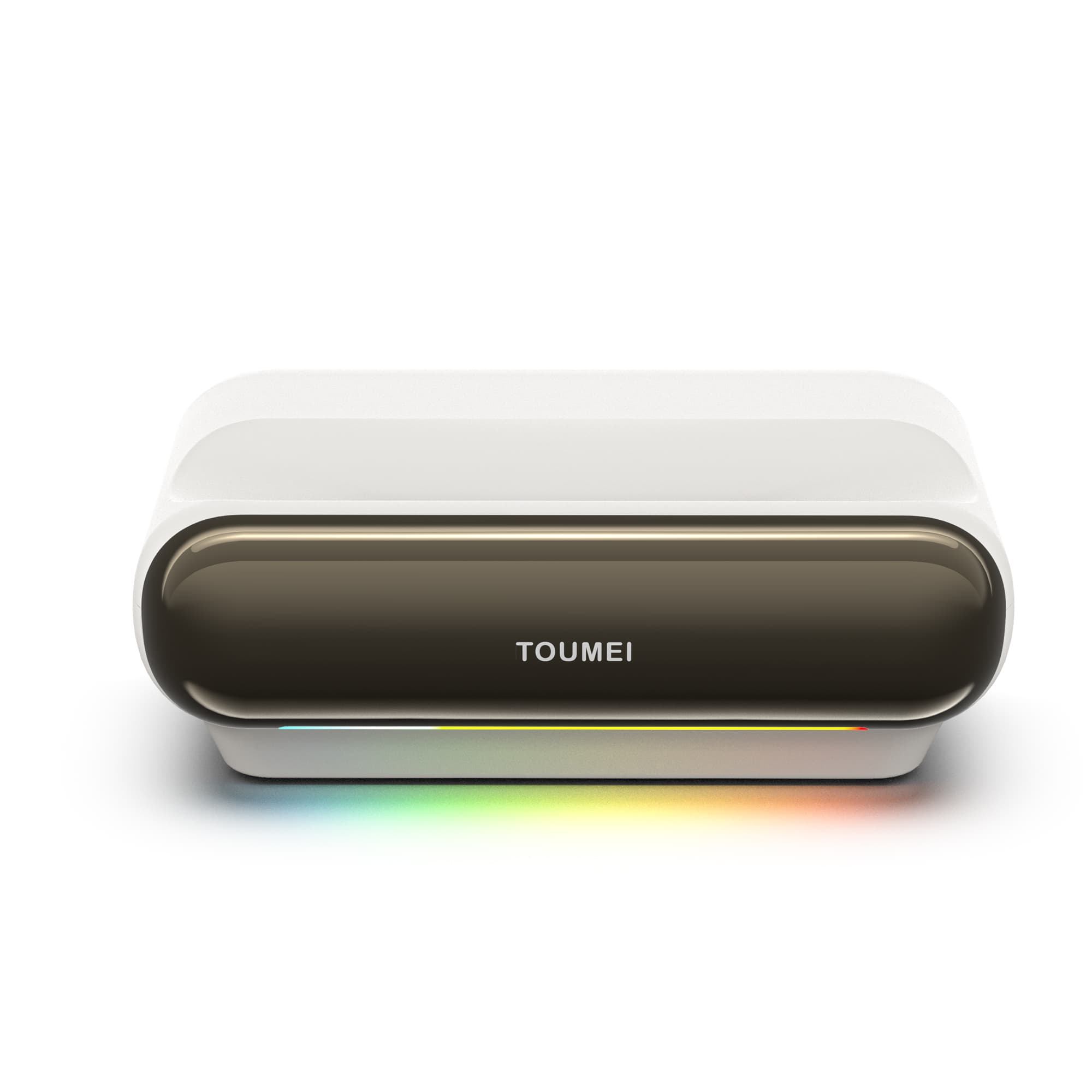
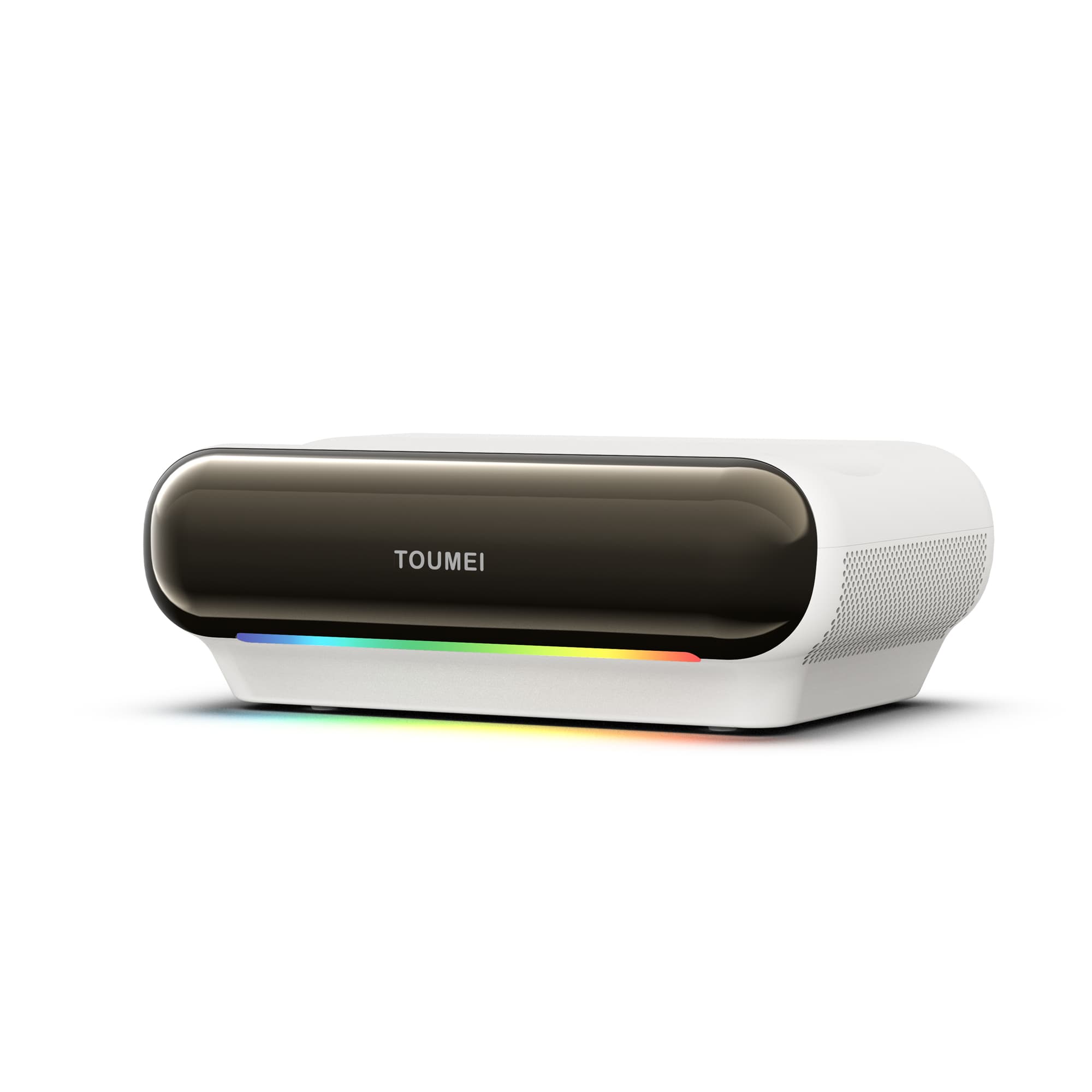
Toumei S2 Tri-Color Laser Projector

Categories:

S2 Android 13 configuration

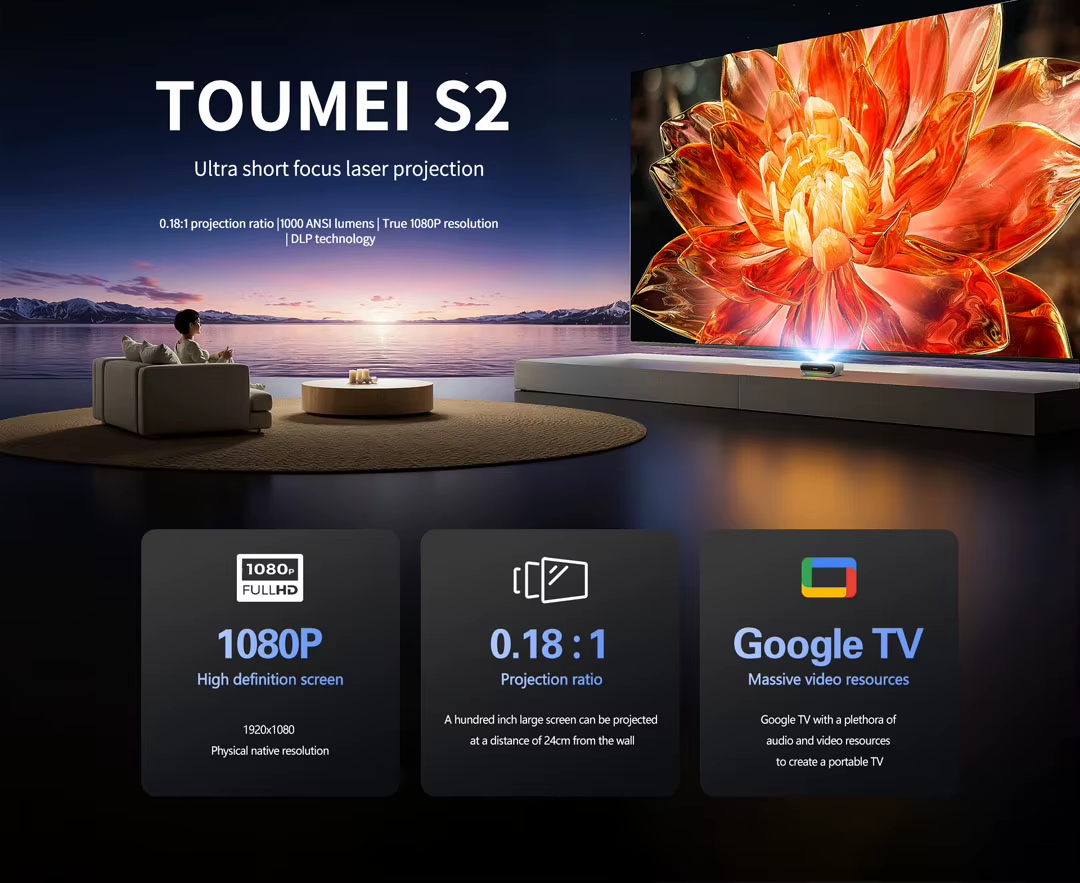
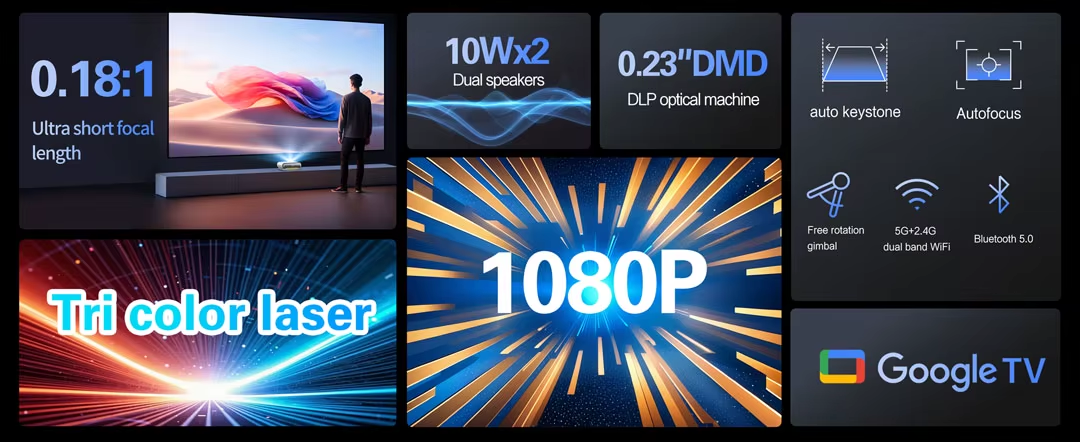
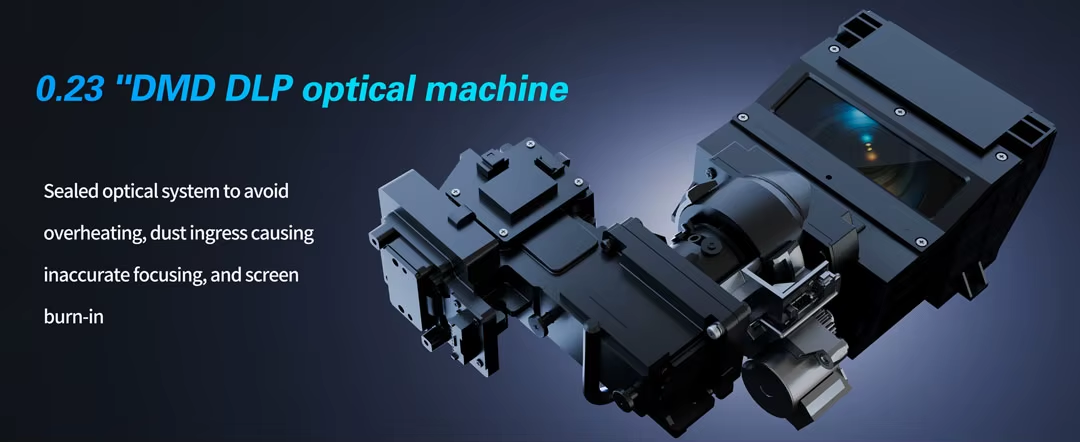
The TOUMEI S2 combines DLP imaging with a triple-laser light source in an ultra-short-throw projector. This configuration specifies 1,000 ANSI lumens, 1920 × 1080 display resolution using XPR, a 0.18:1 throw ratio, and a screen size range of 60–110 inches.

Custom Packaging

Discuss packaging requirements for your brand

OEM/ODM Projects

Confirm feasible customization for the selected platform

Sample Evaluation

Confirm sample configuration, quantity and availability

Production Planning

Confirm schedule and delivery terms for your order

S2 Android 13 configuration

These specifications describe the S2 Android 13 configuration. Confirm the configuration sheet for your sample or order.

Specification S2 Android 13 configuration
Imaging technology DLP
Light source Triple laser
Display resolution 1920 × 1080 using XPR
Brightness 1,000 ANSI lumens
Throw ratio 0.18:1
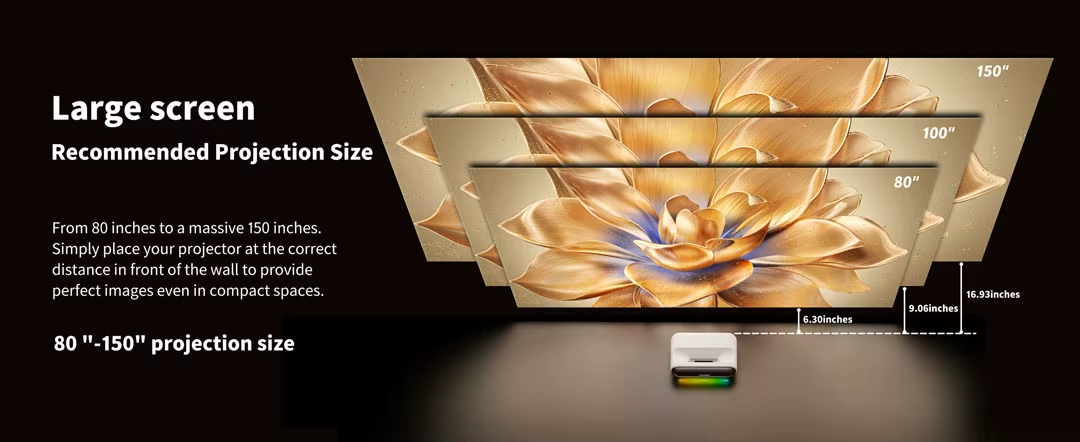
Specified screen size range 60–110 inches
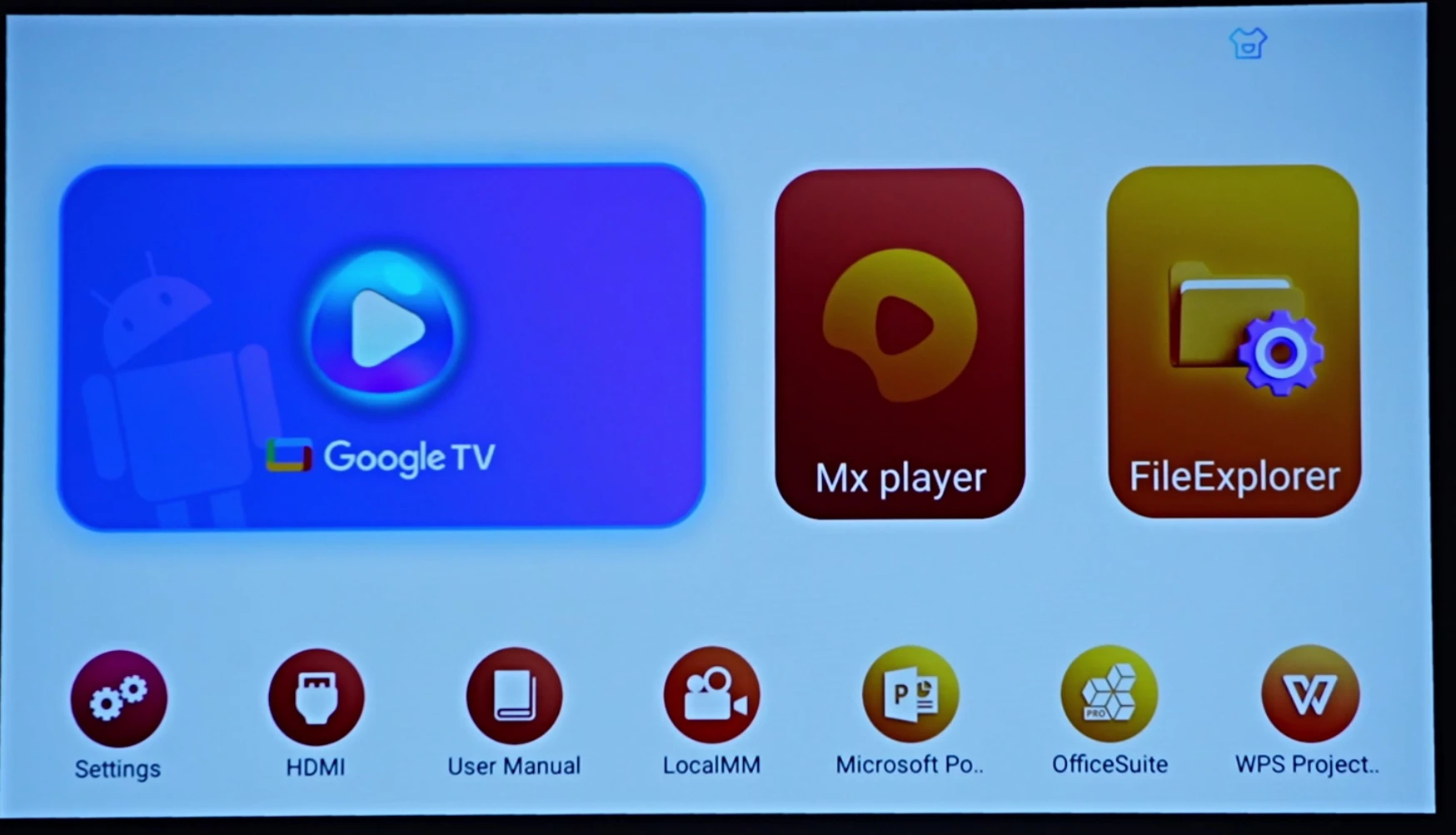
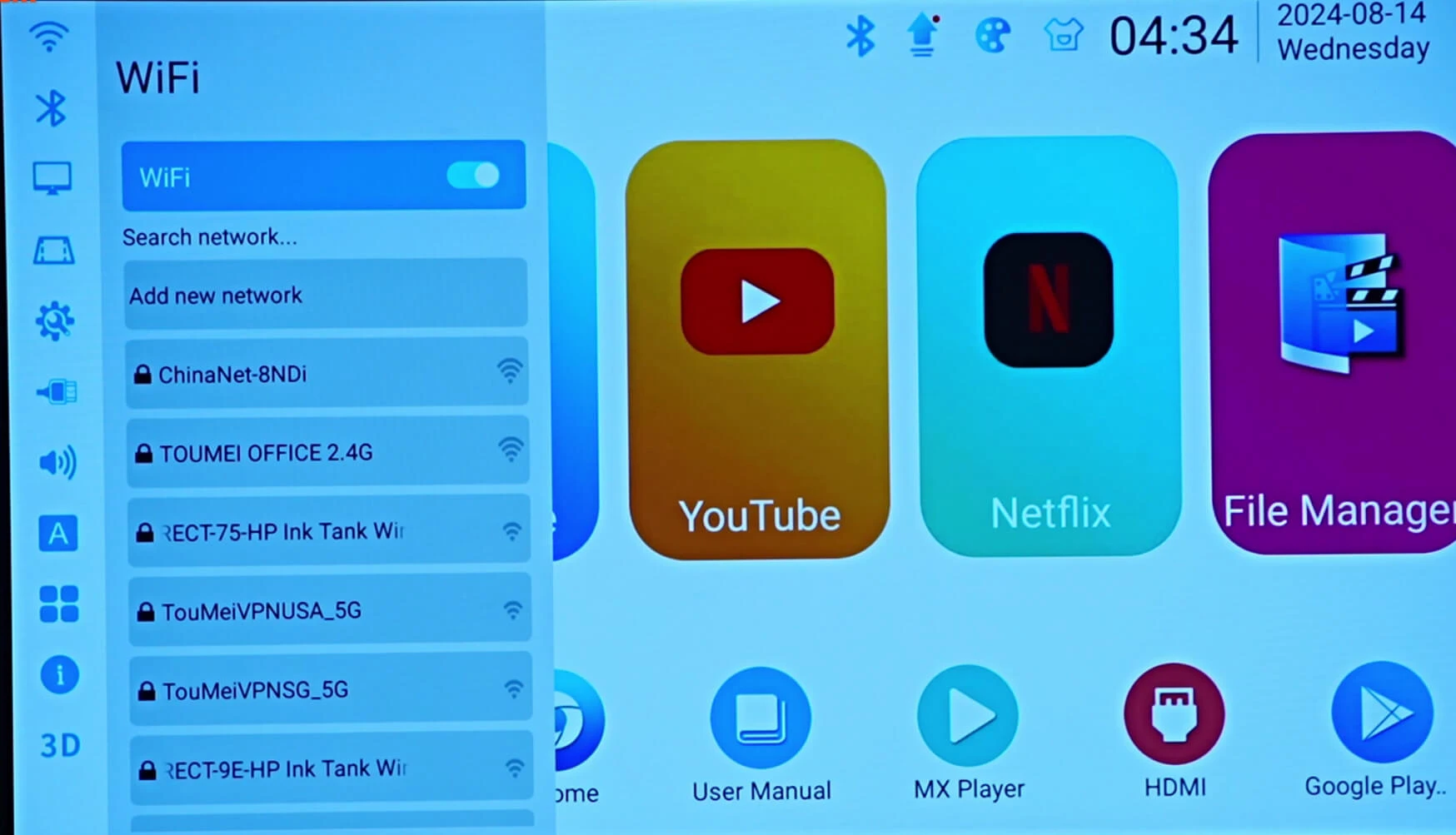
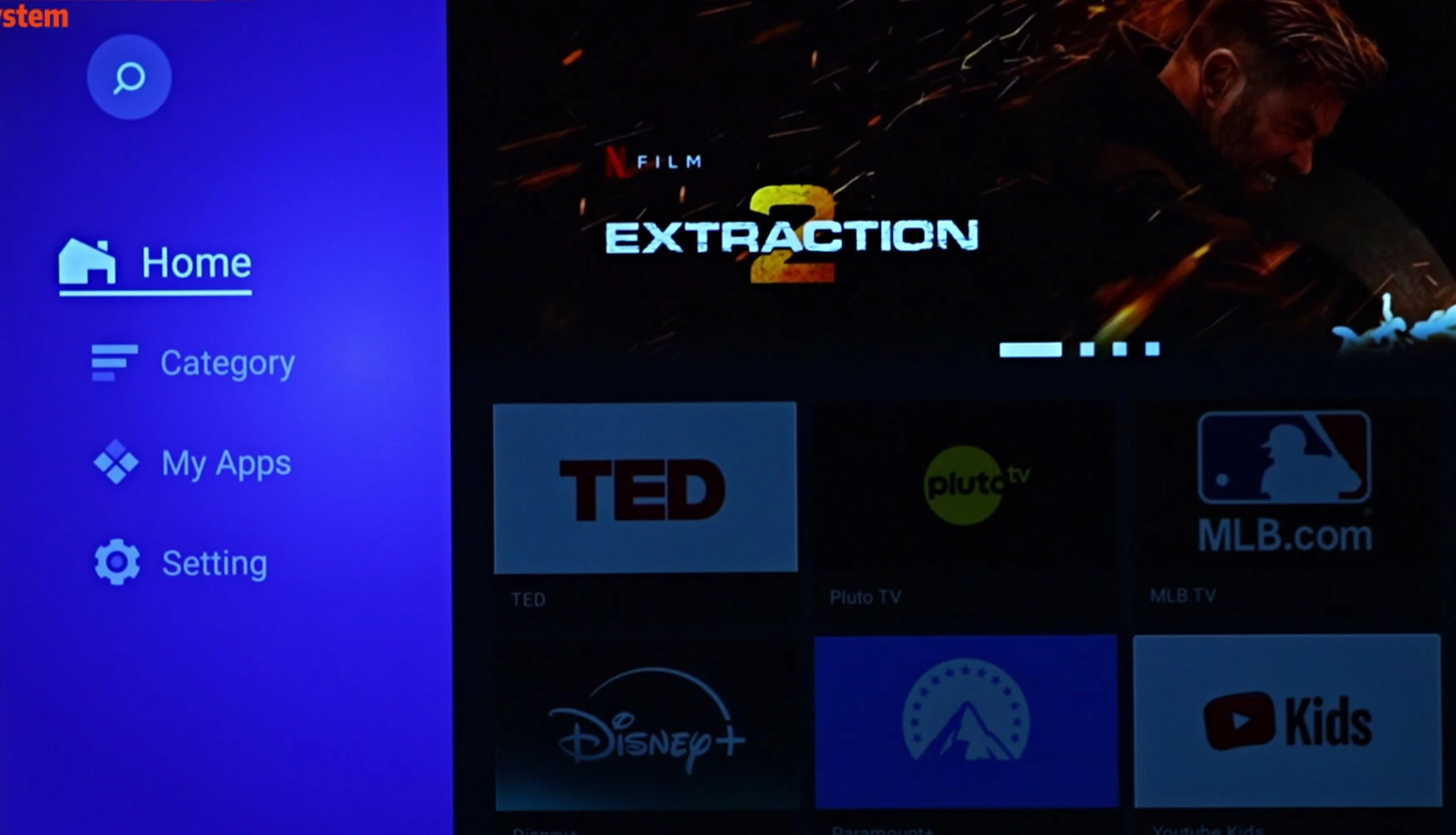
Operating system Android 13
Memory and storage 2 GB DDR4 / 32 GB eMMC

S2 configuration FAQ

Is the S2 a DLP projector or a laser projector?

It is both. DLP describes the imaging technology, while triple laser describes the light source. These specifications describe different parts of the same projector.

How close should the S2 be placed to the screen?

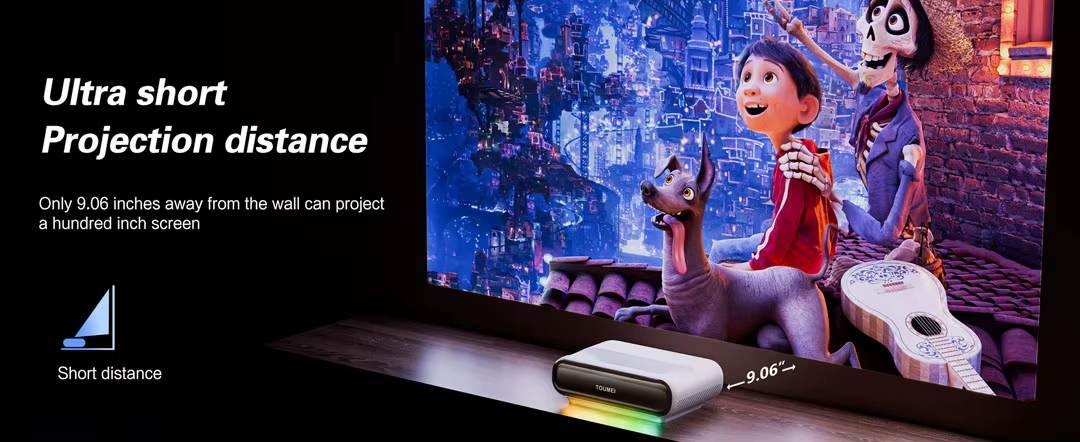
Use the installation dimensions for your target image size and the exact S2 configuration. The specified throw ratio is 0.18:1, but that ratio alone should not be used as a cabinet-to-wall distance. Request the installation drawing before choosing the cabinet and screen position.

Playlist

8 Videos

Projector OEM/ODM Service

1. Define Your OEM/ODM Project

Start with the projector model, destination market and customization requirements. Branding an existing platform and developing new hardware involve different reviews. Confirm the hardware, software, packaging and licensing scope in the project specification before approving samples or production.

2. Plan Samples and Order Quantities

Request the MOQ, sample schedule, production lead time and compliance documents for your model, destination market and customization scope. Confirm sample availability separately from a production order. New tooling or software development requires its own feasibility review and schedule.

Projector OEM and ODM Projects

Start with the projector model, destination market, and experience you want to offer. Evaluation samples, branding or packaging changes on an existing platform, and projects involving new tooling or development should be scoped separately. Use the steps below to define the configuration and order requirements.

1. Select the platform and configuration

Identify the intended use, target image size, brightness requirements, and power setup. Compare the specifications for the exact model and system version. Include your expected quantity and requested changes in the inquiry, then request a configuration sheet covering the projector, power supply, accessories, packaging, and any options under consideration.

2. Confirm the system and licensed features

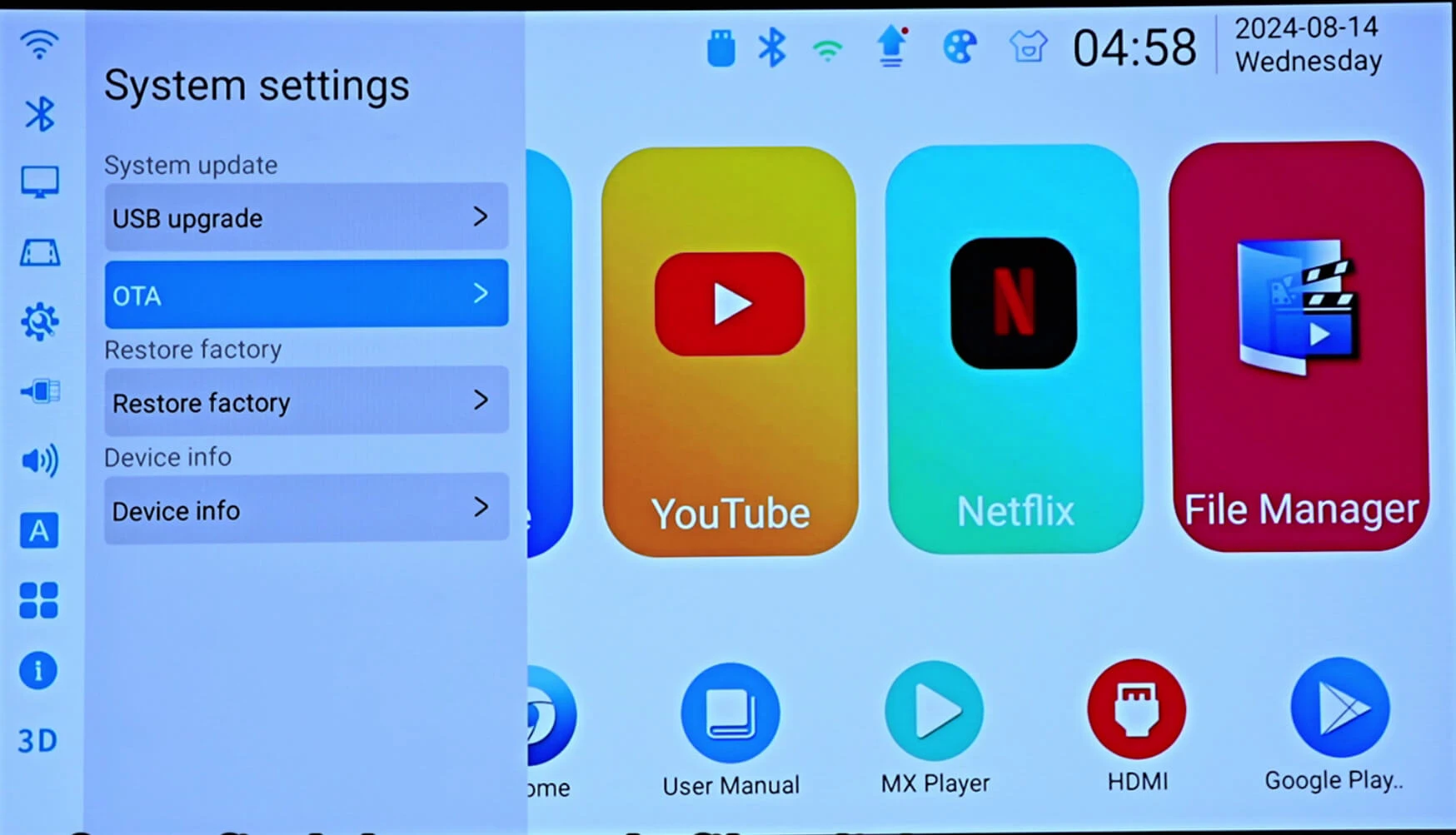
Specify the operating system, interface languages, connectivity, and applications your project needs. AOSP and Google TV configurations should be reviewed separately. Confirm app support, licensed features, and availability for the destination market rather than assuming that every system offers the same functions. Request compliance documentation that matches the selected configuration and discuss whether proposed changes require additional review.

3. Review a representative sample

Agree on the sample configuration and the checks it needs to pass. Evaluate image performance, setup, connectivity, software behavior, and the intended use environment. Record any requested changes and confirm which sample will serve as the reference for production. Sample availability, preparation time, pricing, and shipping arrangements should be established for that request.

4. Finalize the production and delivery plan

Before placing a production order, confirm the configuration sheet, artwork, quantities, inspection criteria, and payment milestones. Separate development and sample approvals from the production schedule. Agree on how component or configuration changes will be handled, and request the relevant inspection records. Confirm shipping terms, delivery responsibilities, required documents, and customs arrangements for the destination.

5. Define warranty and support requirements

Review the written warranty terms and support arrangements for the chosen model and market. Clarify the claim process, return or replacement responsibilities, and available repair or spare-parts options. Confirm any firmware-update or software-support requirements for the selected system. Keep the approved configuration and order records available so later support requests can be matched to the product supplied.


OEM generally means manufacturing to a buyer’s design or specifications. ODM starts with a manufacturer-developed design or platform. A project involving branding or packaging on an existing projector has a different scope from one requiring new tooling, hardware, or software development. Share your target model, market, and requested changes so the project scope, development work, and deliverables can be defined before you place an order.

Compliance documentation must match the projector model, configuration, and destination market. When making an inquiry, specify where the product will be sold and request the relevant reports, declarations, or certificates for that configuration. Check the model identifiers and document scope before relying on them. Changes to hardware, wireless features, the power supply, or branding should be included in the review of your project’s documentation requirements.

Specify whether you need an evaluation sample, branding or packaging customization on an existing platform, or a project involving new tooling or development. The minimum quantity and any setup or development charges need to be confirmed for that scope. Include the model, requested changes, and expected order quantity in your inquiry. Sample quantities and prices should be confirmed separately from the terms for a production order.

Timing depends on the selected configuration, order quantity, customization, component availability, and approval requirements. For samples, request a preparation and dispatch estimate. For branding or packaging orders, confirm the schedule after artwork and specifications are finalized. Development projects need separate milestones for design, samples, testing, and production. Share your target delivery date and destination, and ask for production and shipping estimates to be listed separately.

Shipping and customs arrangements need to be confirmed for each order and destination. Include the delivery country, delivery point, and preferred shipping terms in your inquiry. Before shipment, agree on who arranges transportation, insurance, export documentation, import clearance, and applicable duties or taxes. If you need door-to-door delivery or specific customs documents, request confirmation that those arrangements are available for your shipment.

Describe the changes you need for the selected projector platform. Branding and packaging requests may include logo artwork, colors, packaging layouts, and manual languages. Changes to the enclosure, optics, electronics, battery, or software require a separate feasibility review. Confirm supported options, development work, sample requirements, and any setup charges for the exact configuration. Google TV, streaming apps, and other licensed features require configuration- and market-specific confirmation.

Request the payment terms for your specific sample, customization, or development order. The quotation or pro forma invoice should identify the accepted payment method, currency, payment milestones, and any separate tooling or development charges. For production orders, confirm when payments are due and how they relate to approvals, inspection, and shipment. Terms from a previous order should be reconfirmed if the project scope changes.

Request the written warranty and support terms for the model, destination market, and order you are evaluating. Review the coverage period, exclusions, claim procedure, and responsibilities for returns or replacement shipments. Confirm the diagnostic, repair, spare-parts, and firmware support available for the selected configuration. Local repair arrangements and software updates should be checked separately rather than assumed to apply to every model or market.

Begin with an agreed configuration sheet and an approved sample. Define the inspection items, acceptance criteria, and how the approved sample will be used as a production reference. Request the relevant production and final-inspection records for your order. If third-party inspection is required, confirm the scope, timing, access arrangements, and cost before production. Any proposed component or configuration change should be reviewed against the agreed specification.

Tell Us About Your Project

The more information you provide, the more accurately our team can recommend a suitable projector and prepare your quotation.

Get A Quote

Contact us for quotes and specs

we will give you a quote within 24 hours