A projector may fit neatly on your shelf and still produce the wrong picture size. It may also have the features you want while arriving with instructions or accessories that differ from an overseas review. When choosing projectors in Japan, connect the full model name to the room and the way you expect to use it.
Start with the screen position, seating, and source device. Then compare the Japanese model specifications and try the everyday controls. That is a practical way to narrow a shortlist without getting lost in similar names and long feature lists.
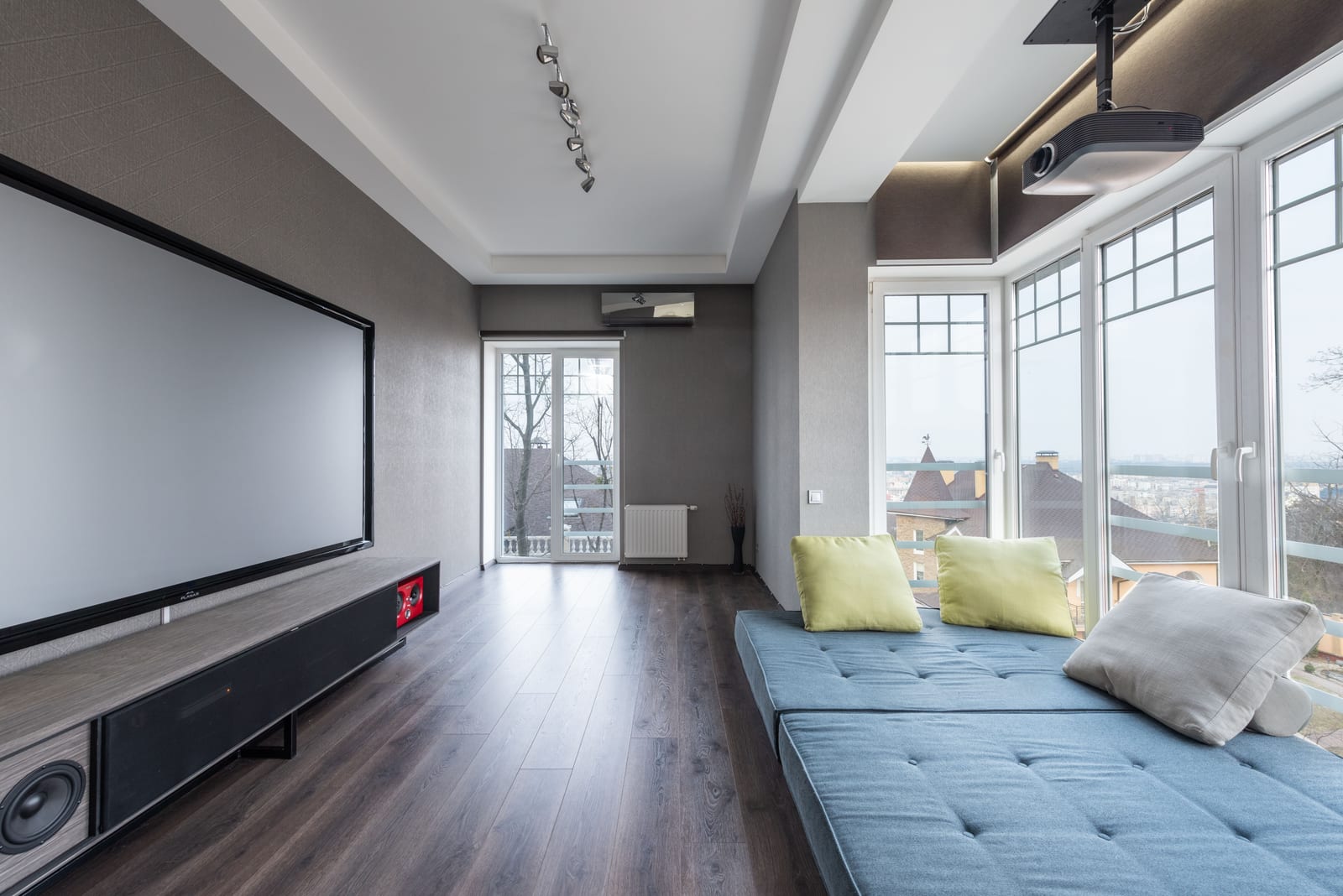
A ceiling-mounted projector and a large screen share the living room with the seating. Photo: Max Vakhtbovych / Pexels, Pexels License. Resized and compressed for web display; full image retained.
Match the model to the room
Measure your available image width and lens-to-screen distance. Add the cable route, power outlet, and space around the projector. A shelf measurement alone is not enough: the lens position determines the image, while the body and connectors need their own clearance.
Think about whether the projector will stay in place. If you move it after viewing, try positioning it again during a demonstration. Include the remote, cables, player, and speaker if one is required. The whole arrangement should be convenient to carry and rebuild.
For a fixed installation, begin with the screen and seating distance. Ask the seller to check the intended position against the exact model's distance diagram before choosing mounting hardware. This is easier to solve while planning than after equipment has been fitted.
Compare three Japan-market options
Epson's Japanese model comparison separates current and older models. Use the complete product name when searching reviews or requesting an offer, especially when similar names appear in other regions.
| Model | What distinguishes it | What to try before choosing |
|---|---|---|
| Epson EH-TW850 | Full HD panels and wireless projection features | Your normal source, wired and wireless connections, and the picture at the planned size |
| Epson EH-TW6250 | Epson's 4K enhancement approach | Familiar content at your seating distance, plus the intended player and audio arrangement |
| Epson EF-71 | Full HD model within the EF-71/72/73 family | Placement, daily controls, and the correct specifications for this particular model |
The EH-TW850 supports AirPlay, screen mirroring, and wireless LAN. Try the device and content you want to use. Sharing photographs and playing a program from a streaming service are different tasks, so include both if both matter to you.
For the EH-TW6250, keep the 4K enhancement explanation alongside the resolution description. Compare the image with your intended source and viewing distance. Check the accepted input signal and imaging-panel specification separately.
Read the right model column
The EF-71/72/73 specifications put three products together. The EF-71 is described as Full HD; the neighboring EF-72 and EF-73 have enhanced 4K descriptions. Keep the model name beside each feature when copying details into a shortlist. For example, an EF-71 quotation should use the EF-71 column rather than the EF-72's resolution description.
The family's projection-distance table gives an 80-inch, 16:9 picture at approximately 213 cm, with an approximate image size of 177 × 100 cm. Check the diagram's measurement points and the conditions for your configuration. The listed projection distance is separate from the space needed for the cabinet, cables, and ventilation.
That example shows why a screen diagonal alone is insufficient. If you have a fixed shelf and a fixed screen, send both measurements to the seller. If either can move, explore the layout before buying a larger image than the room can comfortably accommodate.
Make the instructions part of the demonstration
A Japanese quick-start sheet, projector menu, and streaming app are separate parts of daily use. Ask which languages each supports, then try the operations rather than stopping at a language setting.
Hand the remote to someone who has not watched the setup. Ask them to turn the projector on, select the intended input, adjust the picture, change volume, and return to the source. If a phone or account is needed, include it. Notice where a short label or clearer instruction would help.
Epson's EH-TW6250 Japanese support resources include manuals, downloads, troubleshooting, and repair information. Save the instructions for the exact model you buy and keep them with the purchase details. Check that the illustrations and remote match the supplied equipment.
For an importer or retailer, this small exercise also improves the handover. Customers need instructions for the product in the box, including any separate player. If a software update changes the steps, the quick-start instructions need attention too.
Bring content that reveals what matters
For movies, show faces, subtitles, quiet dialogue, and darker scenes at the planned image size. For work, bring a real spreadsheet or presentation with normal text sizes. For games, discuss the input timing and picture mode you intend to use; accepting a signal is a different matter from measured input delay.
Begin with a wired connection where supported, so you can judge the picture and sound without also troubleshooting wireless access. Then try the wireless route separately. Keep track of the source, cable, adapter, input, and settings that produced the result.
Two buyers might reasonably choose different setups. Someone moving a projector between rooms may value easy placement and a compact complete kit. A retailer preparing a demonstration area may prefer a fixed screen, repeatable source, and clear Japanese operating instructions. Define the main job before spending time on optional features.
Turn your shortlist into a product brief
For a Japanese distribution channel, describe the user, room, screen size, required inputs, document languages, and box contents. Include the hardware and software versions you evaluate so later samples can be compared meaningfully.
Our OEM versus ODM guide explains the customization choices, and the projector sample testing checklist helps organize a proposed unit's evaluation. Talk with TOUMEI about your Japan-market range and share your channel, intended users, expected quantity, and language or connection requirements.
Frequently Asked Questions
Which projector should I choose for a room in Japan?
Start with the image width, lens-to-screen distance, seating, content, and light in the room. Then compare exact Japanese models against that layout. If the projector will move after use, include repeated setup in the demonstration. These details narrow the choice more usefully than the largest advertised image size.
Can an overseas review help me choose a Japanese model?
Yes, but match the Japanese product code before relying on a feature or accessory description. Regional versions can differ in supplied equipment, software, and support. Use the review for background, then check the offered version and try the source devices you will actually connect.
Does 4K enhancement mean the projector has a native 4K panel?
Those descriptions should be checked separately. Epson explains its 4K enhancement approach for the EH-TW6250; keep that qualification when comparing it with other models. Look at the imaging specification and accepted inputs as well as the picture from your planned seat.
Will Japanese instructions mean every menu and app is Japanese?
Check each part of the setup. The printed instructions, projector menus, supplied player, and third-party apps may have different options. Try input selection, picture adjustment, searching, and playback in the language you need. This is especially helpful when several people will share the projector.
How much distance does the EF-71 family need for an 80-inch picture?
The cited family table gives approximately 213 cm for an 80-inch, 16:9 image. Check its diagram and the exact model configuration before measuring your room. Allow additional space for the projector body and connections; the projection distance is not a complete shelf-depth measurement.
What should a distributor keep from a setup evaluation?
Keep the model code, software version, instructions, source devices, cables, adapters, picture size, and placement. Record the operating steps and anything that needs help. Photos of the supplied remote and accessories make later comparisons easier when a sample or shipment changes.