Evaluate a portable projector sample under the conditions your customers expect to use it. Try their content and source devices, check the picture, and compare the results with your requirements. Approve the specific configuration you have tested, then arrange a separate inspection of the production batch before accepting a bulk order.
Before approving a sample, go beyond the first video clip. Open the presentation file your customers will use, restart the projector, and try setting it up again. Check the remote and everything included in the box. Use the checks below to guide your evaluation, with acceptance criteria agreed for your project.
Define the Use Case for Your Projector Sample

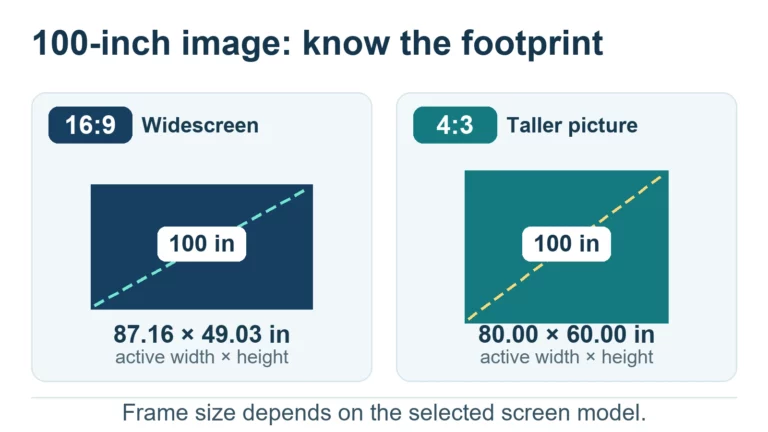
First, decide where and how your customers will use the projector. For bedroom movies, evaluate it after dark. For meeting-room presentations, try it with the lights on. Choose the setting that matches your intended market, including the image size, content source and available power supply.
Give the sample an identifier. Record its model, firmware version where available, supplied accessories and any differences from the proposed production configuration. Review the portable projector specifications and ask the supplier to confirm which configuration your sample uses. Compare your observations with that specification.
Before testing, agree which problems would prevent approval. A connection your customers need must work; a preferred change to menu wording can be discussed separately. Set acceptance criteria for your intended use and keep any unmeasured characteristics open for further review.
Check Picture, Connections, and Everyday Projector Use
Use content you expect customers to play. Include a slide with small text, an ordinary video clip and a scene with darker detail. Check the center and edges of the image from the intended viewing position. Record what you see, together with the picture mode and room conditions. Describe a visible problem precisely instead of writing “image quality poor.”
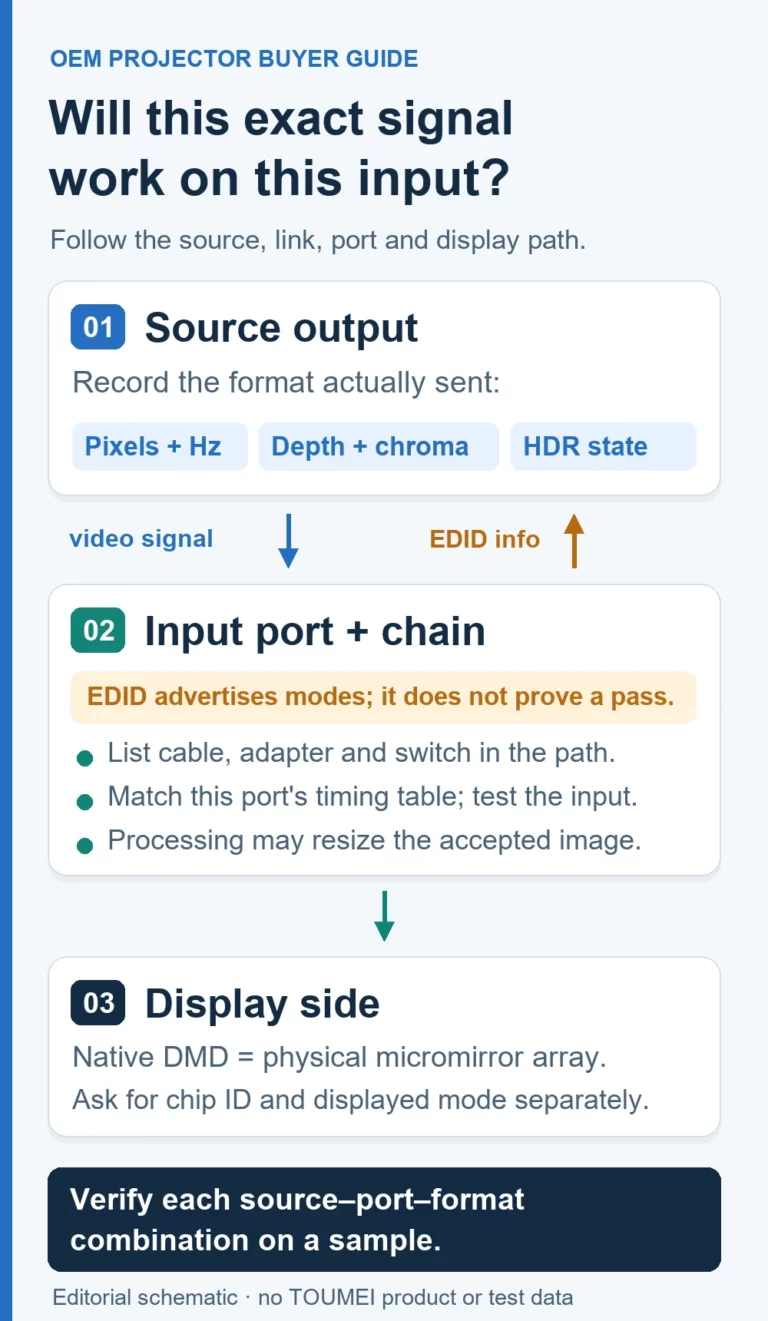
Try each connection included in your sales promise. Use the intended laptop or other source, select the input, start playback and check sound. Then repeat the setup after turning the equipment off. Where wireless playback matters, test it on the network and device combination you intend to support. List untested combinations separately.
For a projector intended for temporary setups, pack it away and set it up again using the supplied instructions. Ask a colleague to follow those instructions without your help. Note unclear steps, missing accessories and any setting that needs repeated adjustment. Keep this exercise within normal operation; specialist electrical or compliance testing belongs with qualified testing personnel.
Record Defects Before Approving a Bulk Projector Order

Describe each problem clearly enough for the supplier to reproduce it. Include the sample identifier and setup, explain what you did, and compare what happened with what you expected. Add a photo or video where useful. Ask the supplier how it will address the issue, then repeat the check after the correction.
Suppose playback stops after changing inputs. Write down the source device, cable, selected input and the order of actions. Repeat those actions before deciding whether the issue is resolved. If the supplier sends replacement firmware or another sample, label that revision and keep the earlier result.
A development sample does not establish the condition of every unit in a future shipment. Lot acceptance sampling uses samples selected from the lot being evaluated. Keep sample approval and batch inspection as separate decisions, and agree the production inspection arrangement before releasing the order.
Working With toumei projector on Sample Feedback
For buyers considering toumei projector, the company describes a development and production chain covering optical design, software development, motherboard hardware, structural design, mold development, assembly and aging testing. Its company materials also describe quality inspection during production. These are useful areas to address in a sample discussion; the work included in your project should be written into the agreed scope.
Share your sample feedback when discussing projector OEM/ODM customization. Separate picture observations from software behavior, mechanical feedback and packaging changes. For each item, request a proposed action and identify the sample or document on which you will check the response. Avoid a broad request such as “please improve everything” when you can provide a repeatable example.
When reviewing toumei projector’s company background, prepare questions about your own sample: who will handle the feedback, which changes are proposed, and what should you check on the next unit? Discuss these points before accepting a replacement. Keep the approved configuration with the quotation and confirm any unresolved conditions before ordering.