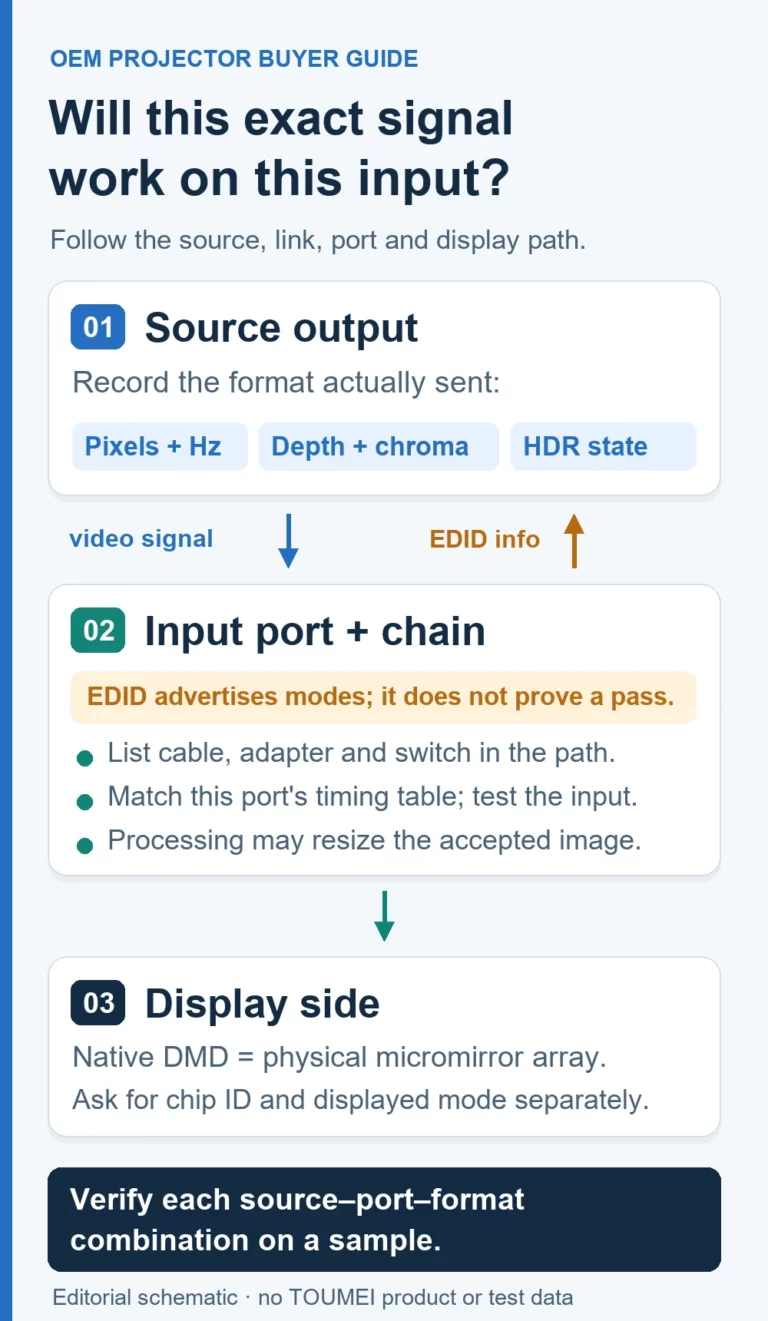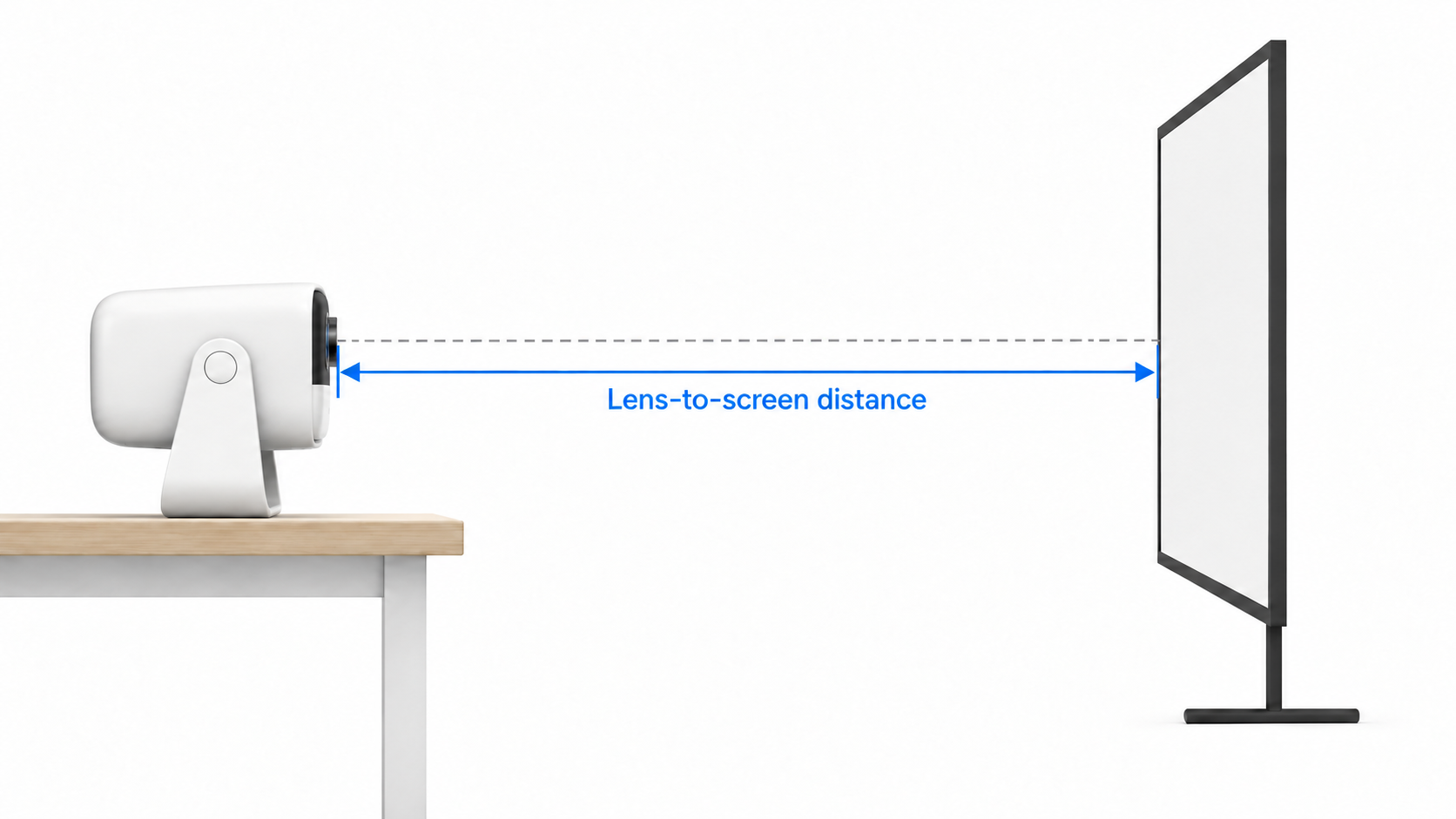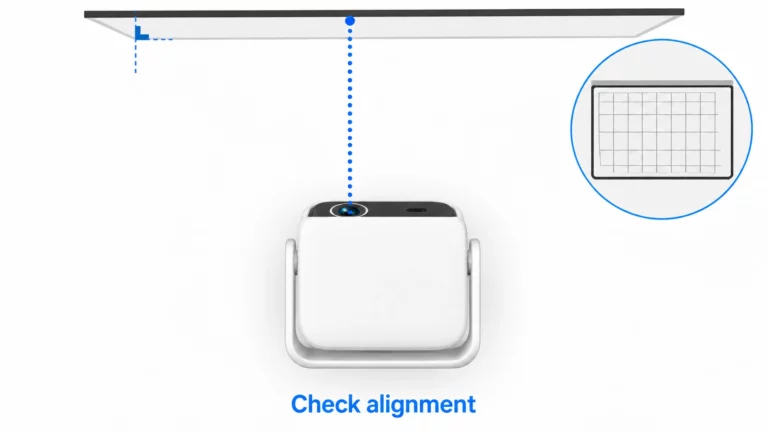
Projector supported resolution describes the video formats a specified input can accept under stated conditions. “Accepts 4K” is only the beginning of a sourcing review: can that port receive the particular signal your source sends? The label does not tell you the projector’s native imaging resolution, whether every 4K frame rate or color format works, or what happens after the signal enters the projector. For an OEM sample, request a port-by-port input-format list and test the exact source-to-projector chain you intend to sell.
This guide is for projector brands and distributors defining a sample acceptance test. It covers input compatibility. For the separate question of the imaging device and a displayed 4K claim, read our guide to native resolution and 4K DLP claims.
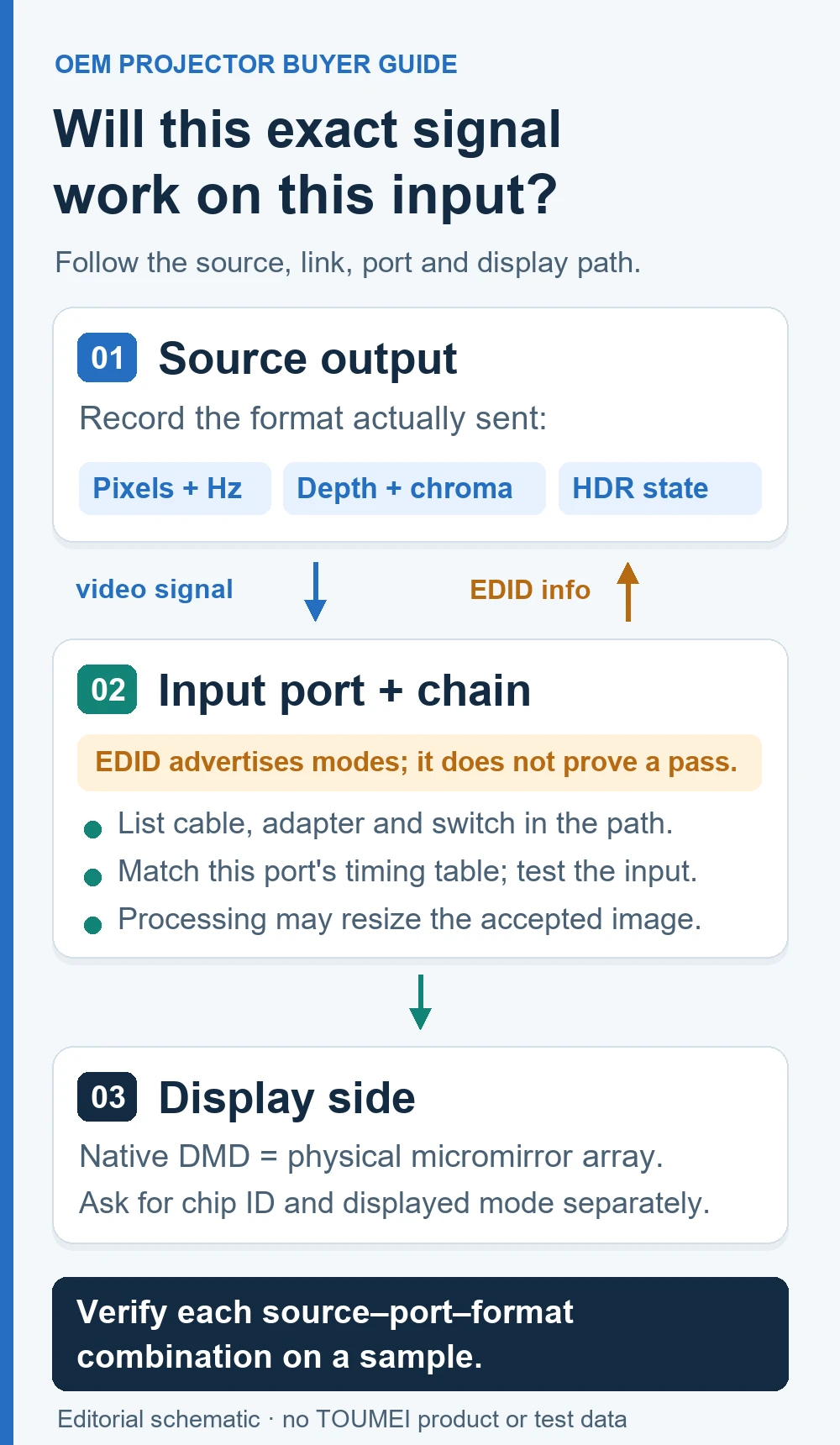
Why “4K Input” Is Incomplete
An input claim needs more than pixel dimensions. A useful specification identifies the exact input port, width and height, scan type, frame rate, color encoding and bit depth. It also states which HDR formats, if any, apply to that combination. Details may depend on firmware or an input setting. The source and any intermediary device must send that same combination.
Epson’s LS800 Supported Video Display Formats section lists resolution with refresh rate; its HDR table separates color sampling and color depth for different format groups.[1] This shows how to read a model-specific input table; it does not mean a TOUMEI model shares those formats. The HDMI Licensing Administrator also explains why a specification version number alone does not define a device’s features: buyers need the actual supported functions.[2]
- Signal acceptance: Does this physical input lock to the source’s transmitted format under the documented conditions?
- Processing and display: Once accepted, how does this model process the signal and form the image? Do not infer a universal scaling route from the input label.
- Content access: If protected content fails, investigate authentication and software rights separately. A successful format test does not establish app licensing or playback authorization.
Build a Per-Port Input Matrix
Start with formats your customers will actually use and request evidence for each row. “Up to 4K” is not a promise that 60 Hz, 10-bit color and HDR work together. Blank means unverified, not unsupported. A successful sample test does not prove every source or firmware revision.
Use one row per source output + projector port + format. The rows below are deliberately unverified; no TOUMEI model or sample has been tested for this article.
| Source and firmware | Intermediary / cable | Projector model, firmware and port | Pixels, scan and exact Hz | RGB / YCbCr and sampling | Bits per component; range if relevant | HDR format or SDR | Documented evidence | Observed input and result |
|---|---|---|---|---|---|---|---|---|
| To confirm | To confirm | To confirm | To confirm | To confirm | To confirm | To confirm | To confirm | Not tested |
| To confirm | To confirm | To confirm | To confirm | To confirm | To confirm | To confirm | To confirm | Not tested |
Attach the model’s official input-timing specification or approved engineering document. Record the source setting, cable, switch, receiver or adapter. On the sample, capture the negotiated input format and whether the projector shows a stable image, falls back to another format or shows no image. Record the status screen and test date. “Works” without the negotiated format is too ambiguous for a buyer’s acceptance sheet.
Check the easy-to-miss number: frame rate
“3840 × 2160 input” is not the same as “3840 × 2160 at 60 Hz input.” Even 59.94 and 60 Hz can be listed separately. Identify supported rows on each intended port, with scan type where relevant. Epson’s LS800 documentation limits one high-rate 1080p entry to a particular HDMI port.[1] Copying a headline resolution across every connector is unsafe.
Check color and HDR as a combination
For a proposed 4K HDR workflow, obtain the full pairing: frame rate, RGB or YCbCr, chroma sampling, bits per component and HDR format. A documented high-rate SDR combination may differ from an HDR combination; the Epson table illustrates this for its own model.[1] Keep 8 bits per component distinct from total bits per pixel. If the exact combination is absent from a table, mark it pending supplier confirmation or test, not automatically supported or incompatible.
Test the Whole Signal Path, Then Isolate Failures
An AV receiver, switcher, wireless link or adapter can change what the source sees or what reaches the display. VESA describes display-identification data as a way for a source to discover display capabilities.[3] Crestron’s Mercury documentation shows one intermediary with selectable EDID profiles and separate input/output signal readouts.[4] These are reasons to document the chain, not proof that every intermediary behaves alike.
- Record the source model, software version and selected output format. Note whether automatic negotiation is enabled.
- Connect the source directly to the named projector port with the agreed cable. Record negotiated format and visible result.
- Add one intermediary at a time and repeat the same format. Save its model, firmware and settings, including EDID profile or scaling mode.
- If the picture disappears or the format changes, compare direct and full-chain records before assigning a cause. Source fallback, port timing, intermediary setting, cable and content protection require different evidence.
- Repeat the must-pass rows after firmware, hardware or source-setting changes. Keep a dated result for the exact sample configuration.
This is a proposed acceptance method, not a TOUMEI projector test report. An EDID profile alone cannot prove that the projector physically accepts, processes or displays a new format. Verify those capabilities for the named model.
What to Request With an OEM Sample
Send the supplier a brief specifying target market and application, candidate model and revision, source devices, named input ports and exact must-pass rows. Ask for the official port-level timing table, firmware or setting dependencies and a model-specific processing/display description. Agree on how each sample row will be demonstrated and exceptions recorded.
The outcome is a versioned acceptance sheet, not an unsupported “4K compatible” badge. Make any format that matters to your brand promise a written pass criterion. If no suitable documented row exists, ask whether an already-developed model can meet it before discussing custom changes. TOUMEI’s projector OEM/ODM project page explains how to scope a model-based inquiry.
Ready to evaluate a sample? Contact TOUMEI with your source-to-projector format matrix. Include target country, source model, required port, resolution and frame rate, color/HDR format, intermediary devices and sample quantity or planned distribution scope. The proposed platform and any unverified combinations require confirmation; this article makes no product-specific compatibility promise.
References and Scope
- Epson, LS800 Supported Video Display Formats, online user guide, page undated, accessed October 17, 2026. Supports model-specific resolution, refresh, port and HDR/color conditions. Applies to LS800 only, not TOUMEI.
- HDMI Licensing Administrator, What Does It Mean When Gear is Marketed as an HDMI 2.1 Product?, February 6, 2022, accessed October 17, 2026. Supports that a specification version is not a feature list; it certifies no product here.
- VESA, VESA Refreshes DisplayID Standard to Support Higher Resolutions and Tiled Displays, September 23, 2013, accessed October 17, 2026. Supports capability discovery via display-identification data; this public notice is not the restricted standard.
- Crestron, Mercury Configuration, online manual, page undated, accessed October 17, 2026. Supports the particular intermediary’s selectable EDID and input/output status, not a universal switch behavior.