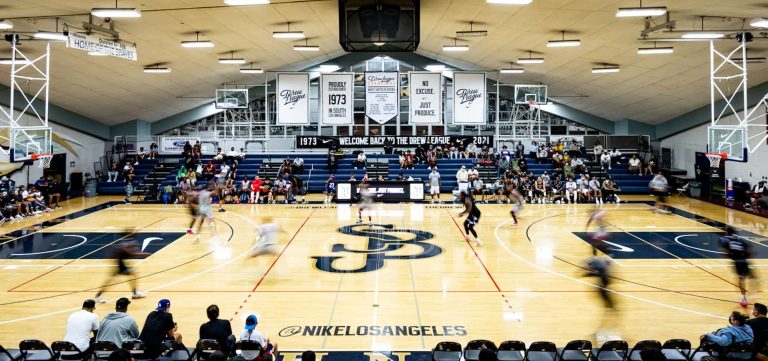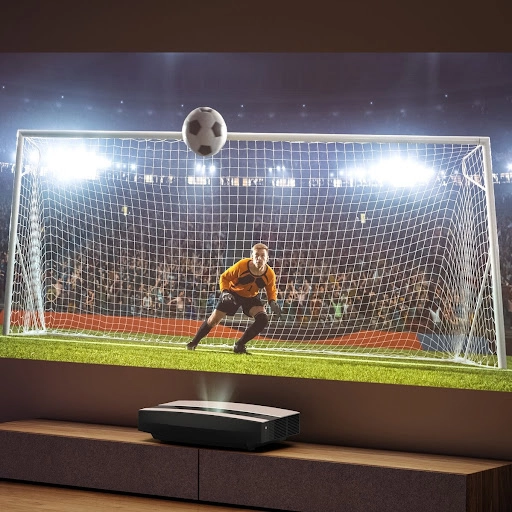
For big-screen enthusiasts and home theater purists, “Motion Blur” is the public enemy number one of visual clarity. Whether you are watching a high-stakes football match or battling in a fast-paced FPS game, the smoothness of the image directly dictates your level of immersion. This article explores the mechanics of motion blur and the cutting-edge optimization solutions available in 2026.
What is Projector Motion Blur?
Motion blur refers to the visual blurring or “ghosting” effect that occurs when objects move rapidly across the screen.
The science behind it is rooted in Persistence of Vision: the human retina retains an image for a fraction of a second. If the transition between frames is too slow, or if the pixels themselves have a delay in changing states, the brain overlaps the previous and current frames, creating a smeared sensation.
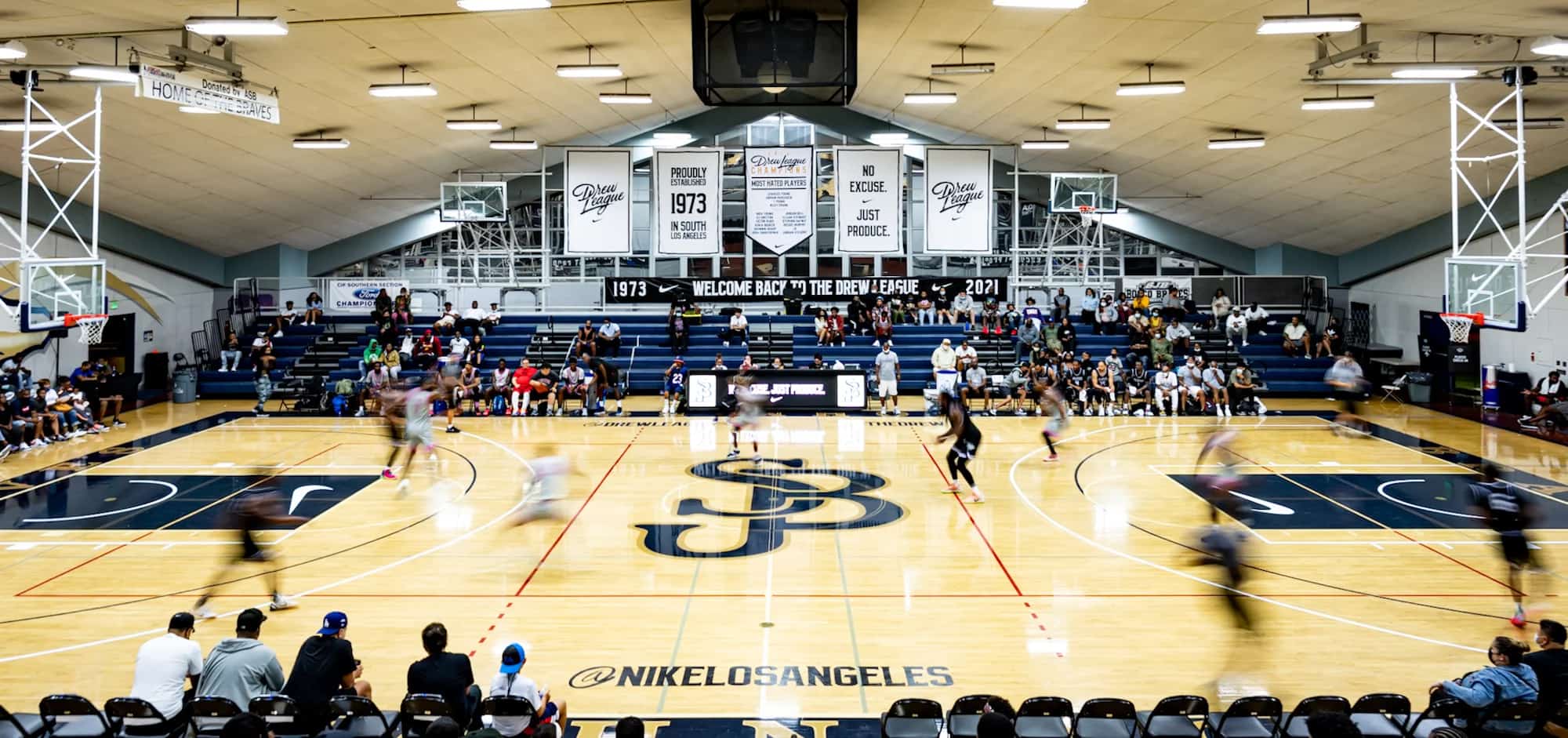
Tip: The larger the projection, the more obvious motion blur becomes. On a 120-inch screen, an object travels a much greater physical distance across your field of view compared to a standard TV, placing a much higher demand on the projector’s dynamic processing power.
The Core Causes (A Technical Perspective)
Low Refresh Rate: The traditional 60Hz standard is now considered the bottleneck for high-speed content (like racing). A lower update frequency means the trajectory of a moving object is less continuous, leading to “jittery” movement.
Response Time Latency: This is the speed at which a pixel switches from one color to another. LCD and LCoS technologies require physical liquid crystal rotation, which can cause “ghosting.” In contrast, DLP technology uses micromirrors (DMD chips) that flip in microseconds, making it naturally sharper.
Pixel Persistence: Different display technologies hold an image for different durations. If the “afterglow” of the previous frame hasn’t faded before the next frame is superimposed, blur is inevitable.
Impact on the Viewing Experience
Clarity Collapse: A static image might look razor-sharp, but it turns into a “foggy” mess as soon as the camera pans.
Loss of Detail: Jersey numbers in sports or facial expressions in action sequences become difficult to distinguish.
Visual Fatigue: Your eyes and brain constantly struggle to “fill in” the blurred gaps. Long-term viewing can lead to dryness, eye strain, and even motion sickness.
Hindered Gaming: In competitive gaming, motion blur causes inaccurate aiming and slows down reaction times.
2026 Optimization: How to Get a Silky-Smooth Image
Hardware Selection: The Key Specs
Ultra-High Refresh Rates: Mid-to-high-end projectors in 2026 now support 120Hz natively, with many “Gaming Edition” models hitting 240Hz at 1080P/2K. This is the most effective cure for blur.
DLP’s Natural Edge: If motion clarity is your top priority, DLP projectors with high-speed DMD chips generally outperform 3LCD models in the same tier.
HDMI 2.1 & VRR: Ensure your setup supports HDMI 2.1 and VRR (Variable Refresh Rate). This synchronizes the projector’s output with your console or PC, eliminating screen tearing and stutter.
Advanced Tech: AI-MEMC (Motion Compensation)
MEMC (Motion Estimation, Motion Compensation) uses algorithms to insert “predictive frames” between original frames.
The 2026 Upgrade: Modern flagship models use AI-MEMC, which is smart enough to distinguish foreground subjects from backgrounds. This significantly reduces the “halos” or artifacts common in older interpolation methods.
Lorem ipsum dolor sit amet, consectetur adipiscing elit. Ut elit tellus, luctus nec ullamcorper mattis, pulvinar dapibus leo.
Manual Tuning: Fine-Screwing Your Settings
Adjust Compensation Levels:
For Movies: Set to “Low” or “Off” to maintain the 24fps cinematic feel (avoiding the “Soap Opera Effect”).
For Sports/Gaming: Set to “High” or toggle “Game Mode.”
Contrast & Brightness: Slightly increasing the contrast can make object edges appear more defined, which subjectively reduces the perception of blur.
Summary
While motion blur has been a long-standing challenge for projection technology, the rise of high-refresh chips, ultra-fast DMD shutters, and AI-driven algorithms has made “zero-blur” a reality in 2026.
When shopping for a projector, don’t just look at “Brightness (Lumens)” or “Resolution.” The Refresh Rate and Motion Processing Technology are the invisible metrics that truly determine whether your big-screen experience is comfortable and clear.