A distributor may receive a short request: ‘We need a 120Hz projector for gaming and sports.' The number sounds decisive, but it hides three different questions. Can the HDMI port accept a 120 Hz signal? Can the imaging system display that rate? And can the whole setup show motion cleanly with acceptable control delay? Until those answers are separated, a refresh-rate claim is not a dependable product specification.
For brands considering a bright DLP entertainment model, TOUMEI X5 is a practical platform to discuss. Its published specification lists native 1920 × 1080 resolution, a 0.47-inch DMD, 1,600 ANSI lumens, HDMI 2.0 input and a 1.2:1 throw ratio. The page also mentions MEMC at ‘1080P 60HZ'. That does not by itself confirm 120 Hz HDMI input, 120 Hz native display or a 120 Hz gaming mode.
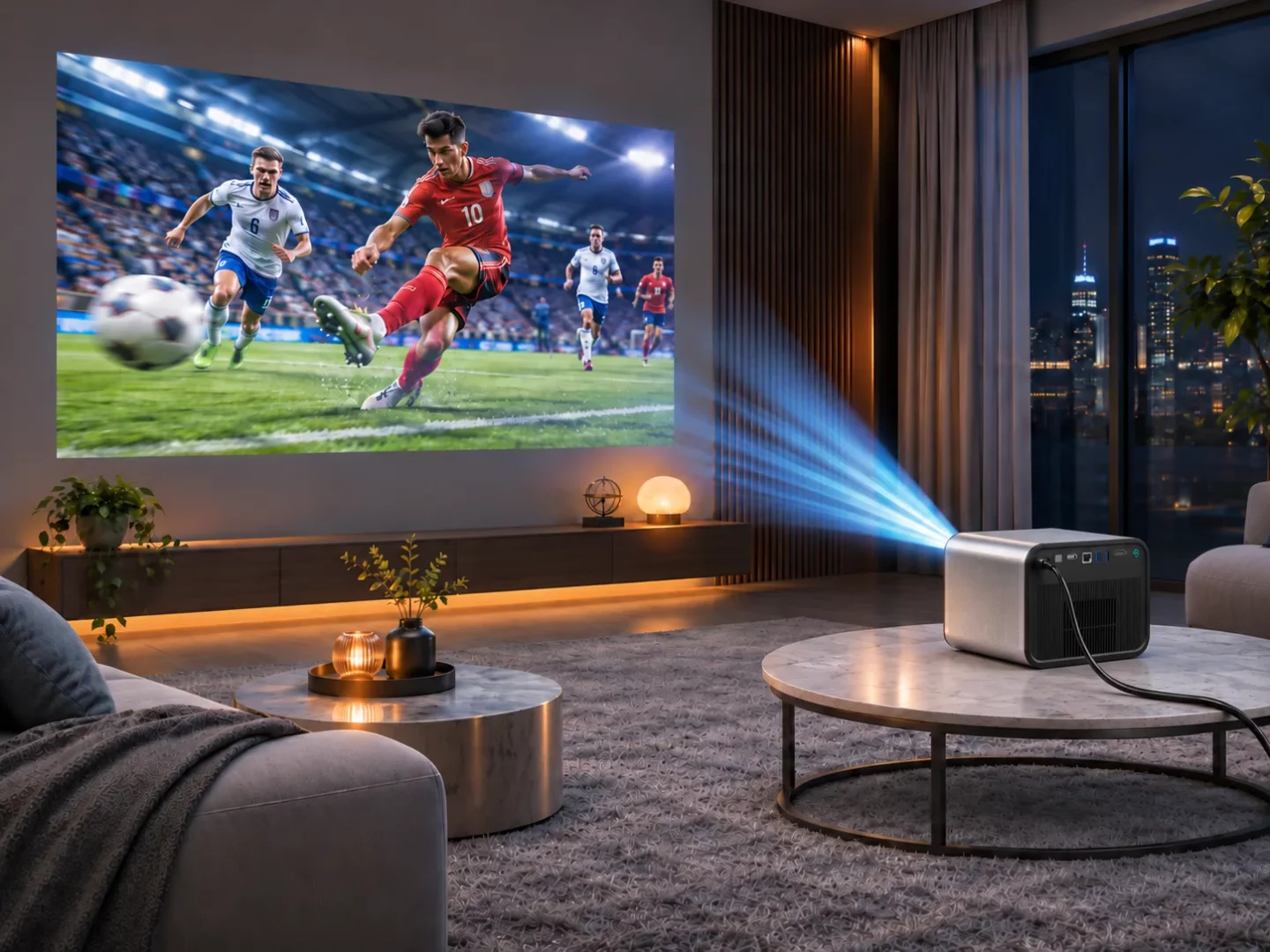
Figure 1. TOUMEI X5 showing fast-moving football action in a home entertainment setting.
Three rates that should not be mixed together
Source frame rate: what the game or video produces
A game engine might render at 30, 60 or more frames per second, and the rate can fluctuate. A movie commonly uses a different cadence. The content frame rate is not necessarily the rate the HDMI cable delivers, and it is not proof of how often a projector updates its image. When a buyer says ‘120 FPS gaming', ask for the specific source device and game settings.
HDMI input timing: what the projector accepts
An HDMI signal identifies a resolution and a refresh timing: for example, 1920 × 1080 at 60 Hz or 120 Hz. The source and projector negotiate a supported format. A projector might accept a higher-resolution signal and scale it, reject a mode, or fall back to a lower refresh rate. The buyer needs a supported-mode list by input and firmware, not a broad ‘HDMI 2.0' checkbox.
Display refresh and motion processing: what the viewer actually sees
The display refresh behavior can be different from both source FPS and incoming timing. MEMC inserts interpolated frames to make some video motion appear smoother; it cannot create new player inputs or turn a 60 Hz connection into confirmed 120 Hz input support. TOUMEI explains the processing trade-offs in its MEMC projector guide. In gaming, added processing may also affect input latency.
How 60Hz and 120Hz change the viewing brief
At 60 Hz, each refresh interval is about 16.7 milliseconds; at 120 Hz, it is about 8.3 milliseconds. This is a difference in refresh opportunity, not a guarantee that a particular projector reduces input lag by 8.3 milliseconds. The console, video pipeline, imaging chip and selected picture preset still shape the real result.
For films, presentations and ordinary streaming, a well-configured 60 Hz signal may already fit the application. High-frame-rate gaming calls for closer attention to accepted timings, display behavior and response. Sports broadcasting presents another question: broadcasts may originate at 50, 59.94 or 60-field/frame-related cadences, so a larger numeral printed on the product page does not prove better handling of every feed.
Why TOUMEI X5 belongs in the conversation
The X5 product data is relevant to a large-screen home entertainment bundle: 1,600 ANSI lumens, 1080p DLP imaging, HDMI 2.0 and 20 W × 2 built-in speakers are published details buyers can verify. Its TOF autofocus and keystone-adjustment features support practical installation. Together with the published 1.2:1 throw ratio, these details make X5 a sensible candidate for a showroom demonstration or a household entertainment assortment.
What should a buyer not assume? The X5 public page does not verify 1080p120 input support, 4K120, a 120 Hz imaging mode or an input-lag figure. The listed ‘MEMC 1080P 60HZ' belongs to motion-processing documentation, not a laboratory certificate that the product performs as a 120 Hz gaming display. Ask TOUMEI for an exact timing table and use an evaluation sample before advertising a refresh-rate promise.
A supplier response should separate four columns
| Requirement | What to request | Why it matters |
| 1080p at 60 Hz | Port and firmware support; demonstrated stable image | Baseline console and media compatibility |
| 1080p at 120 Hz | Official timing list and confirmed sample result | Avoids an unproven 120 Hz claim |
| 4K at 60/120 Hz | Supported incoming format and output-display distinction | Separates decoding/input from native display |
| MEMC / Game preset | Availability, enabled/disabled settings, lag result | Prevents motion smoothing from being misreported as low lag |
For every row, record the source device, cable length, output setting, connection path and observed on-screen input status. If a format fails, note whether the projector shows a black screen, negotiates a fallback or presents an unstable image. A repeatable record is more useful to sales and after-sales teams than an isolated photo of an HDMI port.
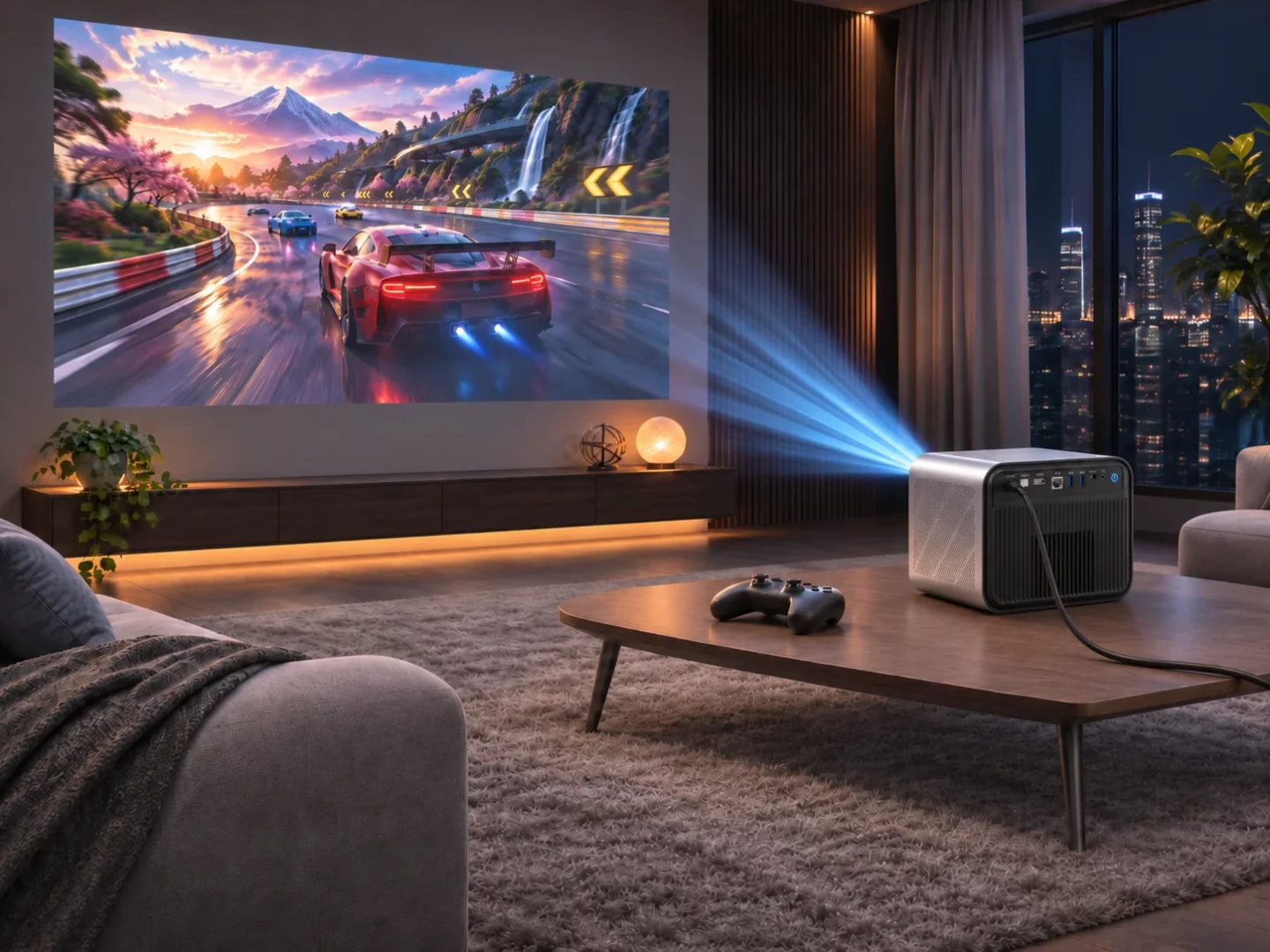
Figure 2. TOUMEI X5 displaying a fast-moving racing game in a living room.
Compare X5 and X6 without inventing a performance ranking
TOUMEI X6 is another DLP platform listed at 1,600 ANSI lumens, 1080p, HDMI 2.0 and a 1.2:1 throw ratio. X5 and X6 have distinct housings and may be offered in different hardware or system configurations. They should be tested separately rather than treated as identical because their brochure figures appear similar.
A practical A/B demonstration uses the same source, resolution, refresh timing, room lighting, screen and comparable picture settings. Look for stable synchronization, motion artifacts, judder and how control response changes with MEMC or other processing. TOUMEI's guide to supported resolution and 4K input explains why a successful connection alone does not prove native output resolution—or a higher supported refresh rate.
Build a sample test that a wholesaler can repeat
Start with a current-generation console or PC and one direct HDMI connection. Test the required modes, record the negotiated signal and observe several minutes of high-motion material. Then repeat with the image settings the final customer will actually use. A smooth demo video is not enough to prove 120 Hz; a real source operating at the requested timing and a compatible display-chain confirmation are required.
When two configurations are offered under the same model name, verify the exact mainboard, operating system, firmware, power adapter and relevant option codes. Changes can alter input compatibility even when the enclosure is unchanged. TOUMEI's sample-testing checklist is a useful reference for locking an accepted configuration before ordering.
From refresh-rate research to a TOUMEI enquiry
Distributors selling to gamers should send TOUMEI an explicit request: intended market, typical console or PC, required 1080p60/1080p120 modes, acceptable picture-processing behavior, desired screen size, expected order quantity and any private-label changes. Ask which current platforms can demonstrate those requirements; do not substitute the presence of an HDMI 2.0 connector for a 120 Hz certification.
Begin with the X5 product specifications for verified baseline details, browse the wider TOUMEI projector range for alternatives, and use the OEM/ODM enquiry to request an appropriate sample and model-specific input timing evidence. The strongest sales message is not ‘120Hz' on its own: it is a clear specification that buyers can reproduce on the product they will actually receive.