What is Google TV, Exactly? A Clear Definition
- As a built experience: running natively in smart projectors and TVs from market-leading names such as Sony, TCL, Hisense and even a few of our [TouMei Smart Projector models] .
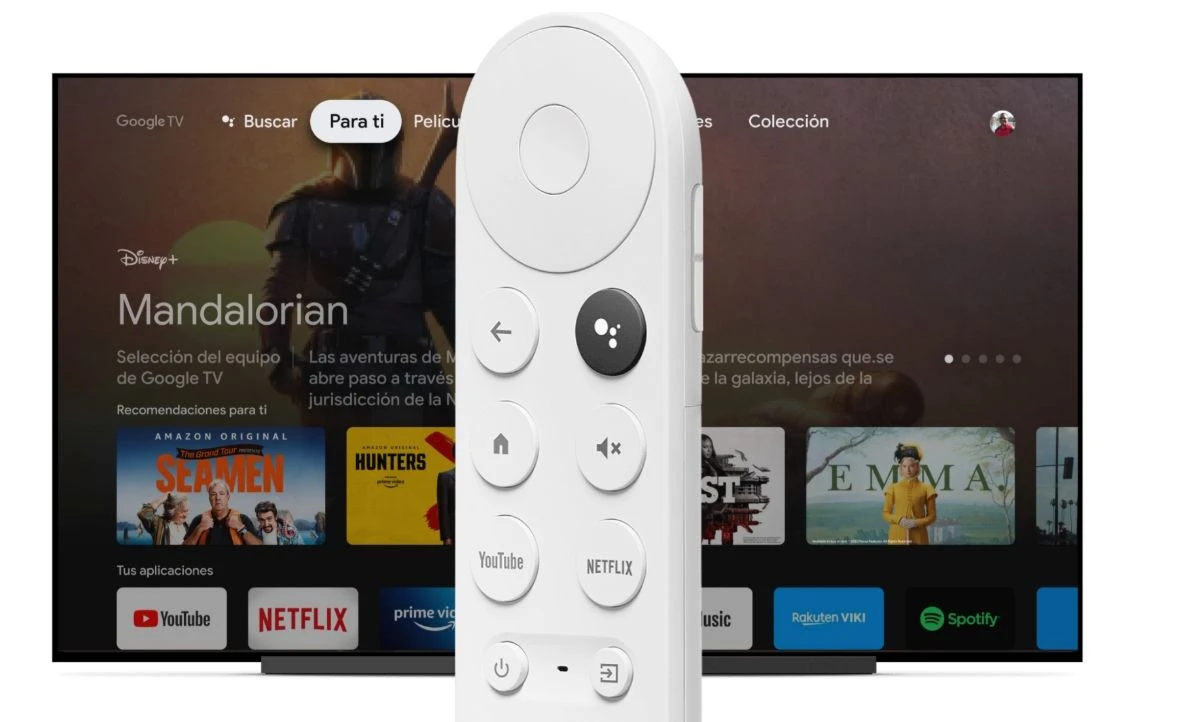
- As an external device: through devices like the popular Chromecast with Google TV, which can be plugged into any projector with an HDMI port.
The Core Features: Why Google TV is a Game-Changer for Projection
What differentiates Google TV from everything else? A combination of smart features that put your content front and center. For projection users, these features are even more revolutionary, because they transform the large-screen experience from a ‘good’ experience to a ‘wow’ experience.
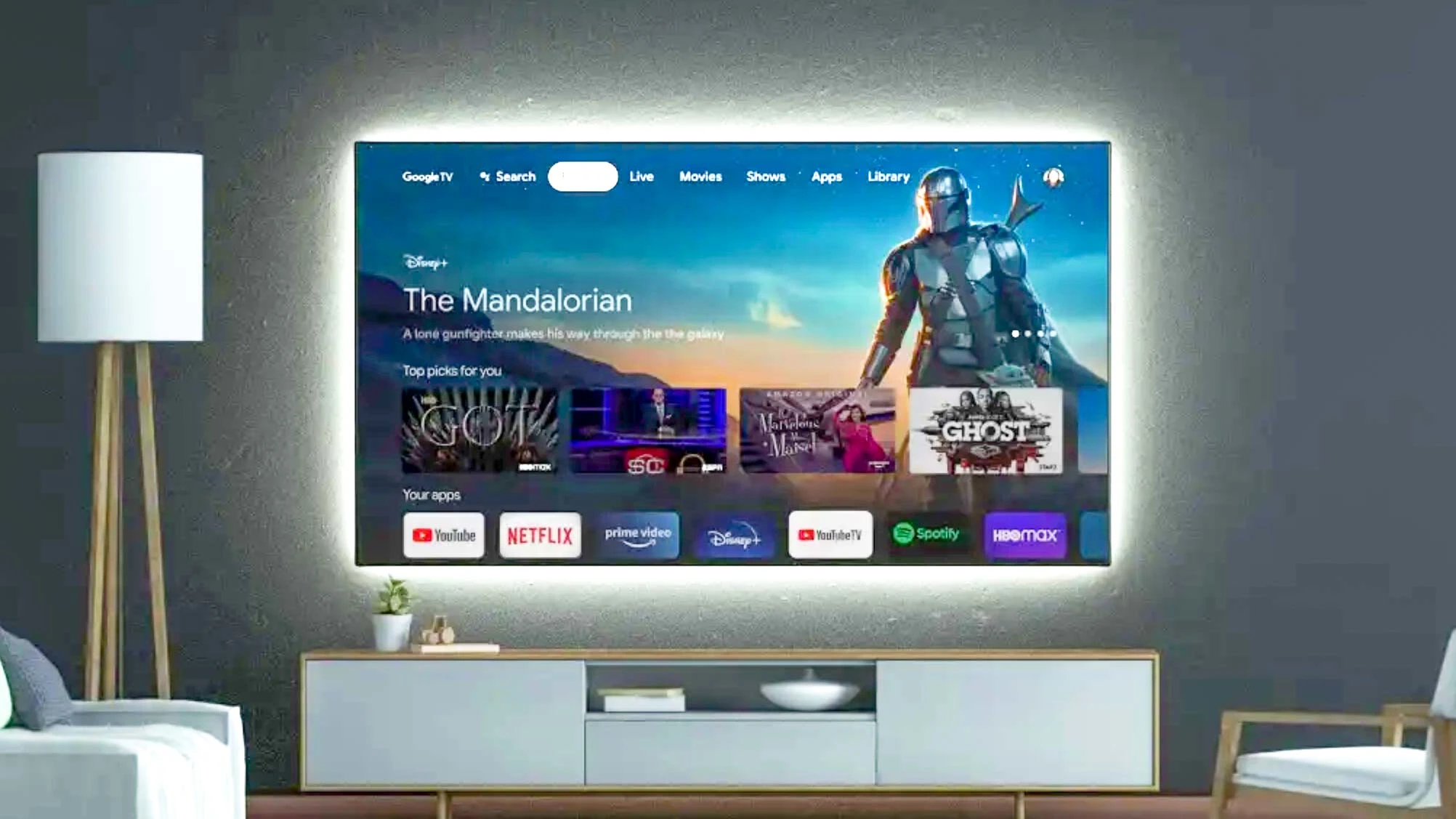
A Truly Personalized Content Hub (The "For You" Tab)
- Why This Matters for Projection: At its best, a projector creates an immersive, theater-like experience. You don’t want to detract from your experience by switching back and forth between apps and awkward menu style selections. Google TVs ‘For You’ tab powers up your projector and instantly presents you with your personalized cinema lobby, making the discovery process consistently as seamless as the viewing experience!
Universal Search & Discovery That Actually Works
- Why This Matters for Projection: You’ve made the investment in a projector of good quality, to get the best image possible. With universal search, you can find out which service has that movie, in incredible 4K HDR, to take full advantage of the capabilities of your projector. Just say, “Hey Google, show me 4K movies,” or something similar, and you’ll have content listed that will tax your projector. For more ideas on how to improve your image, go here. [Guide to Calibrating Your Projector for Perfect Picture Quality].
Deep Integration with Google Assistant
- “Hey Google, dim the living room lights.”
- “Hey Google, set the temperature to 70 degrees.”
- “Hey Google, start Movie Night.” (This can trigger a pre-set routine that dims lights, closes smart blinds, and launches your favorite streaming app).
- Why This Matters for Projection: This feature single-handedly creates the “smart home theater” you’ve dreamed of. Your projector’s remote becomes the command center for your entire viewing environment. It’s a level of convenience and automation that makes every movie night feel like a premium event.
A Single Watchlist for Everything
- Why This Matters for Projection: It closes the gap between your busy life on-the-go and your relaxing time at home. Your projector is not only a stand-alone gadget anymore; it is synced with your personal Google ecosystem, so all of that great content you discover throughout your busy day can be waiting for you to watch on the big screen once you get home.
Integrated Live and Free TV
- Why This Matters for Projection: This transforms your projector into a complete TV replacement. You can go from watching a 4K blockbuster to catching the live news or a sports game with a single click, all on a screen that’s over 100 inches. This versatility makes a device like our [TouMei V8 Portable Smart Projector] the only screen you need in your home.
Google TV Projection: A Match Made in Home Cinema Heaven
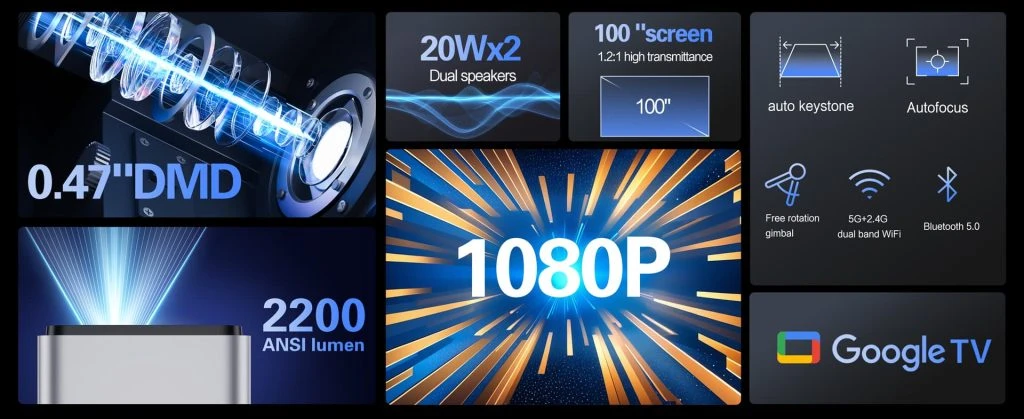
Maximizing High-Resolution Content
The Effortless Portable Cinema
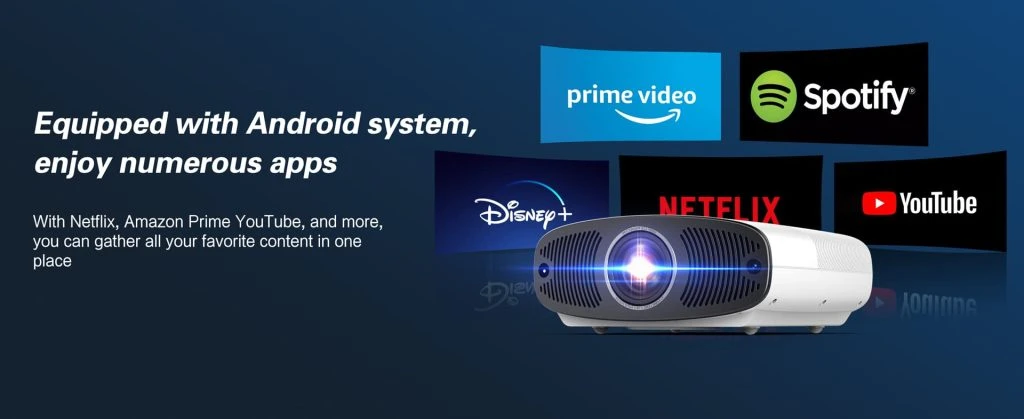
An Ever-Expanding Universe of Apps
- Gaming: Connect a Bluetooth controller and play Android games or stream AAA titles from cloud gaming services like NVIDIA GeForce NOW.
- Fitness: Follow along with workout videos from Peloton or YouTube on a life-sized screen.
- Music: Use Spotify or YouTube Music to turn your home theater into a concert hall with stunning visuals.
- Education: Access educational apps and content for the whole family.
Google TV vs. The Competition: A Projector User's Perspective
How does Google TV stack up against other popular platforms like Roku, Amazon Fire TV, and Apple TV? While each has its strengths, Google TV often hits the sweet spot for projector owners.
- Google TV vs. Roku: Roku is well known for its ease of use, along with an impressive range of channels that you can access for free. However, Roku is very app-centric and has no real content discovery and aggregation, so it cannot compete with Google TV on this. If you’re looking for a true smart experience, where everything is integrated, and you want to hop between immersive content with ease, then Google TV is a better experience.
- Google TV vs. Amazon Fire TV: Fire TV is awesome for anyone who is deep within the Amazon ecosystem and is using voice commands with Alexa all the time. However, this interface is infamously cluttered with ads and pushes Amazon’s own Prime Video content relentlessly. The Google TV interface is much cleaner, more balanced, and provides a method to discover and watch the content without feeling like you are sitting in a storefront.
- Google TV vs. Apple TV: Apple TV has an elegant, clean interface along with premium hardware, which Apple users love. The problem is, its also very expensive and fits within Apple’s more closed ecosystem. Compare that with Google TV, which provides so much more hardware options – from less expensive Chromecasts, to really high-end built in 4K projectors – and built upon an open Android ecosystem that provides more apps and options.
How to Get Started with Google TV Projection
The All-in-One Integrated Solution
The Future is Smart: Why Google TV is Here to Stay
Conclusion
Google TV is an upgraded interface built on top of Android TV. Android TV is the core operating system that runs your apps, while Google TV provides a smarter, more personalized user experience focused on recommendations, search, and smart home integration.
Yes. You can use Google TV in two ways — through a projector that has Google TV built-in or by connecting an external Chromecast with Google TV via HDMI. Both provide the same smart interface and voice control features.
For projector users, Google TV offers deeper integration with Google Assistant and smart home control, plus access to a broader app ecosystem. It’s especially useful if you already use Android devices or Google services.
Yes, Google TV requires a stable Wi-Fi connection to stream content, access the Google Play Store, sync your Watchlist, and receive personalized recommendations.
With Google Assistant built in, you can use voice commands to control playback, search across all apps, or even automate your room environment — for example, dimming lights or closing smart blinds during movie night.
Absolutely. You can install apps like Netflix, YouTube, Prime Video, Disney+, and hundreds more directly from the Google Play Store, just like on a smart TV.
Yes. While designed for entertainment, Google TV also supports productivity and presentation apps like YouTube, Slides, or video conferencing, making it versatile for both home and professional use.
Its “For You” tab intelligently recommends movies and shows across all your subscribed platforms, saving you from app-hopping and creating a more immersive viewing experience.