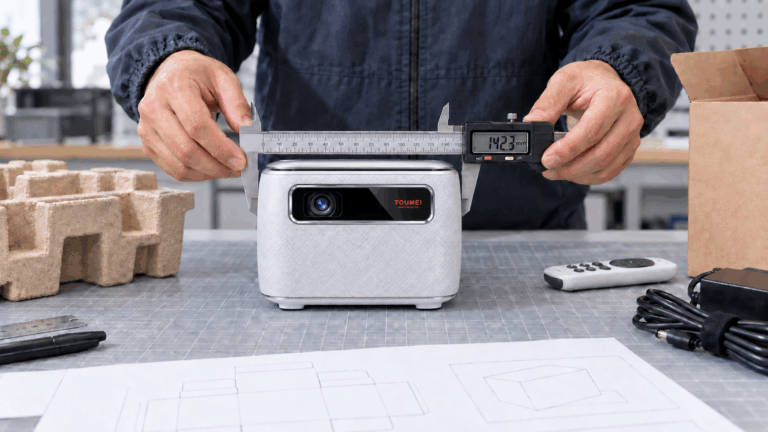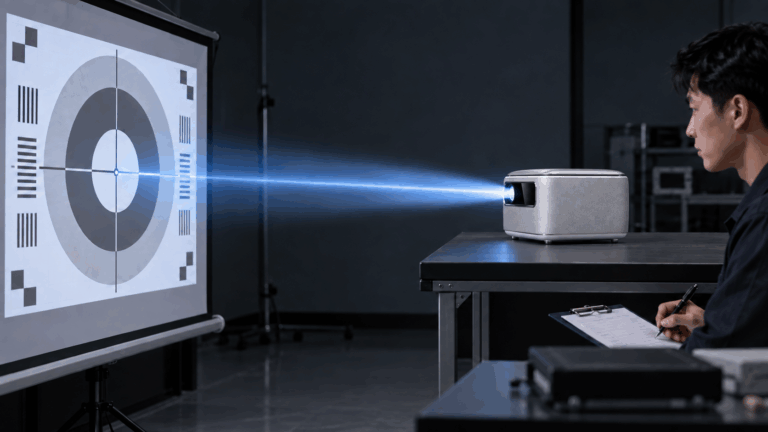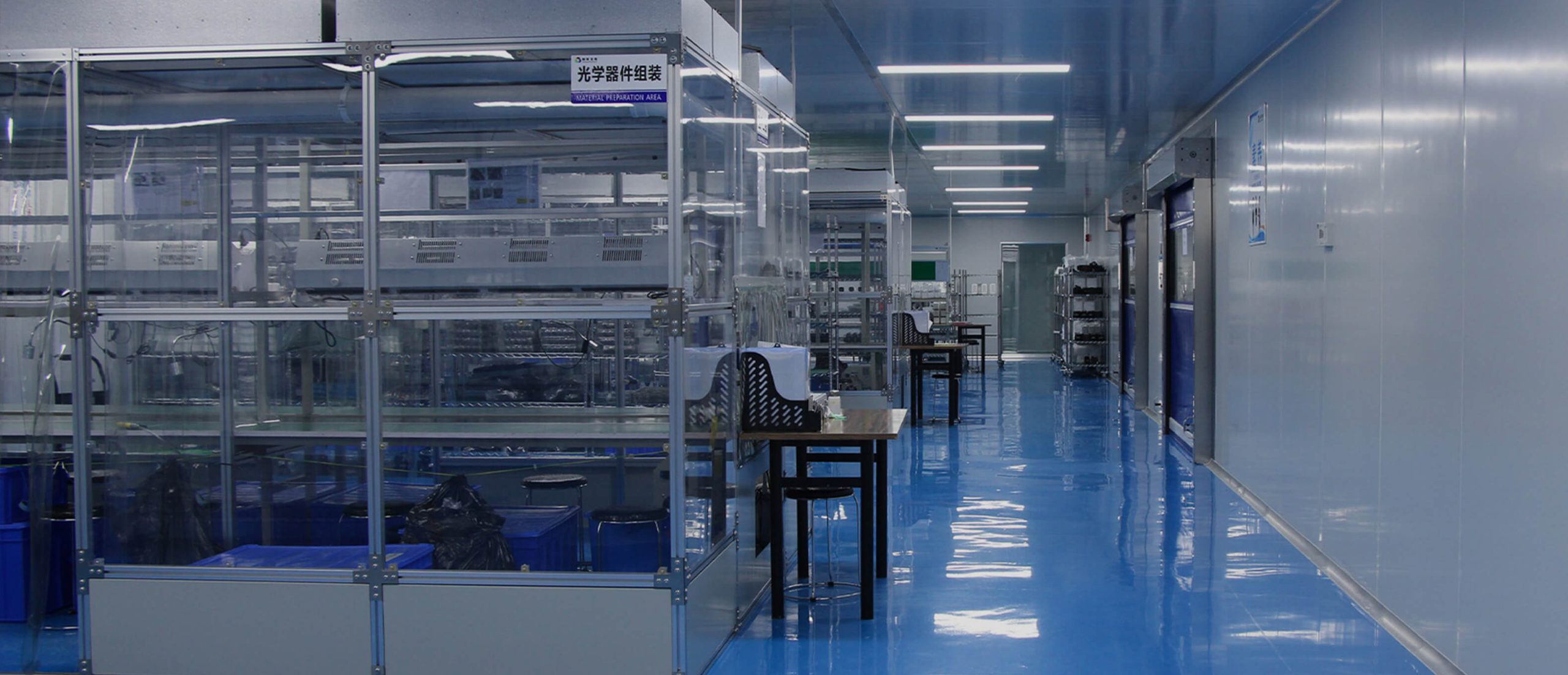
Shoppers looking for a portable projector often see devices that look and act the same. Because of this, nice styling by itself fails to build real value. A great model needs to link a specific use case with solid performance. It also requires easy operation and a strong brand identity. The product might focus on camping trips, bedroom viewing, business travel, or family movie nights. No matter the audience, every design choice must support that main goal. This guide pairs with How to Build a High-Margin Portable Projector Brand. It shows how brand positioning translates into a unique physical product.
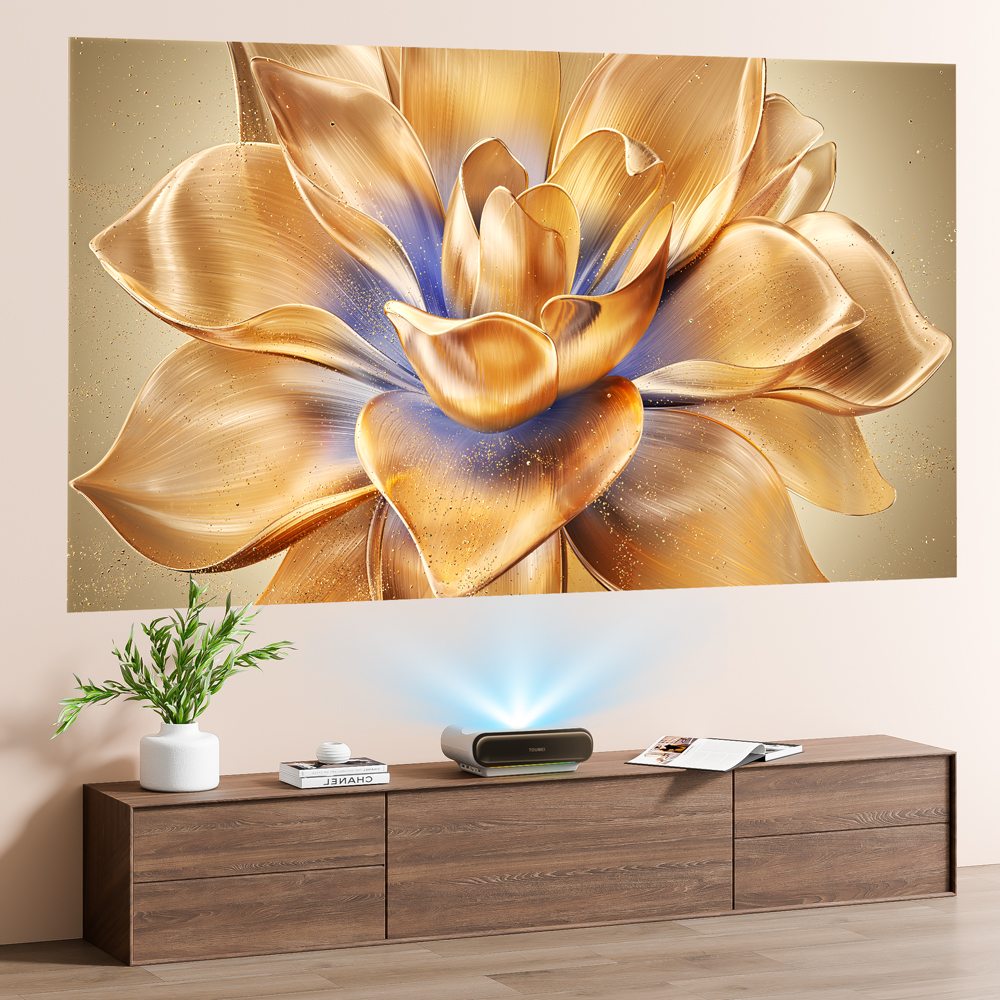
Which User Scenario Should Shape the Projector?
Good design begins with a single main user scenario. This chosen environment impacts the outer shell and the battery. It also shapes the optical system, audio, controls, add-ons, and packaging.
Choose One Main Use Case
A projector for camping requires a tough build and a long-lasting battery. It also needs stable wireless connections and power-bank support. On the other hand, a bedroom model might require silent cooling fans and flexible angle adjustments. It should offer ceiling projection and dim indicator lights. Meanwhile, a business-travel version must focus on a light weight and quick startup times. It also needs reliable ports for presentations.
Attempting to please every type of buyer usually results in an expensive device. Such a product lacks a clear identity. In contrast, a focused model is much simpler to explain. It is also easier to market and remember.
Solve One Visible User Problem
Figure out the primary frustration that your projector will eliminate. This issue might involve a hard setup process or an unstable base. It could also be weak audio, loud fans, heavy weight, or confusing streaming menus. Fixing one major problem very well can become the main selling point of the product.
How Can the Industrial Design Become Memorable?
After you decide on the use case, the outer casing needs to stand out. However, this unique look must not harm stability, airflow, or toughness. The shape, surface texture, color, and user interaction must function together as a single system.
Create a Distinctive but Functional Form
Try not to copy the normal boxy shape of a standard mini-projector. Instead, think about adding a built-in rotating stand or a protected lens structure. You could also use a custom speaker grille or a unique overall outline. The final shape must stay completely stable. It should also be simple to carry and safe to operate for long periods.
The device must also look great in photos. Online store listings, customer reviews, and social media videos rely heavily on visual appeal. Therefore, at least one design element should remain easy to spot from multiple different angles.
Use Details to Communicate Quality
A premium feel comes from overall consistency. Matte finishes help reduce fingerprint marks. Textured sections improve the user's grip, and tight buttons build trust in the build quality. All connection ports must line up perfectly. The casing seams need tight control, and the lens must look secure. Using a simple color scheme with one bright accent makes the projector feel like a true brand instead of a generic item.
Which Features Improve the Daily Experience?
Buyers always remember how fast they can start watching a movie. They notice how often they have to fix the picture. They also care if the device runs without crashing. Helpful automatic features must remove daily hassles instead of adding confusing steps.
Simplify Setup and Positioning
Features like auto focus and auto keystone correction save a lot of setup time. Screen alignment and obstacle avoidance also help speed up the process. These tools must work quickly and correctly. Simple manual controls should remain available in case the automatic adjustments fail.
A built-in stand or a rotating base brings extra value. People often put projectors on high shelves, bedside tables, or outdoor camping chairs. The hinge or angle mechanism must stay firmly in place during the entire film.
Balance Brightness, Cooling, and Sound
Pushing for higher brightness increases power usage and heat. It also raises fan noise, device size, and manufacturing costs. The engineering team needs to balance the whole system rather than chasing one high number. Smooth airflow and natural image modes build a better product. Careful fan control also creates a much better viewing experience.
Sound quality needs early focus during development as well. Proper speaker placement and vibration limits improve voice clarity. Great built-in audio removes the need for extra speakers. At the same time, a Bluetooth speaker mode provides another handy feature for buyers.
Make Controls and Connections Intuitive
Buttons for power, volume, and input selection must be easy to locate. Focus override and menu navigation should also feel natural. The remote control needs clear button groups. It should use different textures so people can operate it easily in dark rooms.
Standard connections like HDMI, USB, Wi-Fi, and Bluetooth cover most daily needs. Audio output and USB-C power are also very helpful. However, the final port list must match your specific target audience. Plugged-in cables must never block the cooling vents. They should not hit the stand or pull the projector out of balance.
How Can the Brand Experience Extend Beyond the Housing?
A special projector offers more than just the main device. The retail packaging and extra accessories matter just as much. Startup graphics, paper manuals, and online support materials must all support the same core message.
Build a Coherent Product Kit
A camping projector might come with a hard travel case and a small tripod. It could also feature a rugged power cable and a fast setup guide. A bedroom version might pack an adjustable stand alongside a ceiling-projection manual. Useful add-ons make the purchase feel complete. They also help justify a higher retail price.
Keep the Software Experience Clean
The boot screen and menu layout need to match the hardware's style. Image modes, app grids, and system updates should feel unified. Brands must delete useless apps and confusing permission requests. They should also clean up messy settings menus. A simple software interface makes average hardware feel much more premium.
How Should the Design Be Tested Before Production?
Product testing must copy the exact environments shown in your marketing materials. Standard lab tests are still very important. However, real-world trials often expose hidden flaws. These tests uncover physical comfort issues, heat problems, loud noises, and software bugs that basic spec sheets miss.
Test Real Viewing Situations
Put working prototypes into actual bedrooms, outdoor tents, or backyards. Test them in hotel rooms or office meeting spaces based on the planned use case. Measure the setup time and picture stability. Check the remote speed, fan noise, and outer heat levels. Also, review the connection strength, battery life, and carrying comfort.
Protect the Core Product Idea
Tester feedback might create a huge list of new feature requests. You must fix any major hardware problems. Still, you need to protect the primary goal of the device. Adding every single idea will increase the total weight and cost. It also makes menus confusing and raises production risks. A truly great projector stays focused instead of packing in too many random features.
Conclusion
A portable projector shines when its specific use case matches its looks and performance. The controls and brand experience must share the same clear message. Begin with a clear target audience and fix one obvious user problem. Next, build one unique design element that actually helps the device work better. After that, improve the setup steps, cooling fans, audio, and ports. Polish the accessories and software through real-world testing. The finished product must feel like a complete entertainment package. It should never feel like a basic projector with a slapped-on logo.
FAQs