A game can look sharp on a wall-sized image and still feel slow the moment a player moves a stick or presses a button. The problem may not be frame rate or picture quality. It can be projector input lag: the time between a changed signal reaching the projector and the corresponding image appearing on the screen. For a distributor selling projectors for console gaming, that difference is worth testing before a customer discovers it at home.
This article starts with the buying decision, not a promise of a particular millisecond figure. TOUMEI's X6 DLP projector is one platform to evaluate for a bright, large-screen entertainment bundle. Its published specifications list 1,600 ANSI lumens, native 1920 × 1080 imaging, HDMI 2.0 input and a 1.2:1 throw ratio. Those details help plan a real installation; they do not establish X6 input lag or a certified Game Mode.
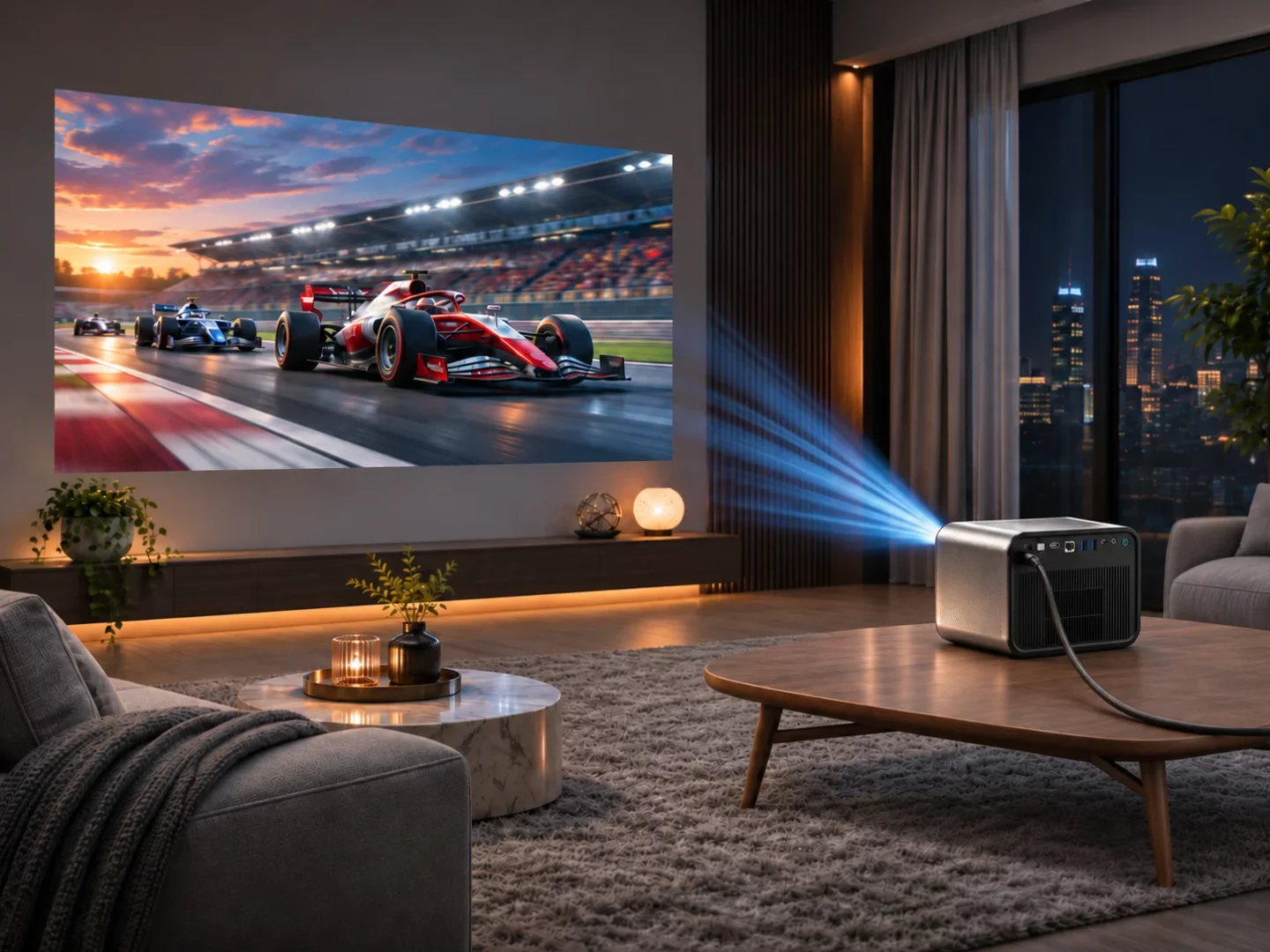
Figure 1. TOUMEI X6 in a home theater with a large-screen racing scene.
What input lag means when you actually play
Imagine pressing the brake in a racing game. The controller must register the action, the console renders the next image, the HDMI connection delivers it, and the projector processes and displays it. A player feels the combined response. Input lag is normally discussed as the display portion of that chain, so it should not be confused with online ping, controller wireless delay or a game's internal rendering delay.
It also differs from pixel response time. Response behavior can affect smearing or ghost trails; input lag concerns how late a new frame becomes visible. A projector might show clean motion yet still feel delayed, or respond quickly while producing visible motion artifacts. Buyers should ask for separate evidence rather than treating ‘gaming projector' as one measurable feature.
Start with a realistic console-to-projector connection
For a fair first test, connect a familiar console or PC directly to the projector with a known-good HDMI cable. Avoid adding a wireless cast, AV receiver, switch, game-streaming service or adapter until a direct baseline exists. If the final retail package will include an AV receiver, repeat the test through that full signal chain afterward. A separate network latency check is necessary for cloud gaming.
Set the source to a specific output mode, such as 1920 × 1080 at 60 Hz, and record the negotiated mode on both devices when possible. A label such as ‘HDMI 2.0' does not prove every resolution-and-refresh combination is supported. TOUMEI's 4K input compatibility guide explains why a projector accepting a signal is not the same as displaying that format natively.
Why buyers should ask about picture processing
Projectors may apply MEMC motion interpolation, keystone correction, scaling, sharpening or other video processing. Some operations can add delay. When testing X6, compare the default picture preset against every documented low-processing or game-related option on the exact firmware version. Do not assume such a mode exists just because a competitor offers one. The TOUMEI MEMC guide describes why smoother video motion and controller responsiveness are different goals.
Is TOUMEI X6 worth shortlisting for large-screen gaming?
X6 is a credible sample candidate for a home-entertainment line, because the official specification gives buyers a concrete optical and connection brief: 1080p DLP imaging, 1,600 ANSI lumens, HDMI 2.0 and automatic setup features. A 1.2:1 throw ratio helps decide whether the chosen screen size fits the room. None of these figures by itself makes X6 a proven low-latency gaming model.
For a private-label gaming package, request an X6 sample with the intended operating system, firmware, power adapter and accessories. Check a real game from the normal seating distance, not only an attractive demo loop. Fast input sequences, rhythm games and racing games are often more revealing than passive film clips. If a supplier quotes an input-lag figure, request the measuring instrument, signal format, picture mode and test position.
Use the same test conditions for every candidate
| Test item | Record before comparison | What it answers |
| Source and signal | Console/PC model; 1080p60 or another negotiated mode | Is the source actually sending the expected signal? |
| Picture configuration | Preset, MEMC on/off, keystone and firmware | Did processing settings change latency? |
| Measurement | Method/instrument, test position, multiple readings | Is the millisecond claim reproducible? |
| Room conditions | Screen size, placement and ambient light | Does the evaluated setup match the retail use case? |
The manufacturer can provide model documentation, while the buyer or lab runs a repeatable sample check. If a device only reports '60 Hz' on an information screen, that verifies an incoming or reported timing—not necessarily low lag. The TOUMEI projector sample-testing checklist offers a useful baseline for recording configuration changes and acceptance evidence.
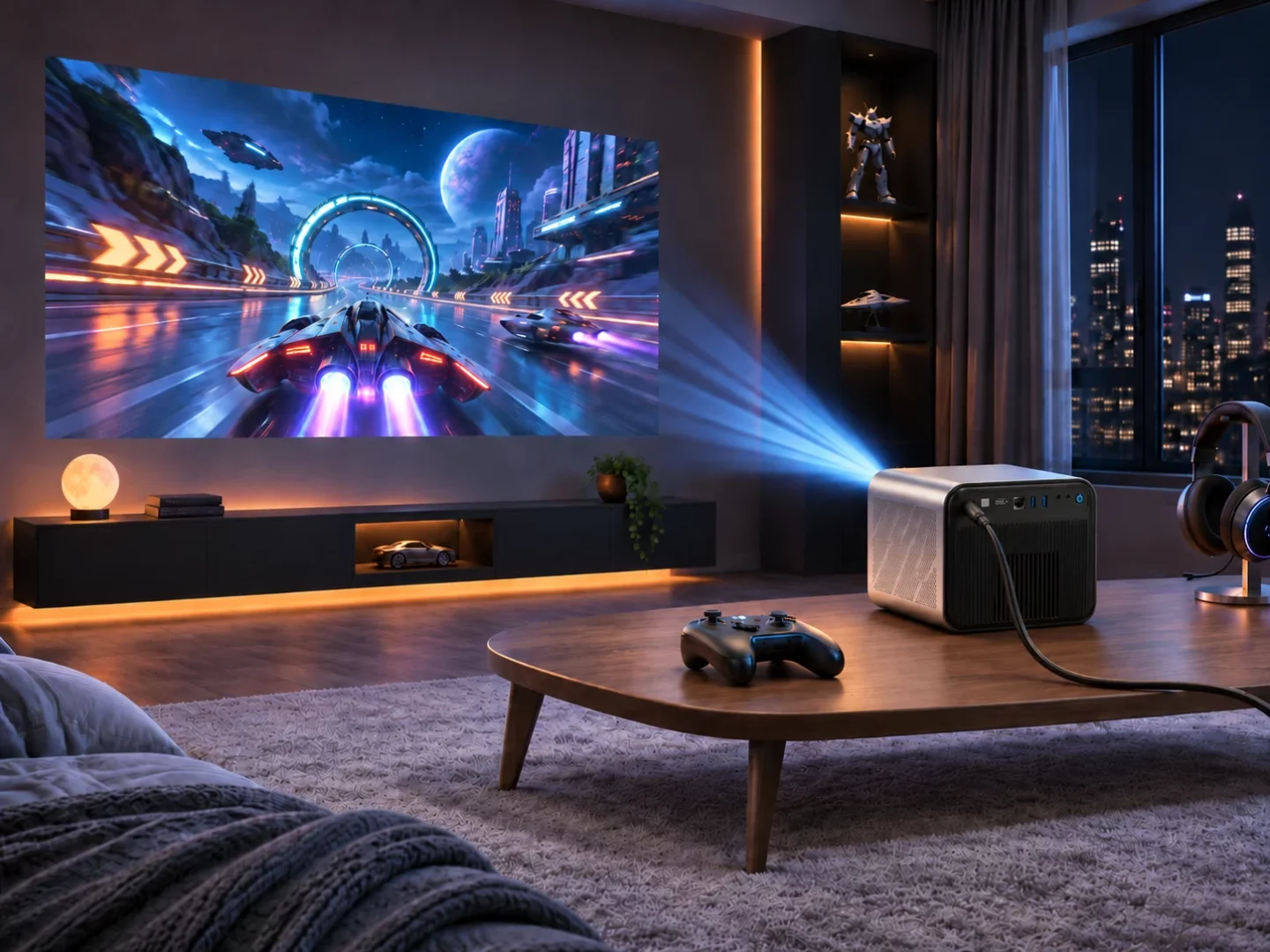
Figure 2. TOUMEI X6 in a home gaming setup displaying a fast-paced sci-fi racing game.
Which setup is more likely to satisfy the buyer?
For occasional couch gaming, screen size, brightness, quiet operation, connection convenience and tolerable responsiveness all matter. A user playing slower-paced story games may accept a delay that would frustrate someone playing competitive rhythm or fighting games. It is better to describe these usage tiers than to invent one universal millisecond cut-off for every customer.
If the buyer compares X6 against another platform, including TOUMEI X5, test both at the same source format and picture preset class. X5 and X6 are different physical designs with related published optical specifications; neither should automatically inherit the other's lag result. The best recommendation is the configuration that passes the buyer's actual games and connection chain, not the one with the louder ‘gaming' description.
Turn a gaming question into a useful OEM purchasing brief
A strong wholesale enquiry states the target market, intended console or PC, screen size, expected refresh mode, preferred system version and acceptable latency requirement. Ask TOUMEI which current models can be evaluated against that requirement, and whether a sample test can document the HDMI timing, picture settings and measured response. State whether the order needs logo, packaging, accessories or firmware customization.
Start from the X6 product page to confirm the published configuration, then contact TOUMEI OEM/ODM with the required test matrix. That makes the next step a sample decision rather than an unsupported performance promise. For a distributor, a verified configuration and clear after-sales guidance are more valuable than a generic claim that every DLP projector is ‘lag-free'.
FAQs