Laser describes a projector's light source. DLP describes its imaging technology. A projector can use both. The useful comparison is between complete projector models: their illumination, imaging platform, optics, measured performance and suitability for your room or product line.
If you are searching for “laser vs DLP projectors,” start by separating those specifications. A laser DLP projector and an LED DLP projector share an imaging technology but use different light sources. Neither label, by itself, establishes brightness, resolution, gaming performance or total cost.
Laser and DLP Describe Different Parts of a Projector
| Specification | What it describes | What to confirm |
|---|---|---|
| Laser | The illumination source | The exact laser architecture and the completed model's measured performance |
| LED or lamp | Other illumination options | Operating modes, power requirements and maintenance provisions |
| DLP | An imaging system using a digital micromirror device, or DMD | The DMD and controller platform, displayed resolution and optical design |
| Laser DLP | Laser illumination combined with DLP imaging | Both sets of specifications, plus the complete projector's test results |
Texas Instruments identifies lamps, RGB LEDs, direct lasers, laser/LED hybrids and laser-phosphor systems as illumination options compatible with DLP. “Laser” and “DLP” therefore cannot form two mutually exclusive product categories. See TI's explanation of DLP illumination options.
What Does the DLP Imaging System Do?
A DMD uses microscopic mirrors to control reflected light. It works with a controller and an optical system to create the projected image. The light source supplies illumination; the DLP system modulates that light. This distinction is described in TI's DLP chipset overview.
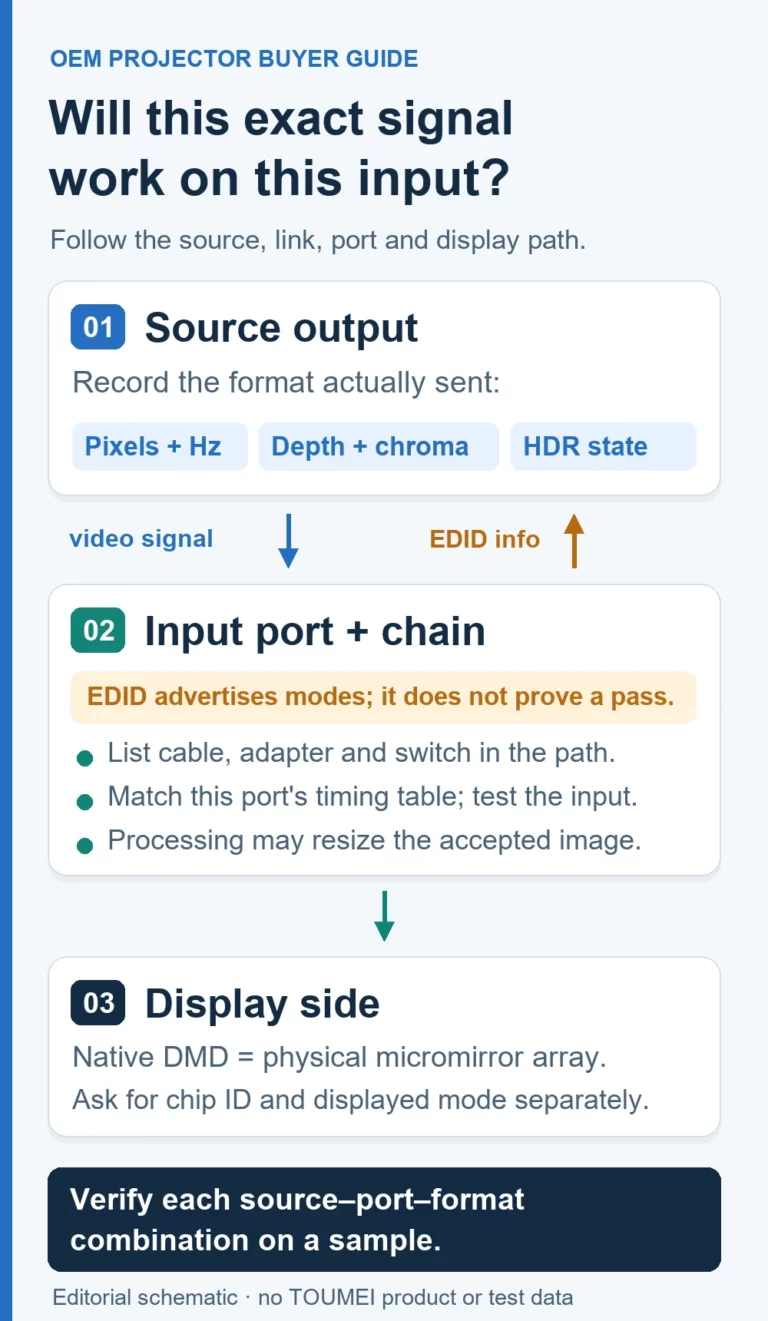
When evaluating a product, request its displayed resolution separately from its supported input signals. Where pixel shifting is used, also ask how the displayed resolution relates to the physical micromirror array. A “4K input” specification alone does not establish 4K display output.
Does Every Laser Projector Use the Same Light Source Design?
No. Direct laser and laser-phosphor illumination are different approaches. Do not assume that every product labeled “laser” uses separate red, green and blue lasers. Ask for the actual architecture before comparing color or optical performance.
How to Compare Complete Projector Models
Use the same evaluation conditions for each candidate. The following checklist is a procurement framework, not a performance claim for any TOUMEI model.
Brightness, Screen Size and Room Lighting
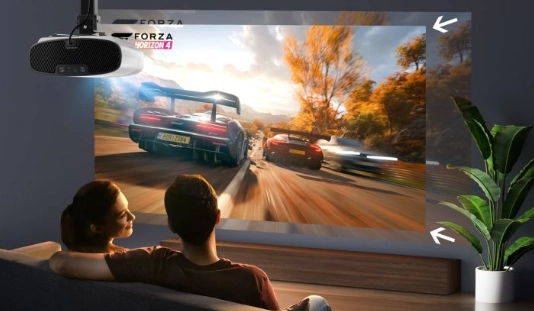
Choose the intended image size and room lighting first, then compare measured light output in the picture mode you plan to use. TI's brightness design guide treats ambient light and screen size as separate inputs when determining a projection system's brightness requirements.
- Request the brightness measurement method and operating mode.
- Evaluate the same image size, screen surface and ambient light conditions.
- Check center-to-edge brightness and focus, not only a headline lumen value.
There is no dependable “laser brightness range” versus “DLP brightness range”: a laser projector may itself be a DLP projector.
Color, Contrast and Resolution
Ask for the color mode and measurement basis behind a color-gamut or contrast claim. View dark scenes, skin tones, fine text and test patterns on the intended screen. Compare focus at the center and corners after the projector has warmed up.
Keep three resolution specifications distinct: physical imaging array, displayed resolution and supported input resolution. TI's projection terminology guide explains that a DMD mirror can represent one or more displayed pixels and that source content also affects the detail available in the image.
Gaming, Sound and Installation
For gaming, request input-lag measurements at the resolution, refresh rate and processing mode you will actually use. Check whether image correction or other processing changes the result. Neither laser illumination nor DLP imaging alone guarantees a particular input lag.
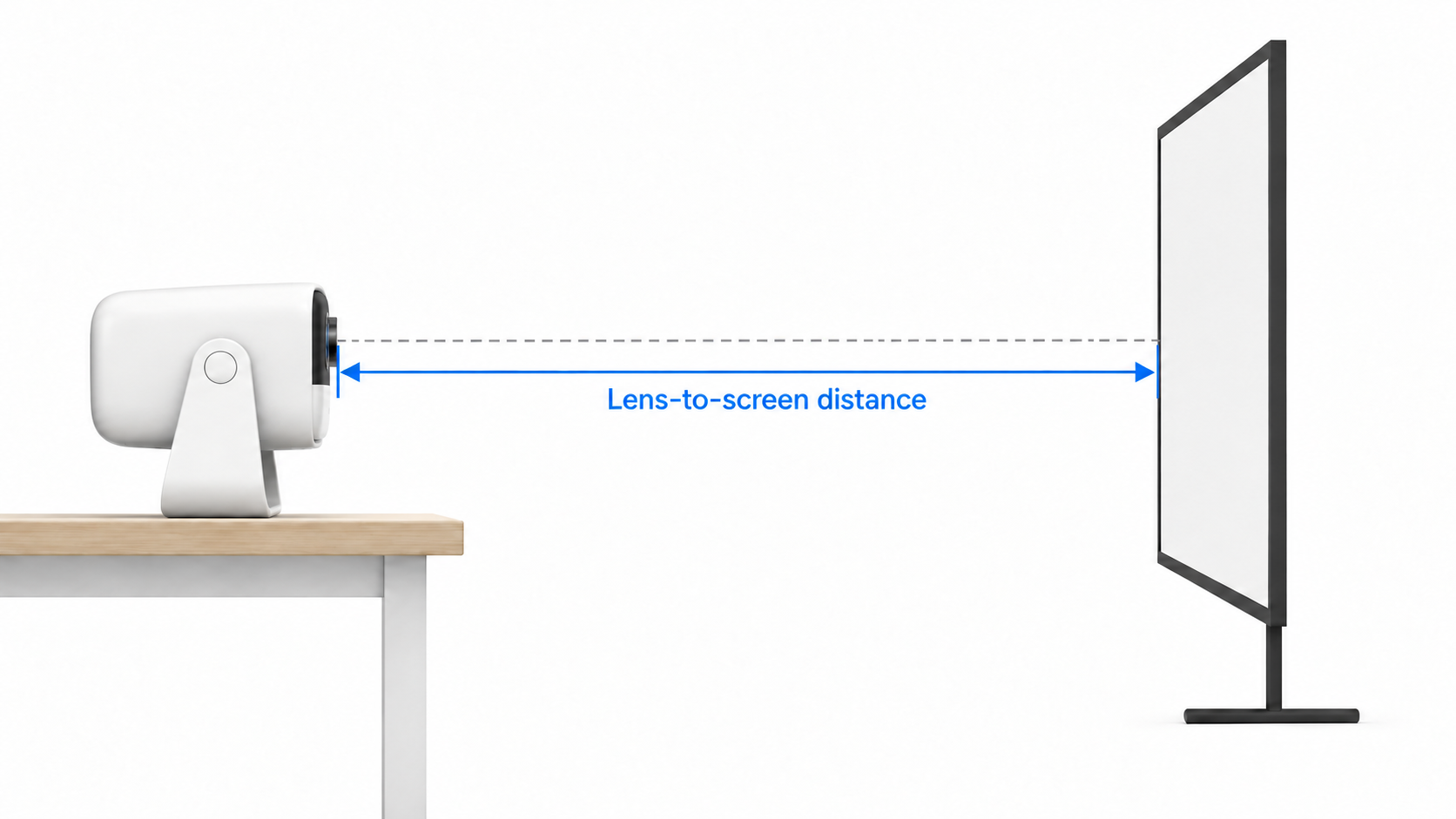
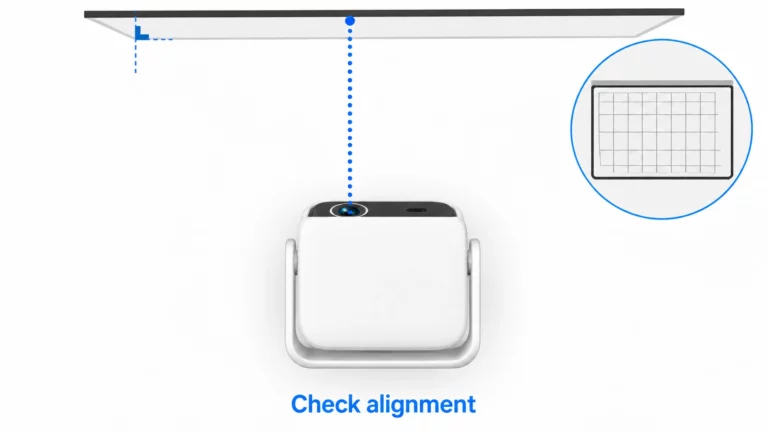
For installation, verify the throw ratio, supported image sizes, mounting position, ventilation clearances and installation drawing. Treat ultra-short-throw placement as a separate specification from the light source. For audio, test speaker quality, available outputs and synchronization with your source equipment.
Power, Service Life and Total Cost
Compare power consumption in equivalent operating modes and ask what any stated light-source life figure means. Obtain the test conditions, brightness-retention criterion, service procedure and warranty terms for the exact model.
A light-source rating does not establish the warranty period or the service life of every component in the projector. Build a cost comparison around the purchase quote, screen, installation, electricity, planned maintenance, replacement parts and expected downtime. Generic price or lifetime ranges cannot replace a model-specific quotation and service plan.
Match the Evaluation to the Intended Use
- Home entertainment: test the intended screen size, room lighting, color modes, quiet-scene noise and audio setup.
- Gaming: verify source compatibility, input lag and refresh-rate behavior in the selected display mode.
- Business or education: prioritize text readability, connection stability, installation requirements and the planned daily operating schedule.
- Portable use: confirm dimensions, weight, power arrangements and setup time for the specific product.
- Private-label or distribution projects: agree on the configuration, sample acceptance criteria, documentation and after-sales responsibilities before approving production.
Discuss a TOUMEI Projector Requirement
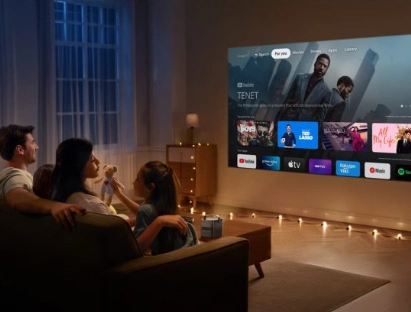
Review TOUMEI's DLP projector selection and product range to identify candidates for further evaluation. Request the current configuration sheet and sample test information for the model and destination market you are considering.
For OEM/ODM projector sourcing, send your target use, screen size, room conditions, resolution requirements, intended market and customization scope. Ask TOUMEI to confirm the light source, imaging platform, available configuration and project-specific commercial terms together.
Frequently Asked Questions
Is a laser projector better than a DLP projector?
The terms describe different specifications, so they do not identify two competing categories. Laser refers to illumination and DLP refers to imaging. A laser DLP projector uses both. Compare complete models using measured performance and your intended use.
Can a DLP projector use a laser light source?
Yes. DLP systems can use laser illumination. They can also use other light sources, including LEDs and lamps. Confirm the light-source architecture of the exact projector instead of inferring it from the DLP label.
Does laser mean triple laser or 4K?
No. The laser label alone establishes neither a particular laser architecture nor the displayed resolution. Request the illumination specification, displayed resolution and supported input formats separately.
Which specification matters most in a bright room?
Evaluate measured light output together with image size, screen surface and ambient light. Compare candidate models in the same picture mode and room conditions. The laser or DLP label alone does not determine suitability.
How should buyers compare light-source life?
Request the stated life, test conditions and brightness-retention criterion for each model, along with maintenance and warranty terms. Do not treat a light-source life figure as a promise for the entire projector.