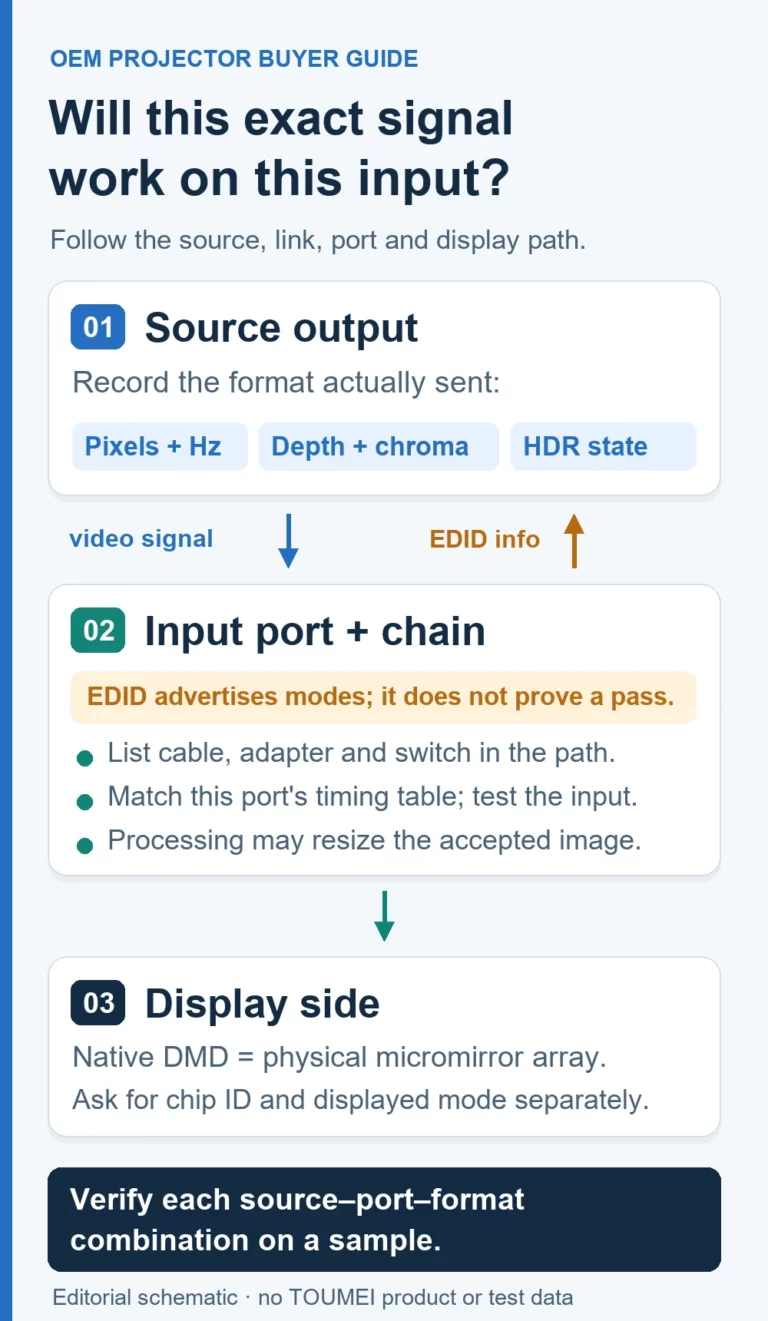
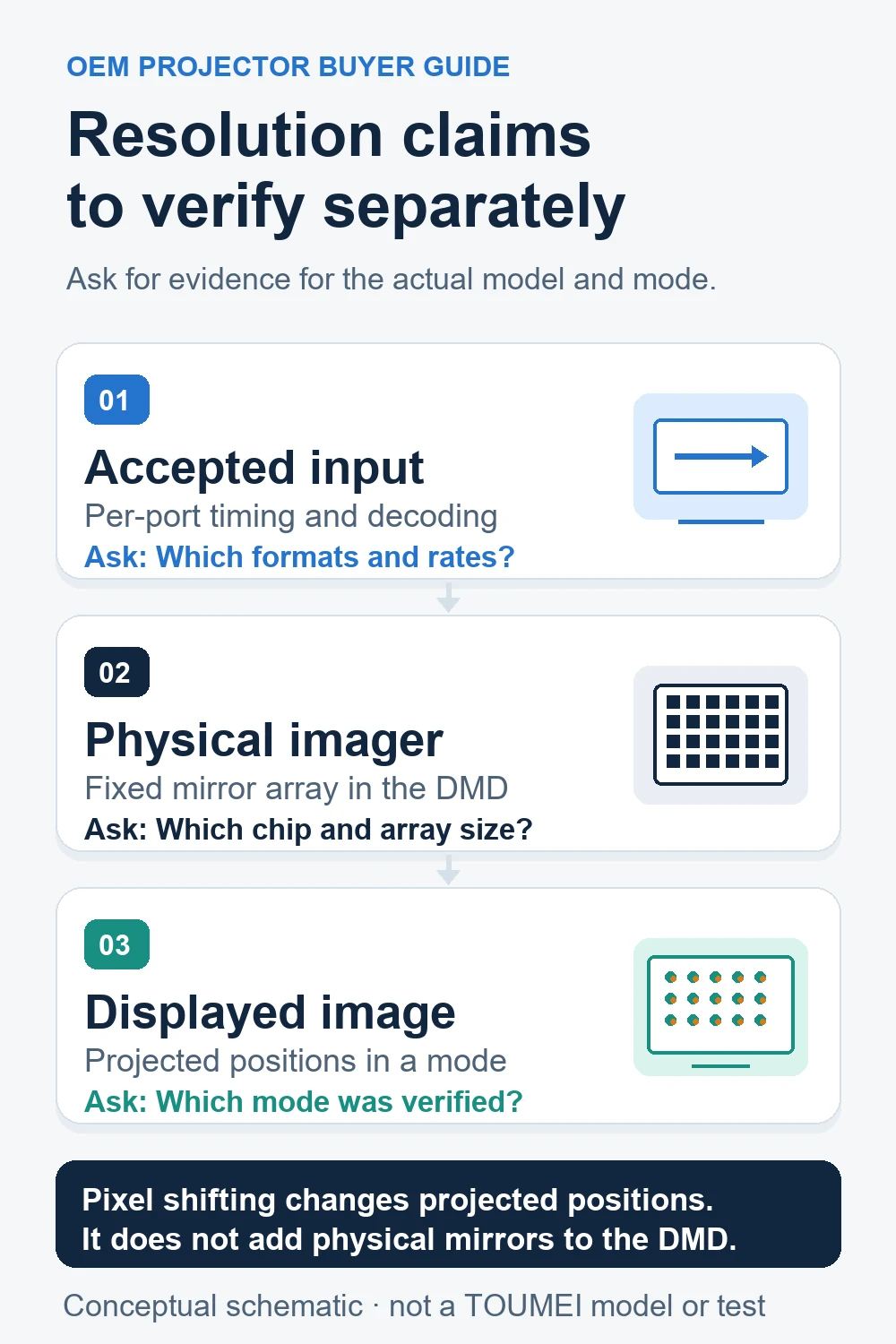
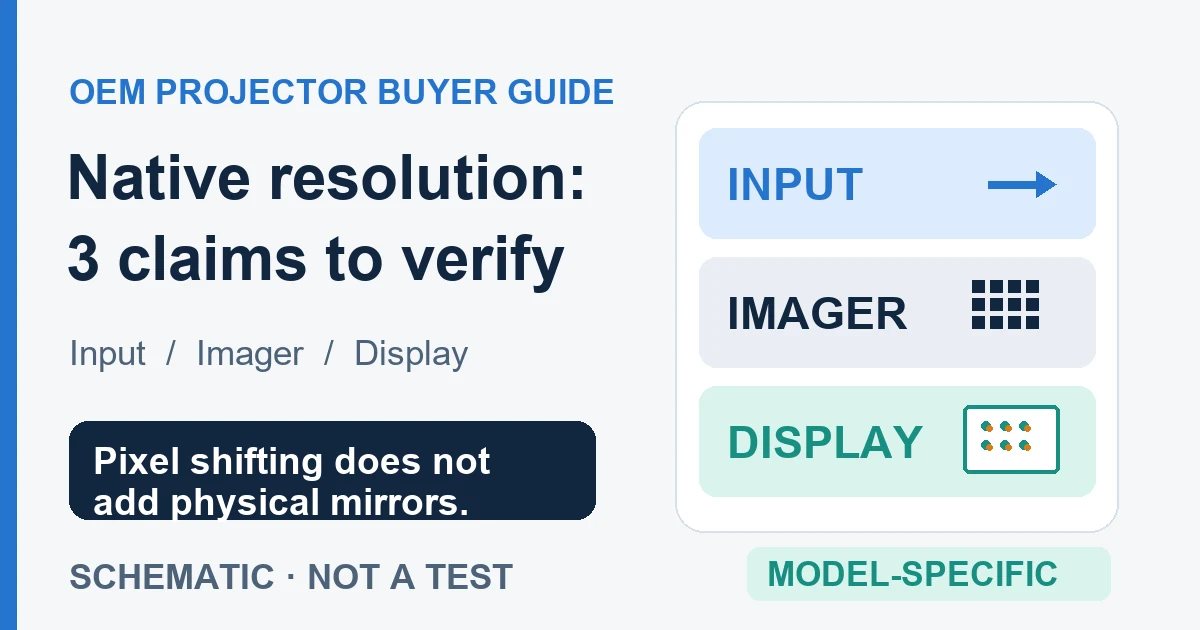
A 4K DLP projector can use pixel shifting to produce 3840 × 2160 displayed pixels while its DMD has a smaller physical micromirror array. Buyers should verify displayed resolution, physical array and supported input formats separately.
This guide focuses on buying and sourcing decisions: what a resolution claim means, which specifications to request and how to evaluate a sample. For the controller, actuator and optical sequence, read TI’s explanation of the optical actuator.
What Is DLP Technology?
DLP uses a digital micromirror device, or DMD, to modulate light. In a pixel-shifting system, a physical mirror can contribute to more than one position in the displayed image over time. The physical mirror count is therefore a separate specification from displayed resolution.
For projector buyers, obtain the DMD model, displayed resolution and supported input modes for the exact finished product. TI's projection terminology guide explains this distinction.
Compare Displayed Resolution and Physical Array
A Resolution Claim Evidence Checklist for Your RFQ
For the exact sample configuration, put each claim beside the document that can support it. A component datasheet does not establish the finished projector’s input ports, firmware mode or measured image quality.
- Physical imaging array: request the exact DMD or panel part number, its manufacturer datasheet and a configuration record linking that part to the sample. The datasheet establishes the component array; it does not identify an unverified finished projector.
- Displayed image: request the finished model’s displayed-resolution wording and the operating mode in which it applies. Confirm the claim on the sample; pixel count alone does not establish lens quality or perceived sharpness.
- Accepted signal: request a timing table for each relevant input port, including resolution and refresh rate in the required mode. Signal acceptance does not change the physical array.
Ask the supplier: “For this exact configuration, please identify the imaging device, its active array, displayed resolution and operating mode, and the accepted input timings for each port.” TI’s DLP471TP datasheet (Rev. B, §6.10) is a component-level example; verify any finished-projector claim separately.
How Pixel Shifting Changes the Specification
Pixel shifting coordinates image data with small optical shifts. A suitable system presents different pixel information at different screen positions during a displayed frame. It does not gain detail simply by repeating an unchanged lower-resolution image.
Why the Exact Platform Matters
Do not assume that every platform uses the same physical array or shift sequence. Ask for the DMD, controller, actuator and supported operating modes. Detailed timing belongs in the platform documentation and should not be inferred from a 4K label.
TI documents different actuator implementations in its DLP optical-system guide.
Behind the Scenes: The XPR Module
Is XPR True 4K? Define What You Are Comparing
A physical array and the pixels addressed on screen answer different questions. TI identifies certain DLP chipsets as supporting 3840 × 2160 displayed output. That does not mean their DMDs contain 3840 × 2160 physical mirrors.
Request an explicit output specification and verify it on a sample. Acceptance of a 4K signal alone is insufficient. Avoid unsupported claims that every pixel-shifting projector is visually identical to every projector with a larger physical array.
Compare TOUMEI X-series models using current configuration sheets, optics and measured performance rather than resolution alone.
Benefits and Trade-offs to Verify
Pixel shifting offers a route to higher displayed resolution without requiring the same number of physical mirrors. The useful buying question is how the completed projector performs at its quoted price.
- Detail: inspect fine text, line patterns and real content at the intended screen size.
- Optics: compare center and edge focus after warm-up.
- Noise: listen at the intended seating distance in the selected operating mode.
- Motion and artifacts: use representative scenes and test any viewer sensitivity during the demonstration.
- Consistency: agree on sample acceptance criteria and production verification.
Pixel shifting alone does not establish contrast, color accuracy, reliability or corner-to-corner focus.
Use Current Model Evidence
Build a shortlist from current configuration sheets, quotations and sample results. Record the model version, test date, picture mode, image size and source equipment so competing samples can be evaluated on the same basis.
A Practical Sample Comparison
- Verify displayed resolution and supported input formats for the exact configuration.
- Use the same content, image size, screen and picture mode for each sample.
- Check focus across the image, dark-scene detail, motion and quiet-scene noise.
- Record the quotation, installation needs and agreed support terms.
Should You Buy a 4K DLP Projector with XPR?
For OEM/ODM projects, send TOUMEI your target market, required input modes and sample acceptance criteria when requesting a sample or discussing distribution. Ask for the approved configuration and production-change controls before using a resolution claim in your own marketing.
References
- Texas Instruments, DLP471TP product page, accessed October 16, 2026. Supports the listed 1920 × 1080 micromirror array and 3840 × 2160 maximum displayed resolution for this component; it does not identify a TOUMEI projector configuration.
- Texas Instruments, DLP471TP datasheet, Rev. B (July 2023), §6.10, accessed October 16, 2026. Supports the active-mirror array and a device-specific displayed-image implementation; it does not establish any finished projector’s accepted input timings, optics or measured image quality.
Conclusion
Evaluate a 4K XPR projector by its documented display output and complete-system performance. Keep physical mirror count, supported input and projected output separate, then confirm the configuration with a sample.
A physical 4K imaging array and pixel-shifted 4K output use different hardware approaches. A pixel-shifting system combines timed image data with optical shifts. Ask for the physical array, displayed resolution and supported input formats separately; verify the completed projector rather than inferring its performance or price from the label.
Request the DMD and controller platform, the displayed resolution, supported input formats and the operating modes in which pixel shifting is active. Confirm those details against the configuration sheet and sample; a 4K input label alone is insufficient.
Audibility depends on the completed projector, operating mode, room and seating position. Listen to the actual sample during quiet scenes and compare modes; do not assume that the XPR label establishes a particular noise level.
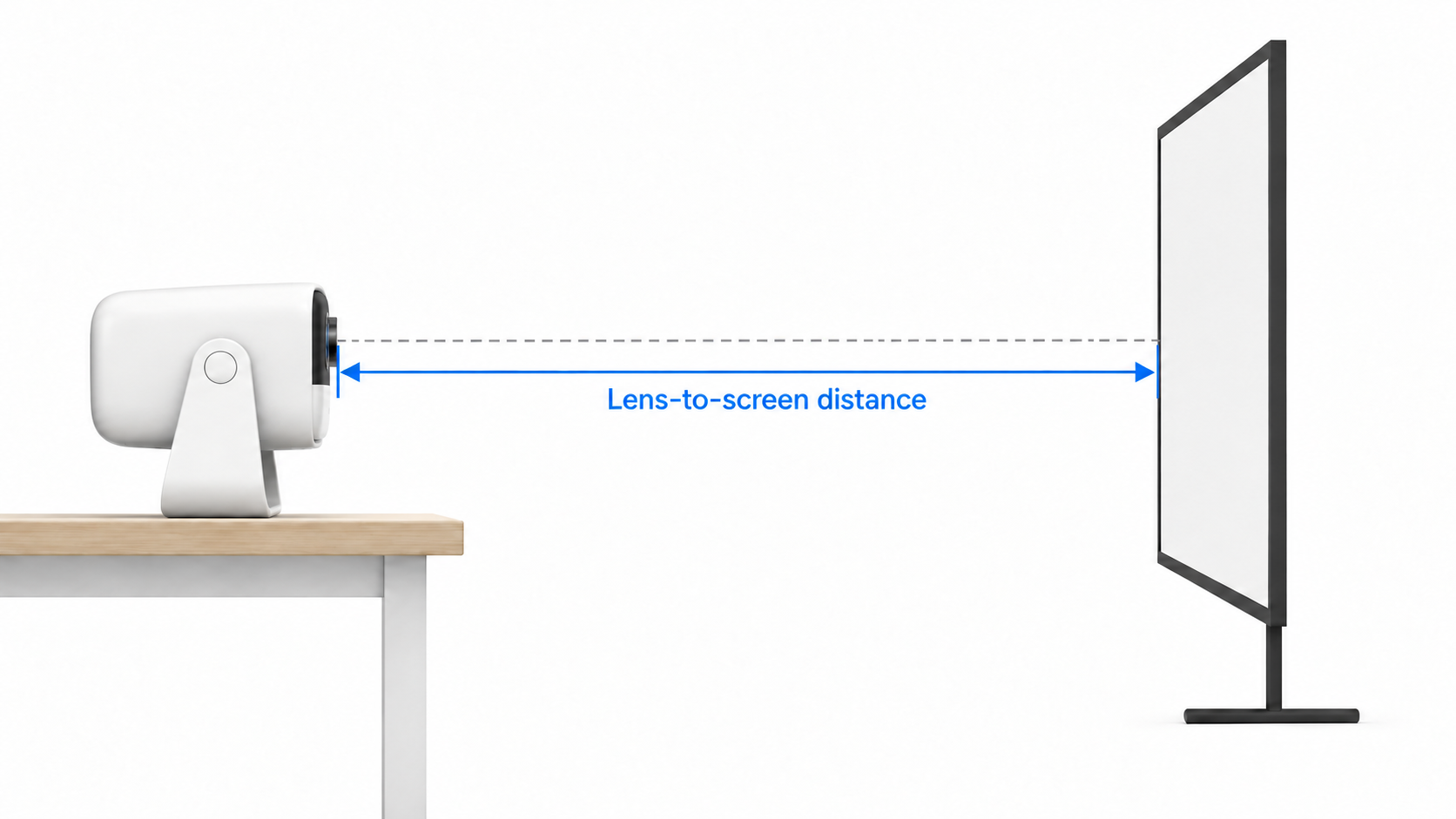
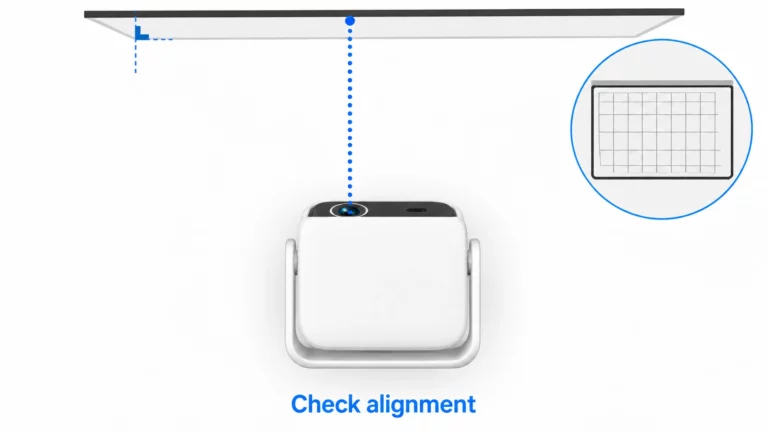
Check the source resolution, connection and output mode, then inspect focus, image processing and installation at the intended screen size. Use a suitable local test pattern to separate source issues from projector behavior. If detail remains poor, ask the supplier to verify the exact configuration and sample against its stated display specification.