2026 Projector Buying Guide: 8 Common Pitfalls to Avoid (Beginner-Friendly)

2026 Projector Buying Guide: 8 Common Pitfalls to Avoid (Beginner-Friendly)

Table of Contents

    Buying a projector right now is honestly pretty fun—there are all these little smart boxes that can make your living room wall huge for movie nights, turn the backyard into an open-air theater, or give your bedroom that cinema vibe without taking up much space. The pictures keep getting clearer, the apps load quicker, and some even have batteries so you can drag them outside without hunting for plugs. But ask around and you’ll hear plenty of stories from people who bought their first one, got home, set it up, and thought, “Wait… this isn’t what I pictured at all.” A lot of the time it comes down to getting hooked on the big numbers in the ads and missing the stuff that actually matters day-to-day.

    Here are eight things that trip up almost every new buyer. I’ll walk through why they happen, what it feels like when they go wrong, and the easy fixes that save you the headache. If you’re dreaming of weekend binge sessions, big-game Sundays, backyard hangouts with friends, or just chilling with shows in bed, these should help you land on something that actually delivers.
    2026 Projector Buying Guide 8 Common Pitfalls to Avoid (Beginner-Friendly)

    Mistake #1: Getting Blown Away by Huge “Lumens” Claims That Don’t Survive Real Light

    Brightness is what everyone zeroes in on first, but those giant numbers on the box are usually pretty stretched. Brands slap “LED lumens” or their own formula up there because it looks impressive, but the real-world number—ANSI lumens—is almost always way lower and tells you what the picture will actually look like when the room isn’t pitch black.

    You grab the one advertised at “7000 lumens,” thinking you’ll finally watch daytime sports without issues. You hook it up in the living room, pull the blinds, and the image still comes out pale, colors look dull, everything feels washed out. That’s the ambient light winning because the true ANSI brightness can’t keep up. Flip side: in a dark bedroom or once the sun’s down outside, even 600 ANSI lumens throws a surprisingly bright, colorful 100-inch picture. For any room that gets daylight or has lamps on, 1500–1600 ANSI is closer to what keeps things looking alive.

    Straightforward move: hunt for “ANSI lumens” in the specs (ISO works too if that’s what they list). Dark-room nights or evening outdoors? 600–800 ANSI is solid. Living room with windows? 1500+ ANSI. Poke around user photos and comparison videos—people post the “what the website showed vs what showed up in my house” shots constantly.

    Mistake #2: Thinking “4K Supported” Means You’re Getting Sharp 4K

    “4K supported” or “4K ready” jumps out as high-end, but usually it just means the projector can take a 4K feed from your device. What actually hits the screen is still native 1080p (or less) blown up with software. On anything bigger than about 100 inches that upscaling starts showing—things get a little fuzzy, edges lose bite.

    Normal couch distance to an 80–100 inch picture? Native 1080p looks plenty sharp—faces clear, subtitles easy to read, action crisp. Push to a really massive screen and native 4K keeps the tiny stuff (distant trees, small text) from smearing. Overlook this and you end up staring at the wall during every movie going, “Why isn’t this sharper?”

    What to look for: check “native resolution” in the details. If it straight-up says 1920×1080, you’re good for most setups. Only chase real native 4K if you want that wall-to-wall cinema feel. Nail the resolution for your actual screen size and distance, and you skip the quiet frustration.

    Mistake #3: Depending on Digital Keystone to Fix Every Crooked Placement

    Digital keystone is super convenient—it tweaks the picture if the projector isn’t dead-on straight—but lean on it too hard and sharpness drops fast. It crops and reshapes pixels, which blurs edges and can add faint weirdness.

    The cleanest image always starts simple: level the projector and aim it straight. Newer ones make life easy with automatic vertical + horizontal correction, laser focus, or lens shift, so you hardly ever need heavy digital fixes.

    Bedroom setup example: unit on a shelf at a small angle? Strong auto-keystone snaps it perfect in a second without softening anything. Models with good automatic tools turn fiddly setup into something you barely think about.

    Mistake #4: Buying “Smart” and Discovering Netflix Won’t Play Right

    Lots of projectors say “built-in Android,” but if it’s not certified, Netflix often flat-out refuses to work properly. You get crashes, endless loading circles, or you’re stuck casting from your phone every single time.

    Google TV certification is the safe bet in 2026. Certified projectors open Netflix, YouTube, Prime, Disney+, whatever, right from the remote—smooth playback, HDR when the content has it, automatic updates, no hacks needed.

    Cozy night scenario: lights low, blanket on, ready for the next episode. Certified Google TV means tap the app and go. No certification? You’re messing with your phone battery and dealing with lag instead of unwinding.

    Mistake #5: Assuming Built-in Speakers Will Actually Sound Decent

    Projectors have to stay small, so the speakers are usually tiny. Sound comes out weak, thin, voices get swallowed in louder parts, and bigger rooms just eat the volume.

    Most people pair a Bluetooth speaker or soundbar and instantly go, “Oh, that’s what it’s supposed to sound like.” A handful of models have beefier built-in audio—20W+ stereo or Dolby processing—which makes a real difference without extras.

    Rule of thumb: small bedroom, low volume? Built-in can carry casual stuff. Living room with people over or wanting real immersion? Bluetooth to external audio wakes everything up. Bluetooth 5.x connects quick and keeps cables out of sight.

    Mistake #6: Picking the Wrong Kind of “Portable” for Your Real Plans

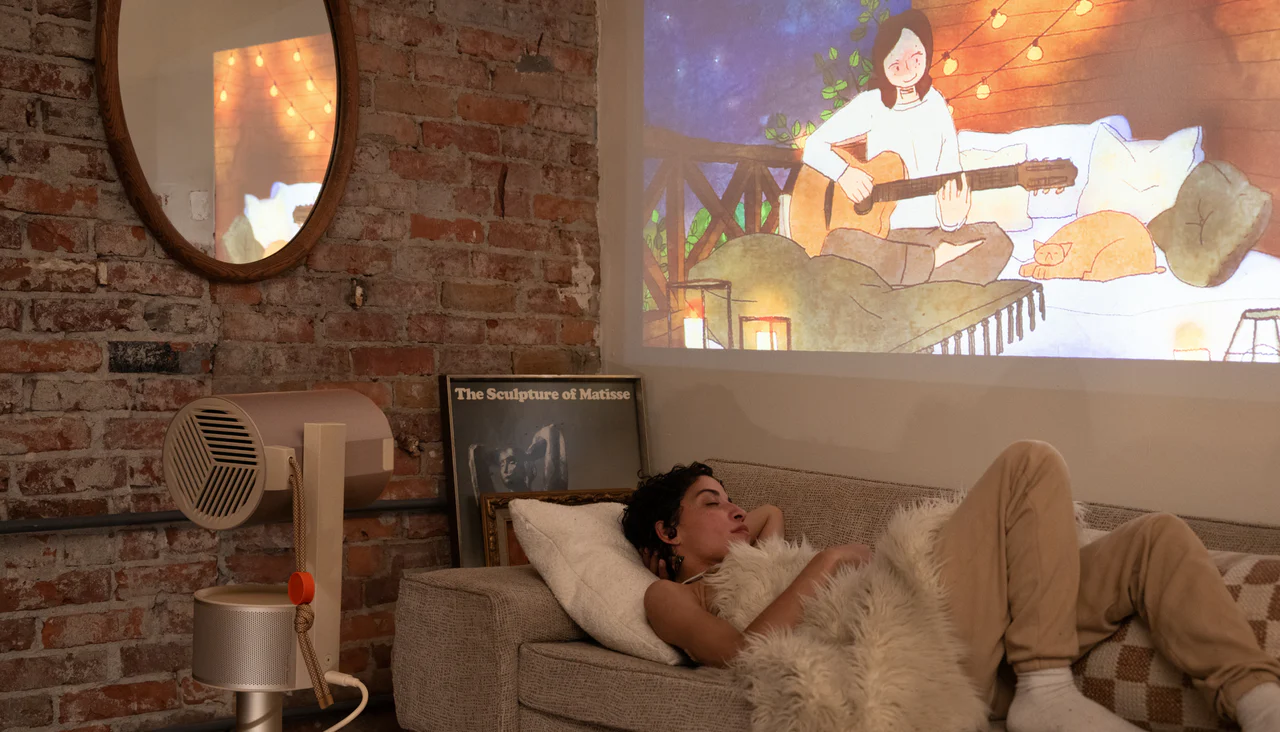
    “Portable” means different things to different people. Some are just light enough to move around the house; others have batteries for no-plug freedom. Ignore battery runtime, heat when wireless, or fan noise and the convenience vanishes quick.

    Backyard movie night? You need at least 2–3 hours of battery or the film dies halfway. Just carrying it from living room to bedroom? A sub-2kg body with quiet fans is all you need.

    Example: occasional patio use? Battery model with 180+ minutes runtime and decent cooling. Indoor-only shuffling? Skip battery weight to save cash. Features that line up with how you’ll actually use it keep things fun instead of annoying.

    Mistake #7: Setting It Up Like a Regular TV and Forgetting Light & Screen

    Projectors aren’t TVs—room light, wall surface, and where you sit change everything. Too much daylight, a colored or textured wall, wrong distance, and even a good projector looks flat or makes your eyes tired.

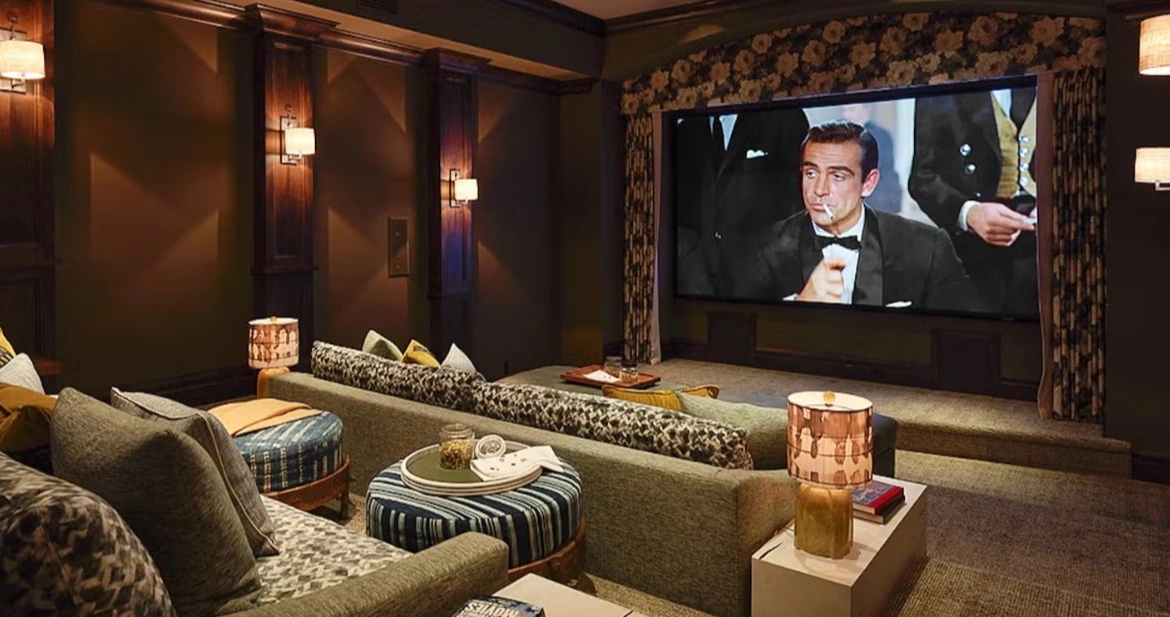
    Curtains or blackout shades during viewing help hugely. An ambient light rejecting screen (or even a plain white one) boosts contrast in rooms that never go completely dark. Sit about 1.5–2 times the screen width away for comfort.

    Simple upgrade: close curtains for showtime and put up any kind of screen—the jump in color and detail is immediate. Measure your throw distance first so the image fills the wall nicely without weird stretching.

    Mistake #8: Going Super Cheap on an Unknown Brand and Dealing with Regrets Later

    Crazy-low prices pull you in, but some off-brand ones cut corners on parts, don’t push updates, or disappear when you need help. Colors shift after a while, fans get noisy, or the thing just stops and you’re on your own.

    Brands that use decent components (Texas Instruments DLP chip inside is a solid clue) and have been around longer usually hold up better, get occasional software tweaks, and actually respond to questions.

    Long run: pay a little extra for something proven and you get years of easy movie nights instead of replacing it after a frustrating first year.
    2026 Projector Buying Guide

    Shenzhen Toumei Technology Co., Ltd.: Quick Note on the Brand

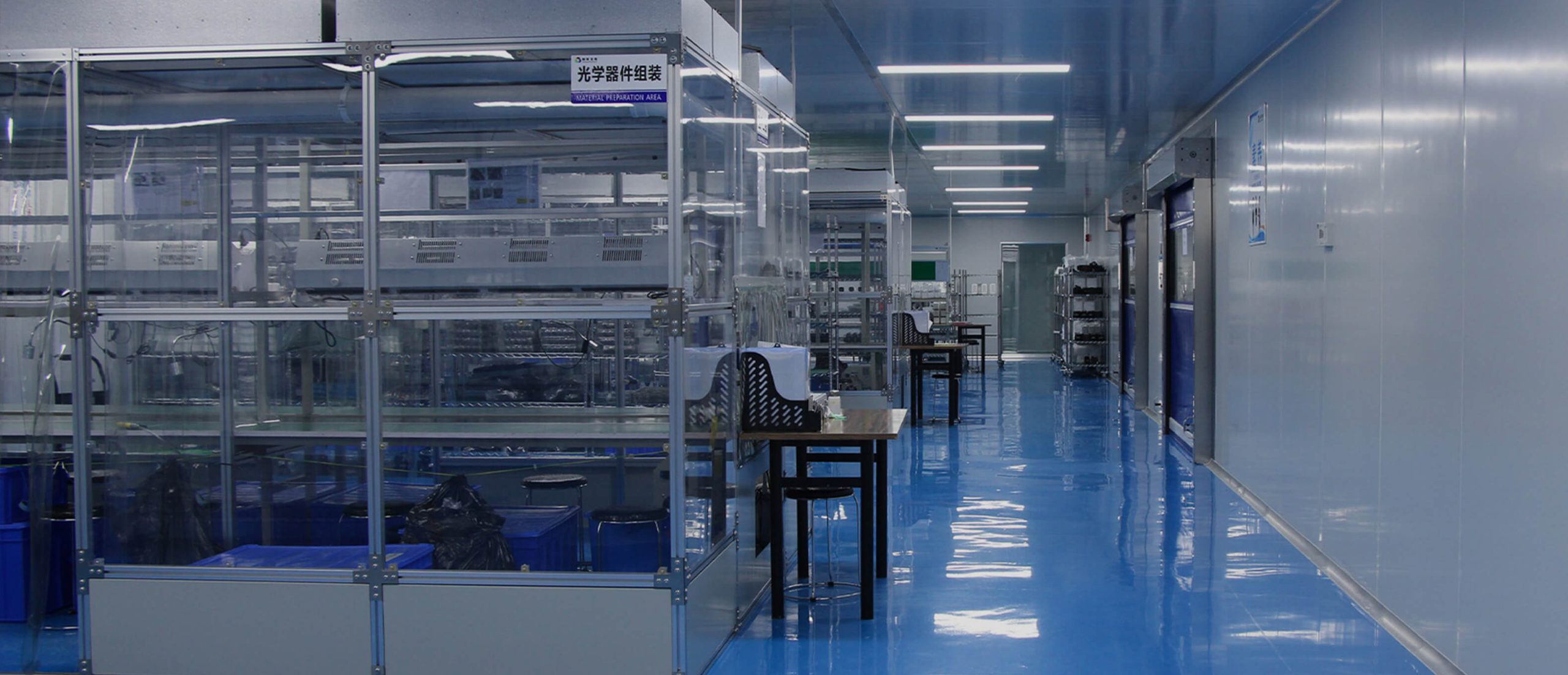
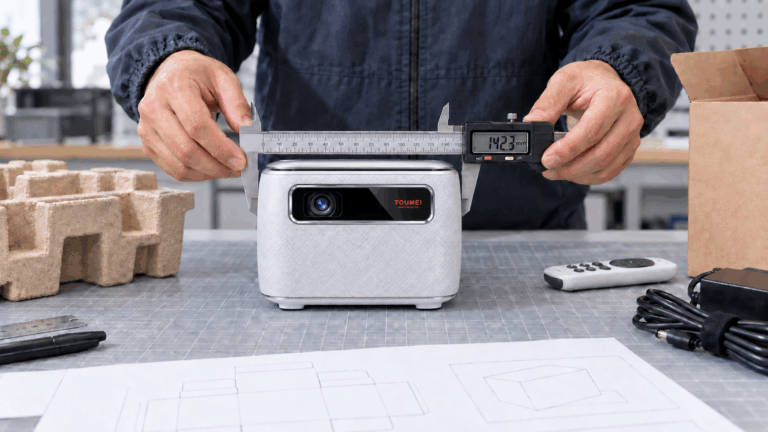
    Shenzhen Toumei Technology Co., Ltd. has been putting together DLP smart projectors since 2013 in Shenzhen. They design and build everything in-house—optics, boards, software, assembly, testing—which keeps quality steadier. They’ve got national high-tech status, over 50 patents, and use Texas Instruments DLP chips in everything from battery portables to brighter home models.

    Conclusion

    Getting a projector in 2026 shouldn’t end with buyer’s remorse. Look past the flashy spec hype, think about your actual rooms, how much light you fight, what you watch most, and what you care about—bright picture, clear details, easy apps, good-enough sound, real portability—and you’ll end up with one that feels like a win every time you fire it up. Skim some honest owner reviews, match features to your routine, and enjoy the big-screen upgrade without the usual letdowns.
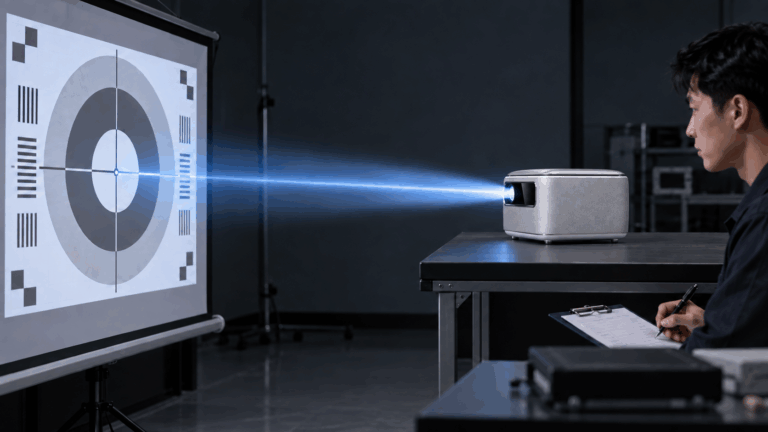
    It’s the number you can actually trust for brightness comparison. 600 ANSI is fine for dark bedrooms or night outdoor viewing; 1500+ ANSI holds up better when there’s room light so colors don’t fade.

    Check for “native resolution” saying 1920×1080 clearly. If it only mentions “4K supported” without that, it’s upscaling and bigger screens will look softer.

    No official certification means Netflix won’t run right or at all. Go for Google TV certified and you launch Netflix straight from the projector—no phone casting needed.

    180–240 minutes at least covers a full movie without plugging in. Quiet fans and good heat control make backyard sessions way smoother too.

    Small room, quiet watching? Upgraded built-in (20W+ with Dolby) can be enough. Bigger space or wanting real movie feel? Bluetooth to a soundbar cleans up voices and adds solid bass.

    Share This Post :

    Related Post

    The Laser Projection Market Is Growing Against the Trend Will It Become a Game-Changer in the Display Industry
    The Laser Projection Market Is Growing Despite the Downtrend: Will It Become a Game-Changer in the Display Industry?
    2026 High-End Home Theater Projector Brand Overview
    2026 High-End Home Theater Projector Brand Overview
    RGB laser projectors are changing what people expect in the high-end home theater projector world. Their setup uses separate red, green, and blue laser light sources. This approach gives excellent accuracy in color display and steady performance over many years. The technology shows a clear move away from bulb-based or phosphor-converted laser setups. It heads toward a cleaner way to handle light. This brings movie-like realism right into living spaces. The Core Principle Behind RGB Laser Projection RGB laser projection works on the idea of creating colors on their own. Each main color—red, green, and blue—comes from its own laser diode. This setup lets each part adjust exactly without mixing issu es from one-laser or mixed designs. The outcome is a much broader color range. It can show shades that match what filmmakers wanted. In top-quality home theaters, this exactness fits cinema rules like DCI-P3 and BT.2020. The benefit goes past just accuracy. It also brings steadiness. Since each light wave stays the same, RGB laser projectors keep even light output as time passes. This steadiness stops the slow color shift seen in bulb projectors. Those shifts happen as their lights wear out and weaken. Img.RGB Laser Projectors Redefining Home Theater Projector Performance Standards.webp How RGB Lasers Enhance Visual Fidelity Image quality relies on even brightness and deep contrast. The steady quality of laser light helps here. It makes edges sharper and picture details clearer at top resolutions like 4K or 8K. The clean nature of each light wave also adds to richer darks and stronger lights. This creates a wide range of tones that pulls viewers in deeper. Premium models use smart control methods to manage strength across single picture points. This keeps no area of the image too dim or spilling over. Even brightness over the whole projected space avoids dim edges. That is a usual problem in bulb systems. In those, the middle looks brighter than the sides. When people look at portable or small projectors, they want sharp, clear pictures. They also seek high detail levels, decent sound, and strong light for use in lit rooms. This point about portable types highlights the key role of sharpness and light. RGB lasers raise these to expert levels in set home setups. Why Are Home Theater Brands Moving Toward RGB Laser Solutions? Top makers are turning more to pure RGB laser systems. Buyers want real-looking images like those in real theaters. The change shows that the tech is ready. The market is set for solid light sources. Market Shift from Lamp-Based to Laser Projection Old bulbs have clear drawbacks. They drop in light over time. They show uneven color warmth. Users must swap them out now and then. These upkeep steps raise running costs. They also break steady work. Solid-state lasers offer many thousands of hours with little drop-off. Solid State Lighting – Projector lamps contain mercury, are expensive, and need to be replaced every few years. They are being replaced by solid state light sources like lasers and high brightness LEDs that last up to 30,000 hours. This long life means less stoppage. It cuts total ownership costs. Buyers get dependability along with strong output. Competitive Differentiation Through Color Performance Color quality sets premium systems apart. RGB lasers cover almost all of the BT.2020 range. No phosphor-based option can do that. This skill works with new HDR types like HDR10+. It gives higher bright spots without too much color overload. Companies stand out in busy markets. People link bright colors with good work. Makers pair wide color range with strong dynamic range fit. They market their items as real movie stand-ins for flat screens. How Do RGB Laser Projectors Improve Brightness and Contrast Levels? Even light and deep contrast make images feel real in dim rooms common in home theaters. RGB laser projectors do well at matching these through straight light tech. The Role of Direct Laser Illumination in Brightness Control Straight laser light skips middle change steps in phosphor setups. No energy waste from change parts or light path flaws, more light hits the screen per unit of power used. It works from small ones under 100 inches to big ones over 150 inches. Smart control ways let fine tuning of each color part. Light stays even in tough scenes with both bright spots and dark areas at once. Do more lumens mean a better projector? Lumens for projectors is like horsepower in a car – it’s important but only a part of how well the projector is suited for the task. While sheer lumen count matters less than overall system design, RGB laser projectors typically achieve superior perceived brightness because their spectral efficiency enhances visual contrast even at lower nominal outputs. Achieving Cinematic Contrast Ratios at Home Contrast level decides how well soft shifts between dark shades stay clear without losing details. Separate control of red, green, and blue parts lets these projectors make darks deeper. They keep bright parts true. Bulb optics struggle to match this balance. Moving contrast methods improve output by checking scene details each frame. In dark parts, power moves to cut extra light spill. In bright parts, full power brings back energy without cutting off lights. The effect is pictures with great depth like pro digital movie setups. What Are the Engineering Challenges Behind RGB Laser Integration? Even with strong benefits, fitting separate-laser designs into small home units brings big build issues. These tie to heat control and light path exactness. Managing Heat Dissipation and Optical Alignment Strong diodes make a lot of heat. They need top heat control with liquid flow systems or heat tube setups. Keeping steady heat points ensures even light wave output. That is key for right color blend. Light path matching adds more trouble. Three beams must meet exactly on one focus spot. They avoid color shifts or spread over time. Makers use tiny change tools linked with check sensors. These hold match accuracy against build strain or outside changes like heat shifts. Balancing Cost Efficiency with Performance Goals Pure-laser parts need high-end light tools. These include color-split mirrors and beam joiners that handle strong steady light without wear. These raise starting build costs over mixed designs. Yet they promise top light cleanness. Current studies aim at block designs. They make swappable light parts that ease later fixes or adds. This cuts build steps in making batches. As more use spreads among home theater makers, cost per light unit should drop bit by bit. How Does RGB Laser Technology Influence Image Longevity and Maintenance? Strength stands as a top draw for solid-state light tech. It targets fans who want steady work over long periods. Long-Term Stability of Laser Light Sources Lasers differ from bulbs in how they fade. They avoid quick light drop after few hundred hours. Instead, they show slow weakening over many thousands of hours. They keep color balance. LED technology avoids dimming projector issues, allowing smart projectors to shine brightly for up to 30,000 hours. Although referring specifically to LED systems, this principle applies equally—and often more effectively—to direct-laser configurations which sustain luminous intensity longer due to lower thermal cycling stress on emitters. Steady light output cuts the need for re-sets. After first setup during install, an RGB system holds its base light point much longer than bulb units hit by light aging. Maintenance Advantages for End Users and Installers Closed light engines block dust entry. That is a main cause of picture flaws like spots or fog on inner lenses. Far-off checks through net links give early fix warnings before issues show. For setup experts handling many sites or high-end home blends, this far-off work cuts visit needs. It keeps running time strong as expected from top electronics buys. How Will Emerging Standards Shape the Future of RGB Laser Projectors? Screen rules keep growing toward higher details (8K) and wider tone ranges (Dolby Vision). Pure-laser build ways are well set to meet these. Their growth in light wave exactness and control speed helps. Compatibility with Next-Generation Display Formats 8K detail needs exact point lines. This works only when light stays steady across tiny edges. Lasers do this well compared to spread LED groups or spark bulbs. Plus, BT.2020-level color cover ensures fit with future HDR10+ work flows from studios making super-high-detail streams. Flexible software setups let makers push changes. These match projector work with new air rules without part swaps. The guards buys against old-style loss in home tech areas. Img.RGB Laser Projectors Redefining Home Theater Projector.webp Integration with Smart Home Ecosystems and AI Calibration Systems New home theater networks lean on auto systems. These blend light control, sound match, and space checks under one setup like Alexa or Google Home networks. AI-based setup in coming projectors watches room states all the time. It tweaks tone lines or light balance based on found wall shine or room light levels. Data checks from use records give early wear spot info. This spots part fade long before breaks happen. It boosts strength traits key for high-cost setups where stoppage links straight to user upset. Conclusion: The Strategic Value of Adopting RGB Laser Projection Technology RGB laser projectors mix build exactness with sight quality no past tech can match. Their skill to give true movie feels through full color truth sets them as base changes. They redefine top home fun work rules in luxury home markets around the world. FAQs about RGB Laser Projectors
    RGB Laser Projectors Redefining Home Theater Projector Performance Standards

    TAGS

    Contact us

    10 - 3 = ?
    Reload

    Please enter the characters shown in the CAPTCHA to ensure that you are human.

    Get A Quote

    Contact us for quotes and specs

    we will give you a quote within 24 hours

    8 + 1 = ?
    Reload

    Please enter the characters shown in the CAPTCHA to ensure that you are human.