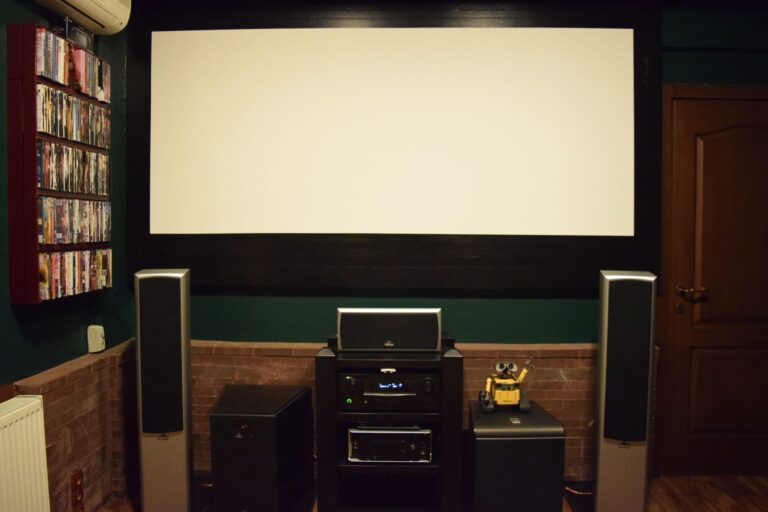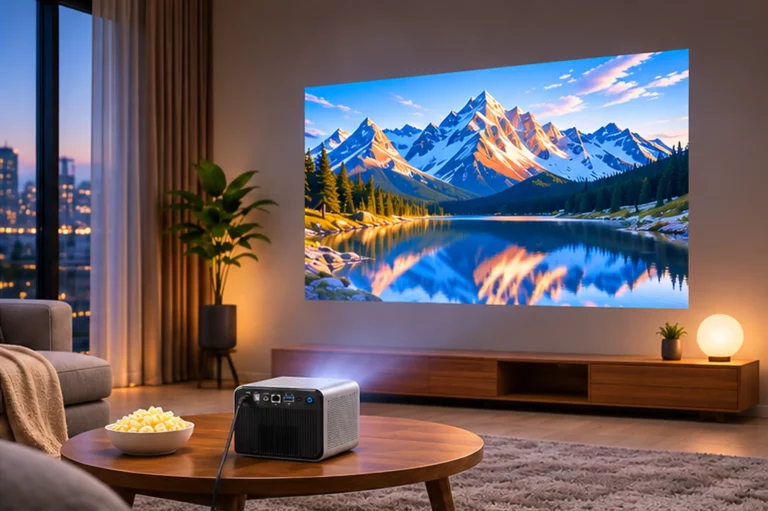
A projector can look excellent from the center of a showroom, then noticeably dimmer from a seat near the side wall. A directional screen may concentrate light toward the middle, so moving only a few chairs can change the picture even though the projector settings stay the same.
Screen gain helps explain that difference. It describes how a screen reflects light in a particular direction, not how much light the projector produces. For installers and distributors, the useful question is not simply whether a screen is rated 1.0 or 1.3 gain. It is whether the screen will serve the entire seating area at the intended image size.
What a screen gain number actually measures
Gain compares a screen's luminance in a specified viewing direction with that of a reference diffuse surface under comparable illumination. A 1.3-gain screen can return roughly 30% more light toward its peak viewing direction than the 1.0 reference. That is a directional comparison, not a 30% increase in projector output.
This distinction matters in purchasing. A 1,600-ANSI-lumen projector remains a 1,600-ANSI-lumen model regardless of the screen attached to it. A different surface can change how bright the projected image looks from the center or from a side chair, but it cannot create additional light inside the projector. The shape of that reflected-light distribution matters at least as much as the headline gain value.
There is no fixed trade-off for every material. Some higher-gain screens have a narrow viewing zone, while others spread light more evenly. Ask for the supplier's angular gain measurements; the peak number alone will not tell you how the outer seats perform.
Read gain and viewing angle together
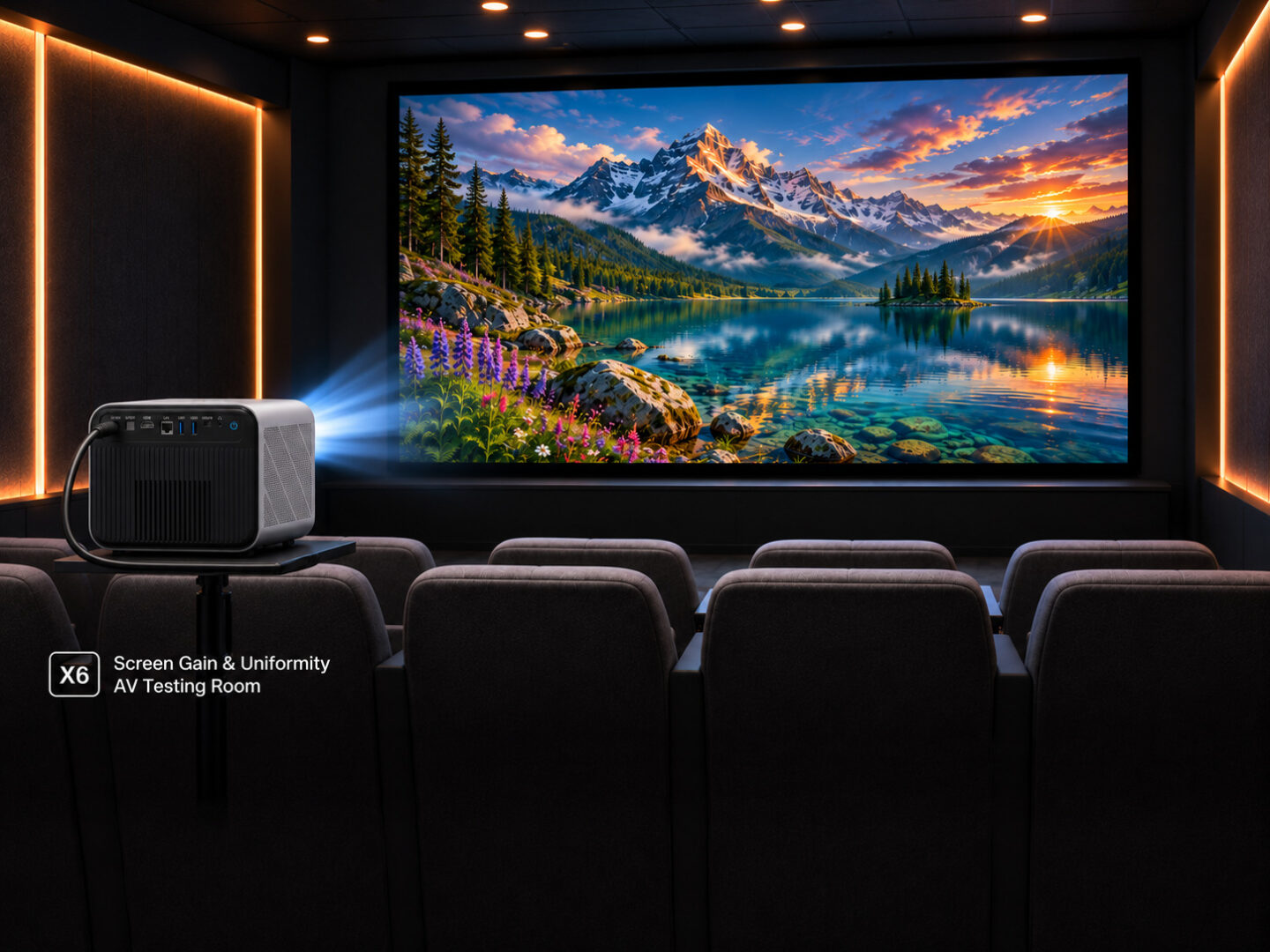
Some screen suppliers publish a half-gain angle: the off-axis position where measured luminance falls to half its peak value. Check whether the figure is measured on one side of the centerline or describes the full viewing cone. Mixing those definitions can lead to a bad seating plan.
| Gain range | Potential advantage | What still needs checking |
| Around 1.0 | Often a practical starting point for distributed seating | Room lighting, total screen size, material uniformity |
| Around 1.3 | Higher peak luminance toward favored viewing positions | Off-axis falloff, hotspotting, color shift |
| Below 1.0 | May suit applications prioritizing other surface or ambient-light characteristics | Sufficient screen brightness, actual contrast and viewing geometry |
An initial seating check does not need specialist software. Draw the screen and mark the center and outermost seats on the floor plan. Then compare the viewing angles with the material's published curve. If people at the edges of a classroom or training room are expected to see the same presentation, a bright center seat is not enough evidence of suitability.
Why hotspotting appears on some screens
Hotspotting is a visible concentration of brightness, often near the center of the image. It can appear when the screen's directional reflection, the projector's position and the viewer's location combine to send more light toward one part of the seating area. Two screens with the same peak gain can behave very differently because their angular reflection patterns are different.
The problem is easiest to see on an even gray or white image. A photograph or a busy movie sequence can hide unevenness that becomes obvious during a presentation slide. At the planned image size, view the screen from the center and from the seats farthest off-axis. Hold the projector preset and camera exposure constant if photographs are used for comparison.
Not every bright patch originates with the screen. Projector illumination uniformity, lens characteristics and installation geometry also affect the picture. If a hotspot is suspected, compare the candidate screen with a known reference under the same conditions before attributing the result to the fabric alone.
One screen, two very different seating plans
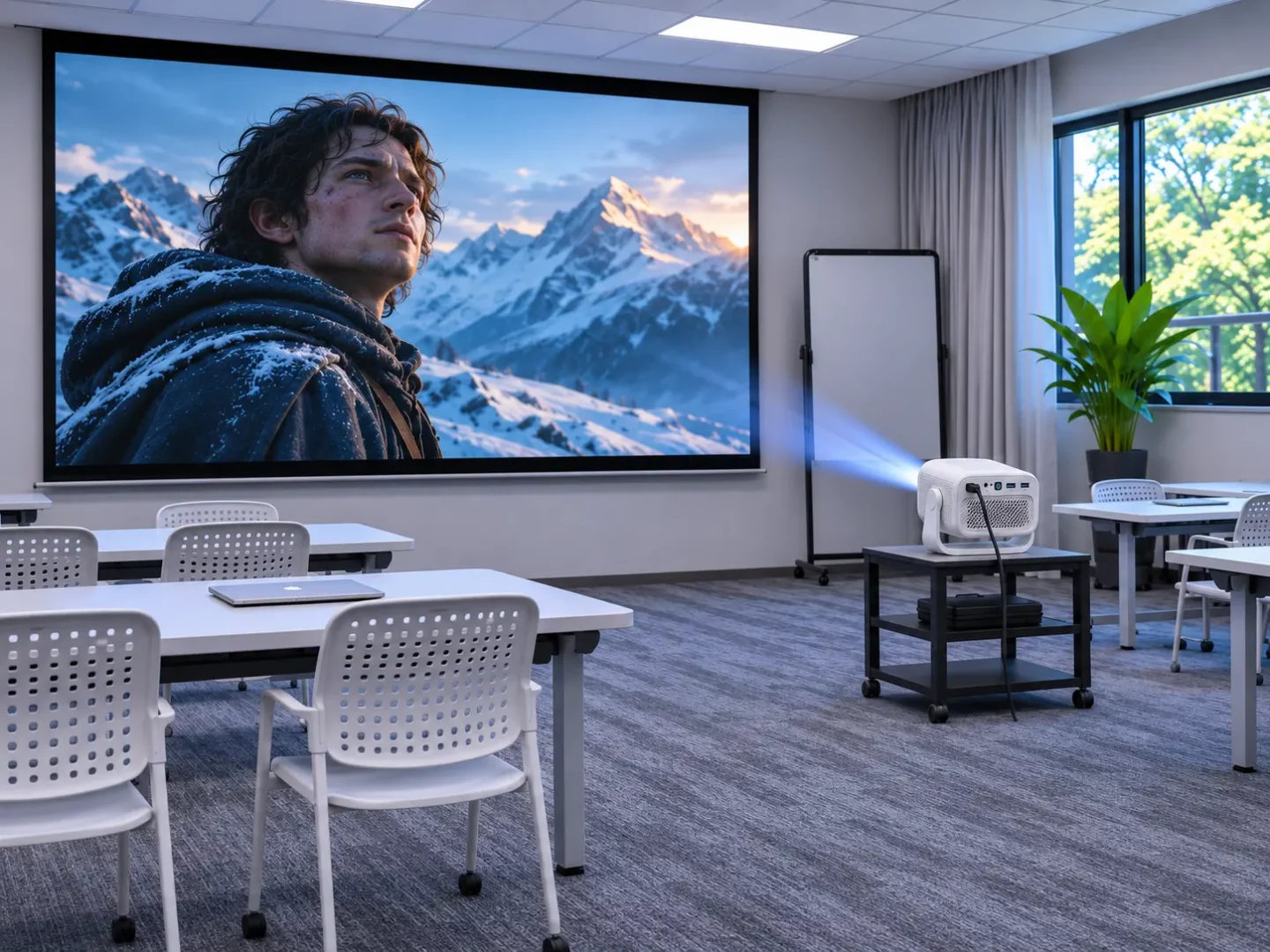
Consider a hotel guest room where most viewing happens from a bed facing the screen. A moderately directional material might work well because the principal viewing position is predictable. Now imagine using that same screen in a training room with chairs extending far to either side. The people at the edges may see a substantially dimmer image, even though the projector and screen have not changed.
A recommendation should fit the seating plan, not just the label ‘home' or ‘commercial.' A hotel suite with a wide sofa may need a broader viewing zone than a small meeting room where everyone faces the screen from a narrow central table.
Ambient light is a separate consideration. Gain alone does not tell you whether a surface rejects light from windows or ceiling fixtures. Some directional and darker materials can improve the perceived image under particular lighting geometries, but a low gain number by itself does not guarantee better black levels. The actual ambient-light-rejection properties and the room's light directions must be evaluated separately.
Screen size changes the brightness calculation
Published projector specifications help frame the discussion. TOUMEI lists the X6 at 1,600 ANSI lumens with a 1.2:1 throw ratio, while the S7 AOSP configuration is listed at 600 ANSI lumens with the same 1.2:1 ratio. Those figures describe two possible projector setups; neither tells you the angular gain curve of a third-party screen. Evaluate screen size, seats and room light separately.
This is where product specifications become useful without turning the article into a projector ranking. TOUMEI lists the X6 at 1,600 ANSI lumens with a 1.2:1 throw ratio. Its S7 AOSP configuration is listed at 600 ANSI lumens and the same 1.2:1 throw ratio. Those figures help define two different projection briefs, but neither predicts the gain curve of a third-party screen. The screen's size, viewing positions and ambient-light conditions still need their own assessment.
For a B2B quotation, it is more helpful to specify an expected image size and acceptable viewing conditions than to recommend a screen based only on the projector's advertised lumen figure. Request measurements or a demonstration at the intended size whenever screen brightness is critical to the project.
Ultra-short-throw projectors need a separate screen check
The relationship changes with ultra-short throw (UST). In the TOUMEI S2‘s published Android 13 configuration, the throw ratio is 0.18:1. Light reaches the screen from a steep angle close to the wall, rather than from a conventional projector positioned farther back in the room.
A screen designed around ordinary front projection may respond poorly to that steep incidence angle. UST-compatible ALR or ceiling-light-rejecting materials are built around a different optical path. Their intended orientation, viewing zone and installation requirements need to be confirmed with the screen manufacturer. A conventional peak-gain value cannot establish that compatibility on its own.
The screen also needs to remain sufficiently flat. Small waves can become conspicuous when light arrives at a steep angle. For a complete S2 installation, ask for the projector's dimensions for the target image size and the screen maker's UST mounting instructions before approving cabinetry or wall positions.
What a useful project specification should contain
A distributor bundling screens with projectors needs a specification that both the installer and the after-sales team can work from. A practical brief starts with the projector model and configuration, image width, projector position and the planned seating area. It should then describe the room's usual lighting rather than only the conditions of an ideal showroom.
For the screen, record the manufacturer's exact material code, peak gain, angular gain or viewing-angle data, mounting orientation and any UST compatibility claim. If the project involves a sample review, agree on the test pattern, picture preset, viewing positions and ambient-light conditions in advance. Those records make a comparison repeatable and prevent a screen claim from being mistaken for a projector specification.
TOUMEI's projector product range can help a buyer select an optical platform. Screen material performance, however, remains a claim for the screen supplier to document. Where an OEM or private-label project includes both products, the quotation should make clear which party is responsible for installation guidance, warranty coverage and material approval.
Choose the screen that keeps the image bright and reasonably uniform where people will actually sit. A 1.0-gain material may suit a wide seating layout; a more directional surface may work better when viewing positions are concentrated. Confirm that choice with the room plan and a sample test, not the highest number in a catalogue.