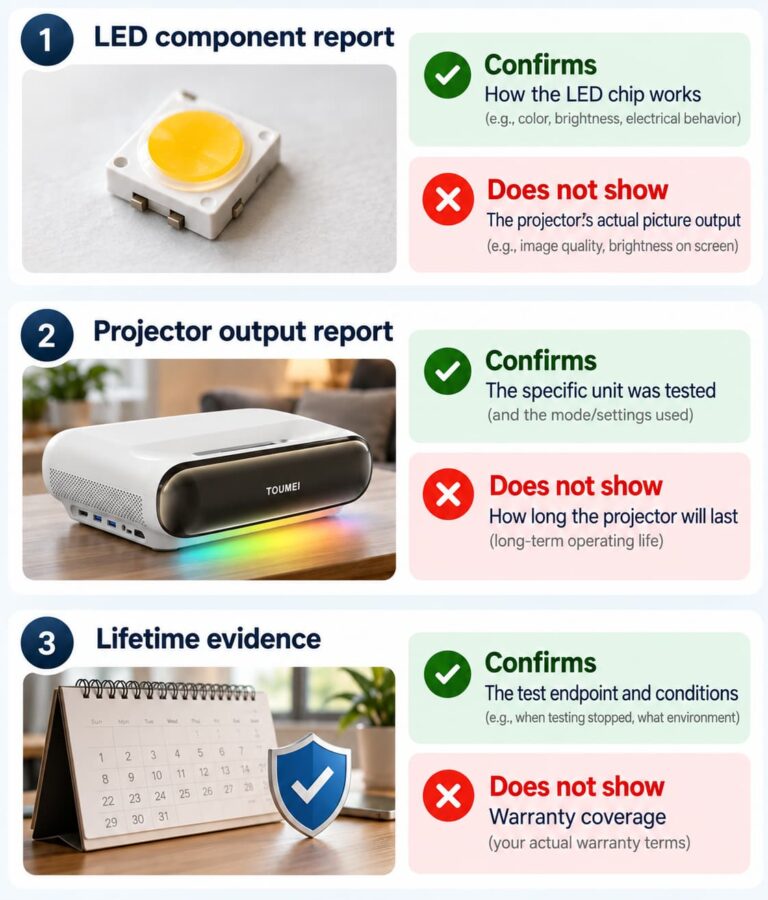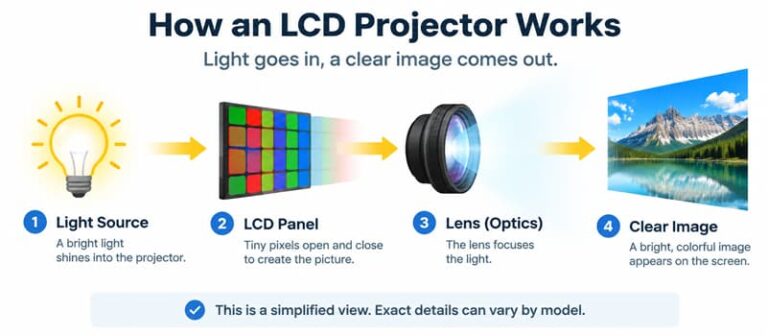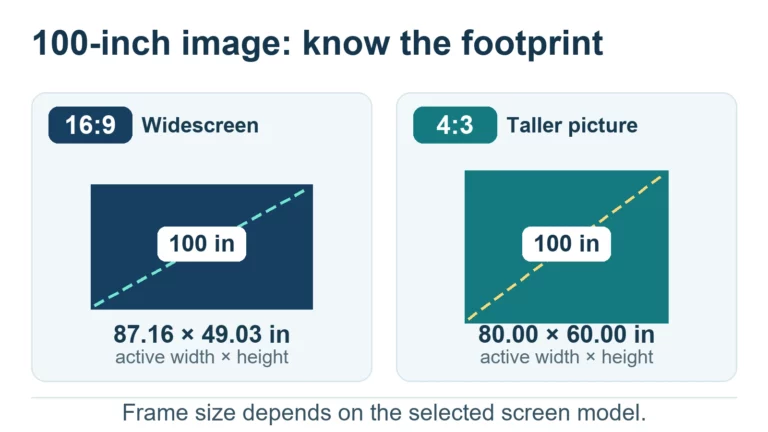
How many ISO lumens are enough? There is no reliable answer without the image size, viewing conditions and operating mode. For a brand or distributor comparing projectors, the useful sequence is to verify the brightness claim, define the intended setup, and test a sample against that setup.
An ISO-lumen label can help identify the declared basis of a specification. It does not, by itself, prove that two quotations are comparable or that a projector will meet your customers' expectations. This guide explains what to check before you approve a brightness claim or order a sample.
What does an ISO-lumen rating actually tell you?
In projector specifications that cite ISO/IEC 21118, an ISO-lumen rating expresses light output under that declared reference. The unit remains the lumen (lm); “ISO” is not a different SI unit.
A lumen is a unit of luminous flux. Lux describes illuminance, expressed as lumens per square meter. These are different quantities: a lux reading at one position is not automatically a complete projector-output rating. The NIST SI reference identifies the units and their relationship.
When a specification says “ISO lumens,” ask which standard and edition the supplier actually cites. ISO/IEC 21118:2020 addresses information in specification sheets for front-projection data projectors; its stated scope excludes rear-screen projection units. Identifying this document is a starting point for checking a claim, rather than evidence that a particular projector was tested correctly.
Identify the standard and operating mode behind the number
Build a traceable chain from the advertised figure to the supporting documents. The standard reference, applicable method, tested model and operating mode should agree with the product being offered. If the quotation omits the edition or the report covers a different configuration, record that gap before comparing prices.
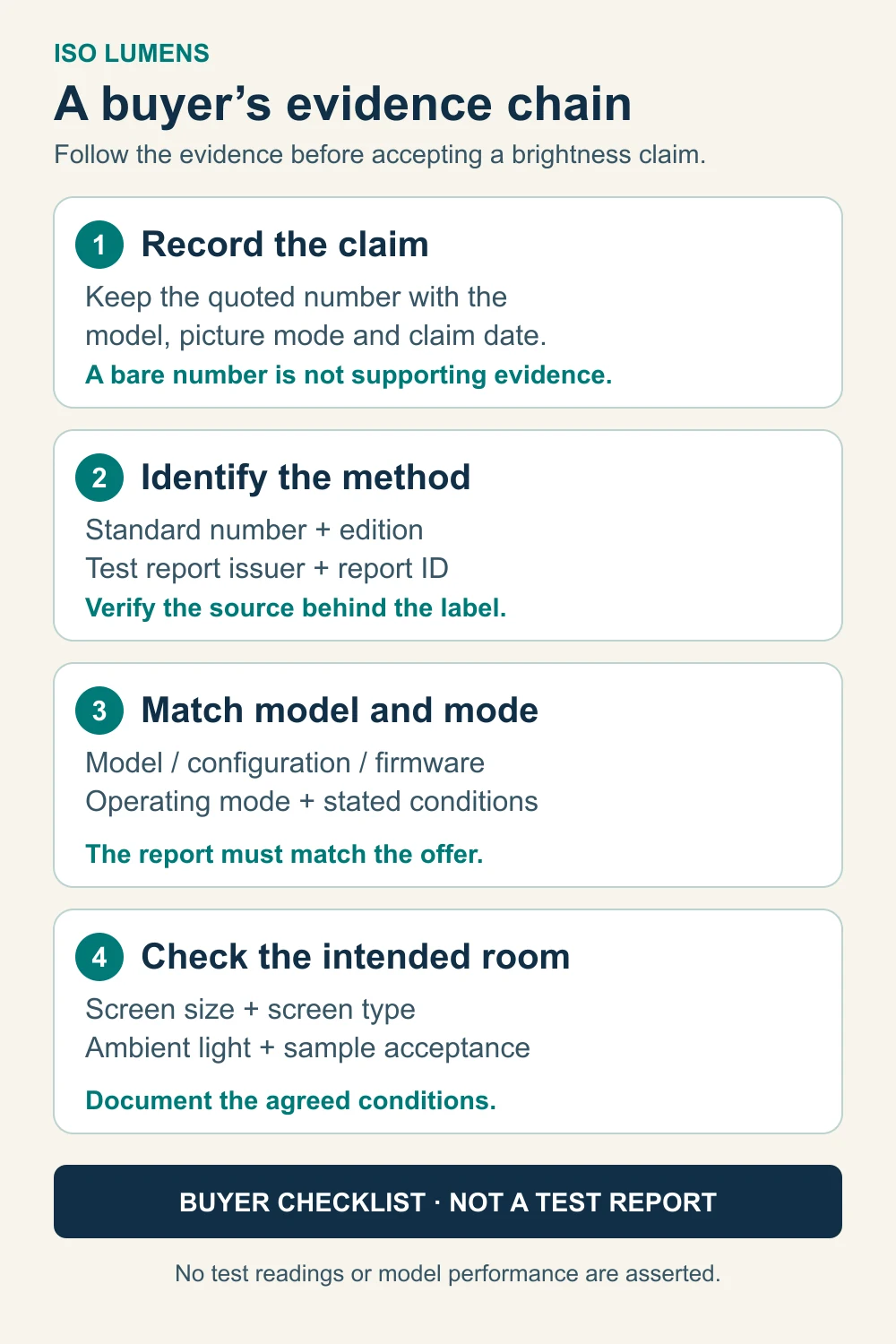
A public standard catalog establishes the document's identity and scope. It does not replace access to the relevant measurement procedure or the projector's result pages. This guide does not reproduce the full ISO measurement method.
Also separate a supplier's declaration, an independent laboratory report and a certification claim. ISO explains that it does not perform certification or issue certificates. If a supplier claims independent testing, request the issuer, report identifier, applicable model and relevant results rather than accepting a logo or headline alone.
How screen size and room light change your requirements
Once the rating is traceable, decide whether the intended viewing setup is suitable. Spreading the same delivered light across a larger image reduces average illuminance. Ambient light, the projection surface, content and viewing position also belong in the sample brief. A room name alone cannot establish a sufficient lumen figure.
The following matrix is an illustrative planning aid, with no universal brightness thresholds:
| Viewing setup | Conditions to define before selecting a sample |
|---|---|
| Dark-room entertainment | Agreed image size, screen or wall, usable picture mode, dark-scene visibility and customer expectations. |
| Living-room entertainment | Daytime and evening lighting separately, window control, light reaching the image, viewing position and actual screen size. |
| Office or classroom presentations | Normal room lighting, smallest text and charts, viewing distance, image size and the mode intended for daily operation. |
| Outdoor viewing | Actual time of use, shade or light control, screen and image size. Do not approve daylight suitability from a lumen label alone. |
For a broader setup audit, use the room-first projector brightness guide. Here, keep the decision focused on whether an ISO-labeled claim has supporting evidence and whether the corresponding sample works in your agreed conditions.
Why ISO and ANSI figures need evidence before comparison
Do not apply a universal ISO-to-ANSI multiplier. A useful comparison needs the actual references, measured output, configuration and operating conditions behind both numbers. This guide does not establish a fixed conversion ratio or conclude that one label is inherently more accurate.
Modes can make a material difference. For example, Epson's EF11 specifications list white light output of 1000 lumens in Normal mode and 500 lumens in ECO mode, citing ISO 21118. This is a specific manufacturer's example, not a TOUMEI measurement or a ratio to apply to other projectors.
The same specification separately identifies white and color light output. Keep those labels distinct in a comparison. If your main question is how to compare two supplier brightness quotations, see ANSI Lumens Explained: How to Compare Projector Brightness.
A brightness-report checklist for OEM buyers
Use this procurement checklist to make missing evidence visible. It is an original buyer tool, not an ISO form or a claim that every row is prescribed by the standard.
| Traceability field | What to request or record |
|---|---|
| 1. Exact claim | Copy the quoted brightness wording, numerical value and unit without changing the label. |
| 2. Standard number as cited | Record the full reference from the quotation and report; do not infer it from “ISO lumens.” |
| 3. Standard issuer | Identify the issuing organization and distinguish it from the report issuer. |
| 4. Edition | Record the cited year or version and investigate mismatches between documents. |
| 5. Catalog identity evidence | Keep the official catalog link and the date checked. |
| 6. Method-text access | State whether the relevant procedure has been read and reviewed; a catalog entry alone is insufficient. |
| 7. Report issuer | Identify who performed or issued the test and verify any independence claim. |
| 8. Report identifier | Request the report number, date and relevant result pages. |
| 9. Model and mode | Match the model, sample or configuration, picture mode and light-source/power mode. |
| 10. Scope match | Check whether the documented method, measured quantity and setup support the actual sales claim. |
| 11. Unresolved gap | Record missing conditions, deviations or unsupported wording and who will resolve them. |
Validate a sample in the intended viewing setup
Agree on the acceptance setup before evaluating a sample. Record image size and aspect ratio, screen or wall, installation position, ambient-light conditions, content and operating mode. Keep brightness observations separate from checks of focus, text readability, color and noise. A brightness report supports a specification; the viewing test addresses suitability for the intended use.
Copy this brief into your sample request:
Our target market is ____. The intended use is ____. Image size and aspect ratio: ____. Screen or wall: ____. Installation position: ____. Lighting conditions and time of use: ____. Typical content: ____. Required operating mode: ____. Please provide the exact brightness claim, cited standard and edition, matching model/mode report, and any unresolved limitations before sample approval.
Send TOUMEI your viewing requirements and brightness documentation to discuss a suitable sample evaluation. Keep the agreed configuration and acceptance conditions attached to the request so the discussion stays tied to the product and use case being assessed.
Sources checked October 15, 2026: the official ISO catalog and certification guidance, NIST unit definitions, and Epson EF11 specifications linked above. Only the public ISO catalog and scope were consulted, not the complete paid measurement standard. The report checklist and viewing matrix are original purchasing aids.